




unitedOrange66
Community Team
-
Joined
Everything posted by unitedOrange66
-
Thank you for your help.
-
yep, sure I can read both
-
oh! okay! so this is the website problem
-
It worked, thanks.
-
Hi, guys! I really need you guys help me out with this issue. since this afternoon, I tried to download some FBI uniforms from lcpdfr.com, but everytime after I download it I keep getting this error, shows in picture. so I restart my laptop, open website again until now still getting error, but for the other website it works. please help thanks! also, when i upload pic they said there have a problem processing picture
-
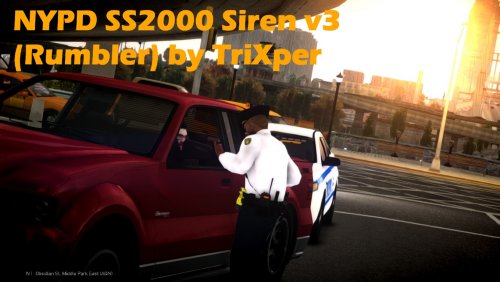 nice work bro! I'm New Yorker so I like ur siren! I think this one is better than last two, V2&V2.5 :)
- 4 comments
- 1 review
-
Not quiet sure how to do that.
-
Sorry for late response.
-
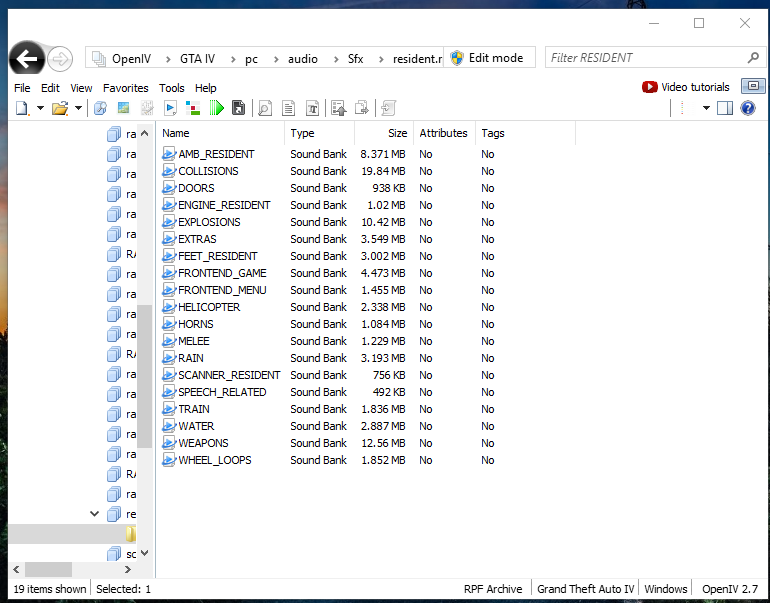
Yes, I'm using OpenIV.
-
After I install Horns and weapons sound mod, the game crash when I open the game.
-
The game works now. Thank you for all the supports.
-
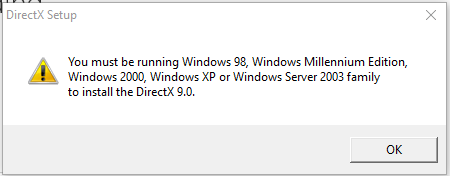
I got this error instead:
-
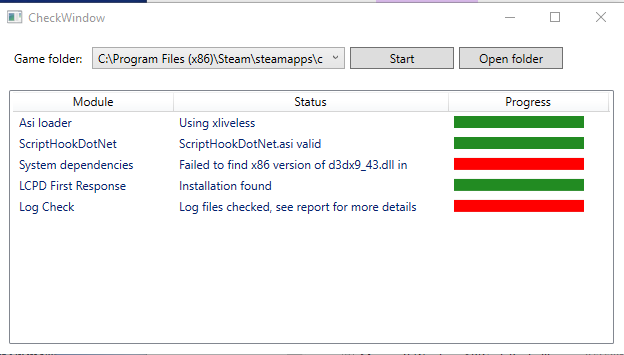
It still shows this:
-
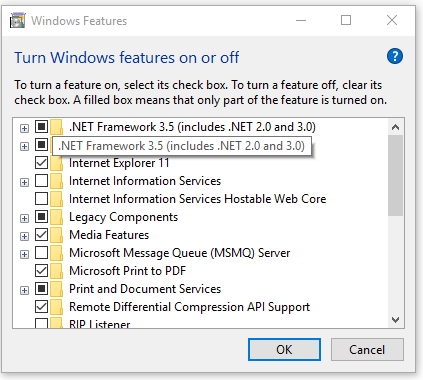
I just did what you said.
-
I installed that folder 2008, this error still shows in the LCPDFR diagnostics.
-
That's all I have when I run the diagnostic tool.
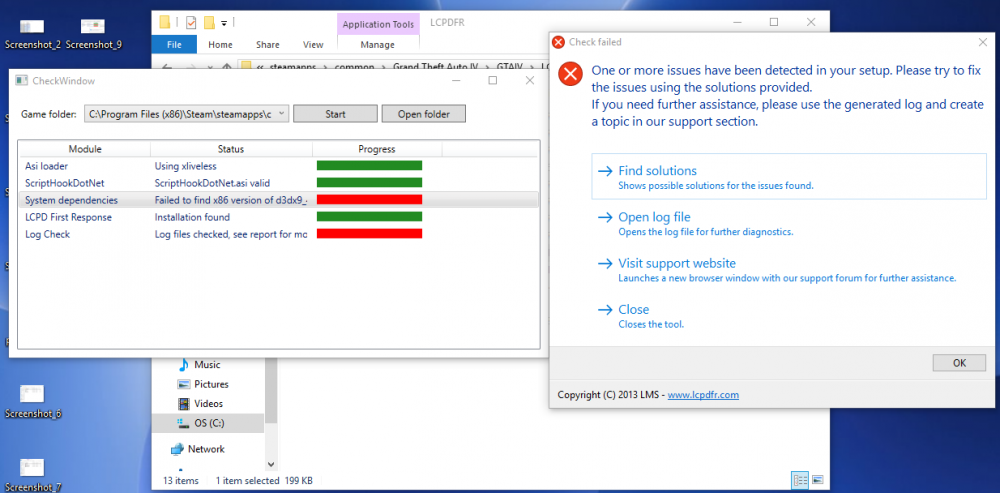
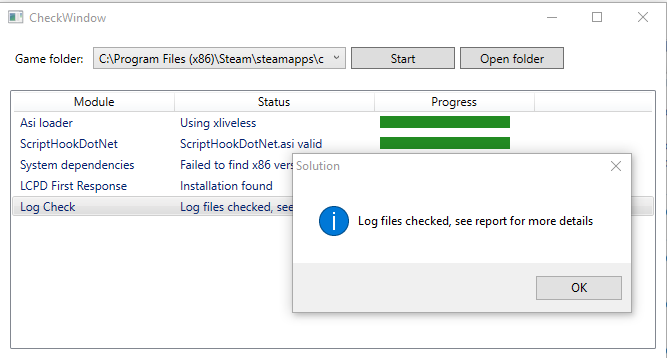
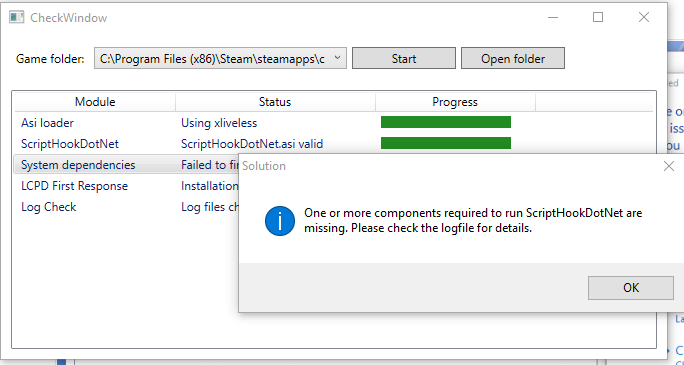 I think the issue is ScriptHook. Nope.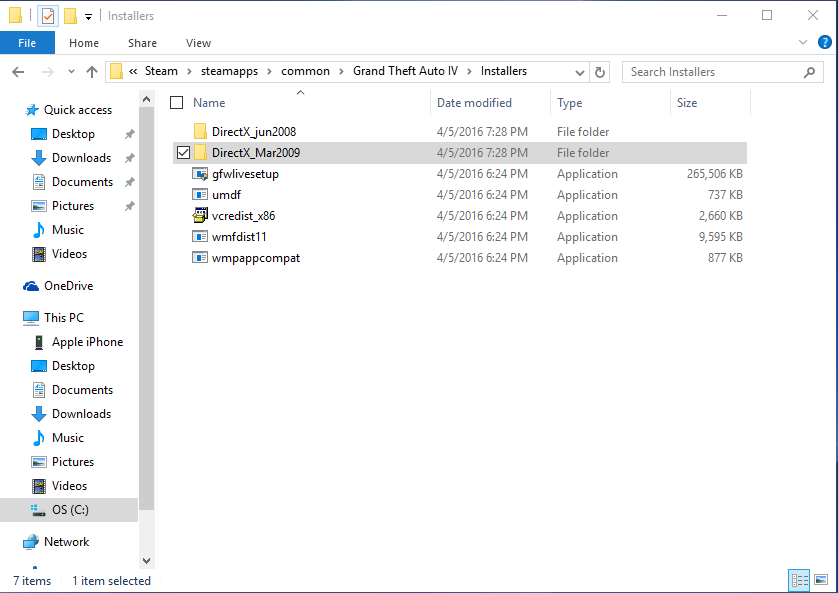
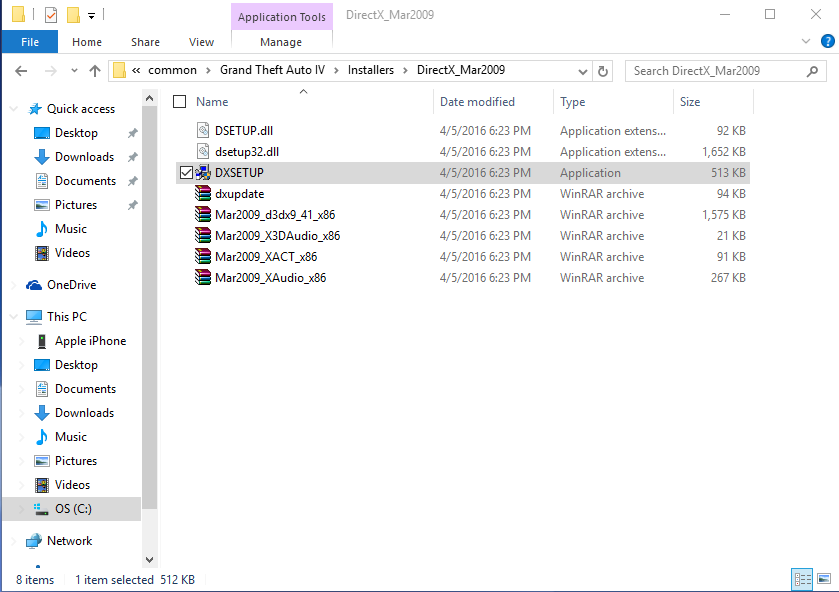
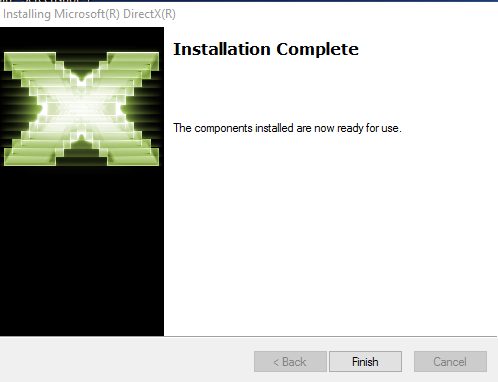
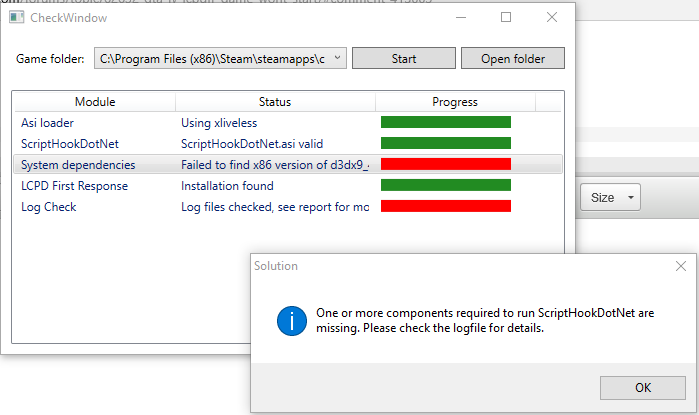 But it's still not working for some reason.
Fresh install windows 10I tried to reinstall both but it gives me this error:
But it's still not working for some reason.
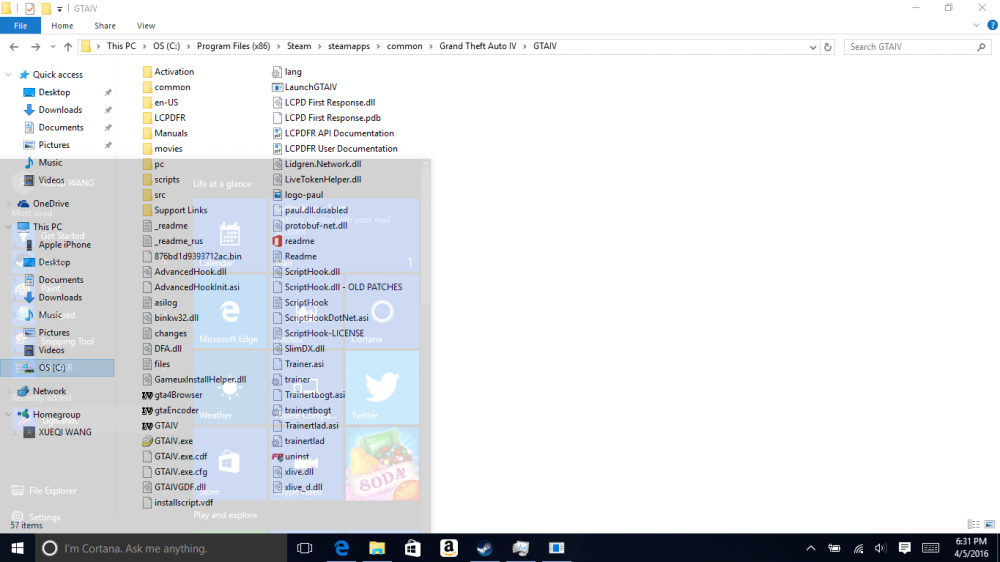
Fresh install windows 10I tried to reinstall both but it gives me this error: Hi, guys, I have spend a lot of time working on LCPDFR, and it's still not working. When pressing ALT+P nothing happens. I checked my installation, it shows two things are having problems.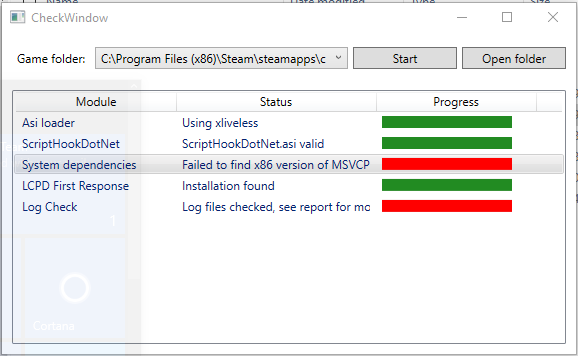




Account
Navigation
Search
Configure browser push notifications
Chrome (Android)
- Tap the lock icon next to the address bar.
- Tap Permissions → Notifications.
- Adjust your preference.
Chrome (Desktop)
- Click the padlock icon in the address bar.
- Select Site settings.
- Find Notifications and adjust your preference.
Safari (iOS 16.4+)
- Ensure the site is installed via Add to Home Screen.
- Open Settings App → Notifications.
- Find your app name and adjust your preference.
Safari (macOS)
- Go to Safari → Preferences.
- Click the Websites tab.
- Select Notifications in the sidebar.
- Find this website and adjust your preference.
Edge (Android)
- Tap the lock icon next to the address bar.
- Tap Permissions.
- Find Notifications and adjust your preference.
Edge (Desktop)
- Click the padlock icon in the address bar.
- Click Permissions for this site.
- Find Notifications and adjust your preference.
Firefox (Android)
- Go to Settings → Site permissions.
- Tap Notifications.
- Find this site in the list and adjust your preference.
Firefox (Desktop)
- Open Firefox Settings.
- Search for Notifications.
- Find this site in the list and adjust your preference.