


Hullian111
Members
-
Joined
-
Last visited
Everything posted by Hullian111
-
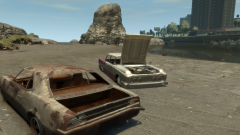 Man, those bad boys were almost brand new in the early eighties! Although a burned out husk may be more appropiate.
 -
From the album: Hullian111's Gratuitous Misadventures
And so, normal services are resumed. The early eighties weren't a great time for Liberty City. Still holding onto the title of 'Worst Place in America', a title it would not let go of until the 90s, it was fairly common to see cars dumped in the streets, or wherever seemed humanly possible. On the Westdyke Beach, for example, a Vigero and an Oceanic had been dumped for little over six months, and while it may not look like it, the tide has taken its toll on both of them, especially the Vigero, and they had all been gutted for parts. A few days later, they were set alight.© Hullian111
-
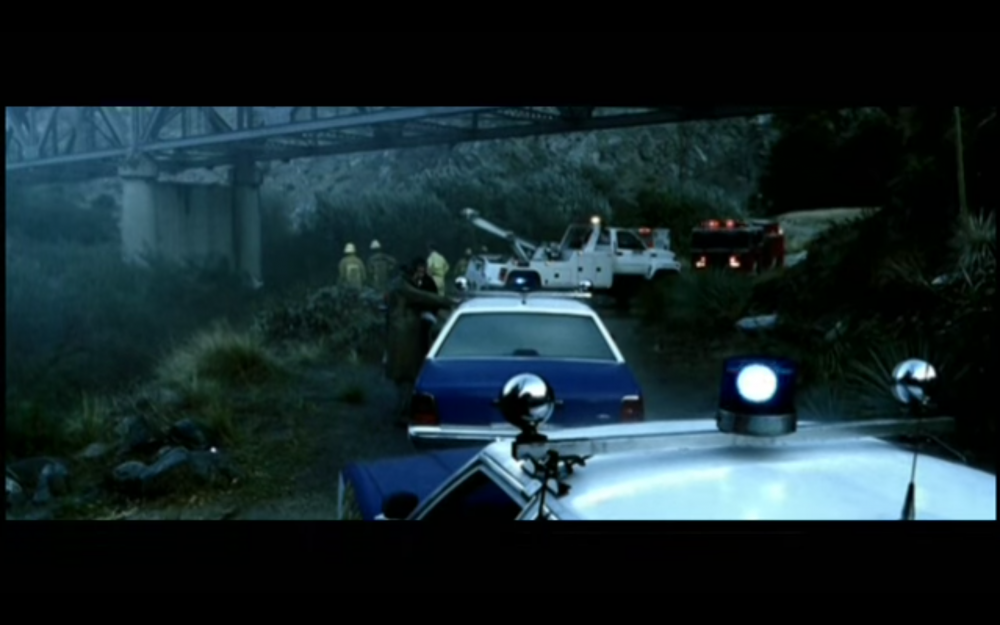
Came here looking for these, came out feeling deep, no pun intended. A pair of blue Ford LTD Crown Victorias in Eminem's 'Stan' - thought it were Michigan State Police or Detroit Police, but the lightbar choice and the prevalence of white say otherwise. Looks like just prop cars to me.
-
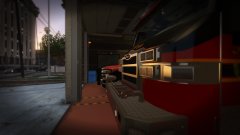 So...Christmas release?
 -
On the last weekend of September 2008, Greater Liberty was treated to a once-in-a-lifetime experience - 'Liberate Festival', a major music festival to be held in Meadows Park, featuring headlining acts such as Coldplay, Kings of Leon, Rhianna, among others. This required a major security and safety operation to ensure the event ran smoothly, in light of the somewhat-present terror threat. And so, Operation Ashahara was born, planned and organised throughout the summer of 2008. Involving the Greater Liberty Police, the Humboldt Ambulance Service, the Greater Liberty Fire Service, and St. John's Ambulance, this proved to be the biggest emergency service operation the city had faced since the 90s came to a close. (Now the small print. You're going to have to imagine some things, such as crowds and stages and special effects and all, because, well, GTA IV isn't really built for huge scenarios such as this. There may be image edits within the boundaries of the site guidelines to further attempt to create a feeling of realism. And for the mods, the map is what I will hope to emulate. Please excuse it, if you may)
-
 The End
-
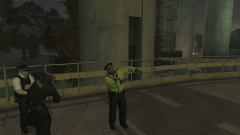 Saving the Last Dance
-
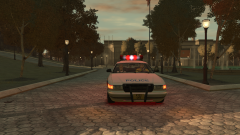 One More Patrol
-
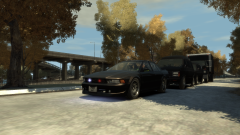 The Escort
-
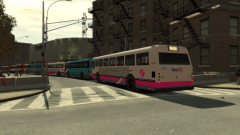 One More Day
-
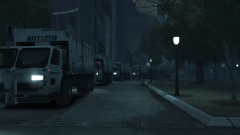 Only By The Night
-
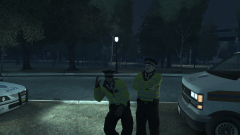 Look How They Shine for You...
-
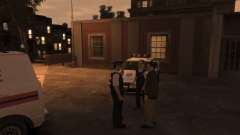 Booked
-
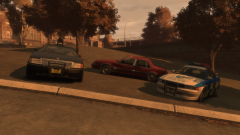 You Drink, You Drive, You Lose
-
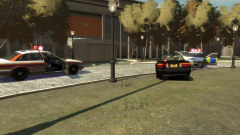 Pounced
-
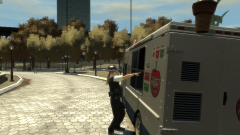 "I'll Have A Flake, Please"
-
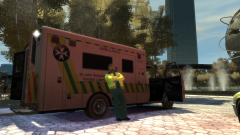 Mostly Work, Little Play
-
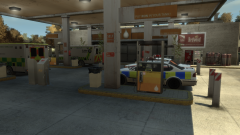 Rest & Recuperation
-
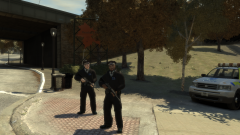 Watching the Reds
-
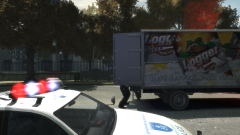 Vehicular Checks
-
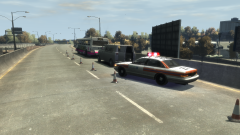 Breakdown!
-
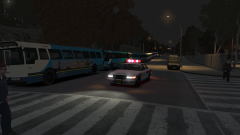 The Control Point
-
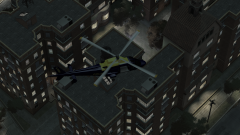 Keeping Watch
-
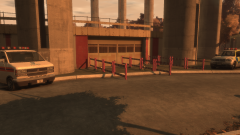 Preparing for the Headliners
-
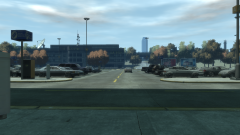 Down at the Park & Ride
-
-
From the album: Operation - Ashahara
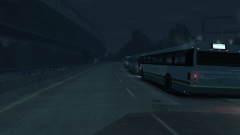
And after three nights of revelry, security headaches, and some rather-good music, the buses, some due to return to their depots after they dropped off, drove out to their pick-up points for the last time, filled to the brim with tired, but excited festivalgoers finally on their way home. It had been a long three days for the Liberty City Council and the emergency services, but in all, it had been a great success. And after three days, it was time to pack up, go home, and return to normalcy. And now to close out this gallery series. In the end, it proved to be unique, but also rather taxing and tricky to think about in terms of ideas, and eventually, I found it not to be as enjoyable as I thought it was going to be. Normal services will resume in this gallery: -
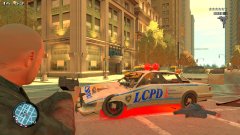 Ah. Well I kind of began to understand, but then again, that's just the blown up tail.
 -
Unfortunately, it wasn't. And I've come to the conclusion that it was because I had no zMod license. $22 USD? Unfortunately, I'm going to have to go off this again.
-
From the album: Operation - Ashahara
And as the fireworks exploded out over Meadows Park, Kings of Leon closed the Liberate Festival with their final, most-popular song from their new album, 'Sex on Fire'. It was the final time everyone could jump around and have a good time before they took the Park & Rides back into the city one last time, and for the GLP, after all of the security headaches and unusually-low crime rates, it was the last time they could let their hair down and party until they had to go back to work in the city. And of course, they all were dancing.© Hullian111
-
From the album: Operation - Ashahara
With the indie bands now finished up and heading home, these two GLP constables go on one more patrol before they get assigned to the final act of the night - the Kings of Leon concert. A lull of a few hours now occurred, with unlisted, small-time bands popping up around the grounds, people began to meet and talk to each other, and some people even began to set off early, some hitchhiking back to the airport to go back to their homes either overseas or far away from the city. In all, the festival was slowly beginning to wind to a close.© Hullian111
-
I don't see any Annihilators anywhere...
-
I've installed Zmodeler 2.2.8. for free from the official website, which I thought was quite strange, but as its depreciated, at least its something. And I'm planning on putting the default lightbar back on the dev Merit, but so far, I appear to have hit a huge wall - when I open 'Materials Editor', I have no tools or button for 'Texture Layers'. On a tutorial I'm currently watching, the author does have that, and therefore, when I import my Merit, it comes up fully modeled, but with no textures. Is there any way I can rectify this? Or do I have to fork out for the paid version because this isn't supported?
-
Well if it doesn't work for me on GTA V either, then I'll be happy playing with Non-ELS. But if it works...I don't know, really. But then again, I broke my GTA V install, so who knows.
-
From the album: Operation - Ashahara
Coming in early to set up their stage and to meet their fans around the festival in the name of promoting their new album, 'Only by the Night', Kings of Leon arrive just a few hours after the Sunday sessions begin. Escorted by an unmarked car due to crowds and security concerns, the four-car convoy slowly trundles towards the Main Stage, and eventually, the band got out to be greeted by excited fans.© Hullian111
-
I would if I could.
-
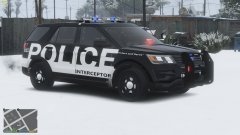 Well, at least I tried.
 -
No, an image war isn't how you're going to end this. Calibri is reviled in graphics design. If you're going to put this out, you've got to find a font that fits the bill. I say try Eurostile, its about as close as you can get.
-
Is that Calibri?!
-
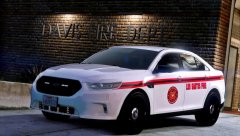 Roses are red, Violets are blue, 46EEK572.
 -
From the album: Operation - Ashahara
The buses arrive for one more day of festivities, brimming with some rather-tired festivalgoers. Kings of Leon were the main act for the night, and so were the other indie bands, one of which were due to become super popular in a few years time. But in the present, the citizens of Greater Liberty were glad, but some sad, to know that this was the last day of the Liberate Festival, and that life would return to normal on Monday morning.© Hullian111
-
From the album: Operation - Ashahara
With one more night of festivities to go until all is said and done, an hour after the gates closed, the cleanup was underway in earnest. Among the grounds of the Main Stage, admist the typical Coldplay confetti and other gubbins, it was mostly rubbish, in the form of crisp packets, plastic cups, a few lost shoes, and even someone's snapped flip phone. With one more day of the festival to go, these bin men were in for a well-deserved break by Monday morning.© Hullian111
-
I can't browse the GTA IV or Resources and Assets sections due to the site automatically redirecting me to the LSPDFR section in GTA V, even though the URL stays the same. I don't know if this is some kind of pushy PR tactic, but this needs an immediate fix - GTA IV and the Resources and Assets sections are currently locked away until this can be fixed.
-
Uh...happy anniversary?
-
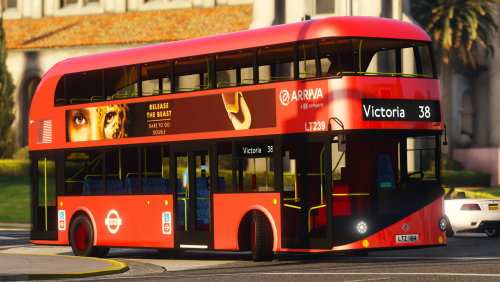 Disregard previous comment. But my OCD is triggered by the moquette: please alternate with these:
- 3 comments
- 2 reviews
-
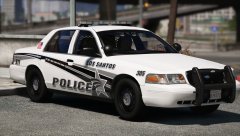 Roses are red, Violets are blue, 46EEK572.



