


Pharte
Members
-
Joined
-
Last visited
Everything posted by Pharte
-
-
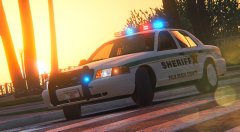 Those wheels look a bit thicc
 -
-
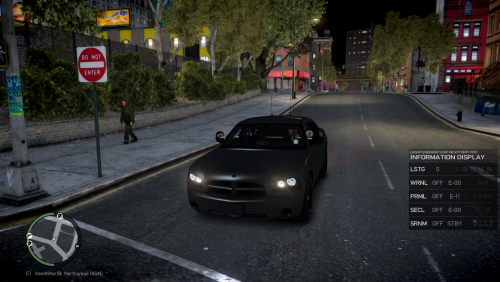 Why would you release something unfinished?
 -
The lower lods are mapped to default, the dirt texture is too small
-
If anything the edge would look wrong, maybe and lfl
-
-
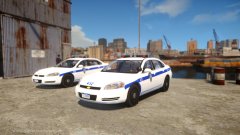 soo washed out
 -
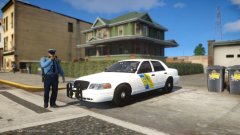 mine are in sunny too
 -
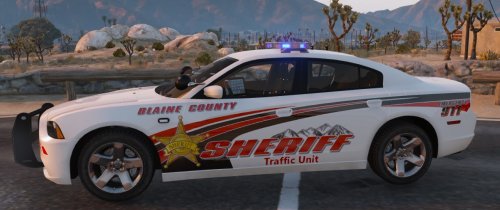 "Also Im basically friends with Carper" *cringe
 -
Your other screen shots the light is so bright and white
-
I use cry v3 and look 10x better This is my enb:enb2016_3_3_22_25_56.bmp enb2016_3_3_22_26_9.bmp
-
lol no it's too bright
-
your enb is too bright
-
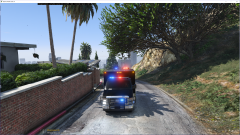 the push bar and the rear light bar look wrong
 -
Sorry to burst your bubble but no one has one.
-
-
.thumb.jpg.b8199282fdc99c1f5273982d90f32081.jpg) Was this based on the Cry Enb?
Was this based on the Cry Enb?

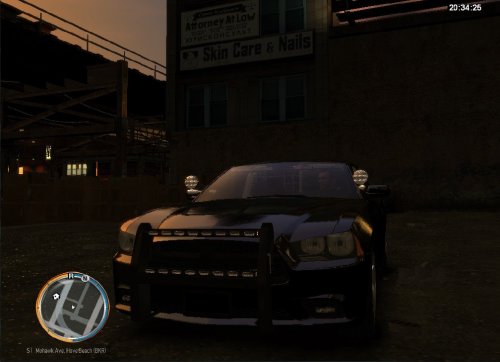


.thumb.jpg.b8199282fdc99c1f5273982d90f32081.jpg)