
a788
Members
-
Joined
-
Last visited
Everything posted by a788
-
I'm really looking forward to it!
-
-
 Sorry, with the NaturalVision, RADIANCE_V, lights or so, how can we do as bright as you!
- 24 comments
- 4 reviews
-
-
-
-
-
LSPDFR mode hunt prisoners, NPC sirens always open stop!
-
-
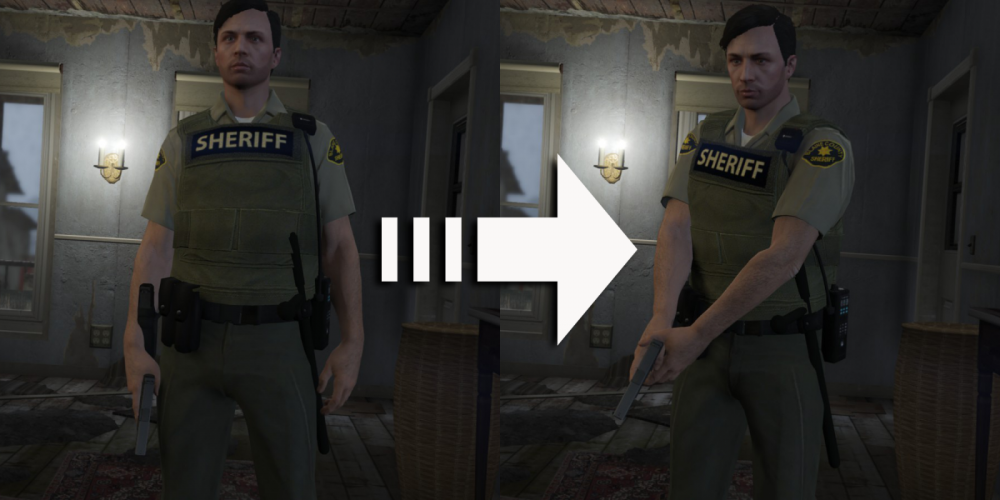
How to let men have such a guard action?
-
Looking forward to releasing!
-
No, the original fbi2 car!
-
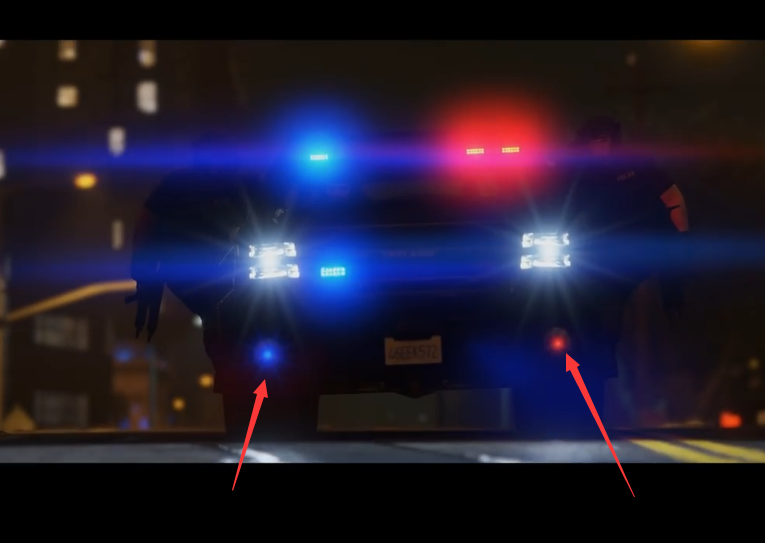
How to make these two lights light up?
-
Look forward to, like!
-
Can you participate in closed beta
-
Great work, can not wait to play, you can share it, because too much love!
-
-
-
-
-
-
-
-
 Installation failed [2016/12/23 12:49:55] [5672] ERROR -> Unable to read XML DOCUMENT with path "common\data\dlclist.xml" in archive "D:\SteamLibrary\steamapps\common\Grand Theft Auto V\mods\update\update.rpf"
- 1,524 comments
- 85 reviews
-