
Darkmyre
Members
-
Joined
-
Last visited
Everything posted by Darkmyre
-
I know there were a couple other projects trying to bring more Aussie textures, but I got impatient and decided to cook up my own. Currently replaces the trucks/trailers with Australian brands, and replaces all regulatory and most advisory street signs. Will be working on converting more textures as time permits. DL available here: https://www.darkmyre.net/files/file/60-ozgta/ (Some of the speed signs don't make sense - I've converted the existing signs to their equivalent km/h signs, sadly the Rockstar level designers seem to have placed the wrong sign props at several spots around the map. Nothing that can be done about this unfortunately)
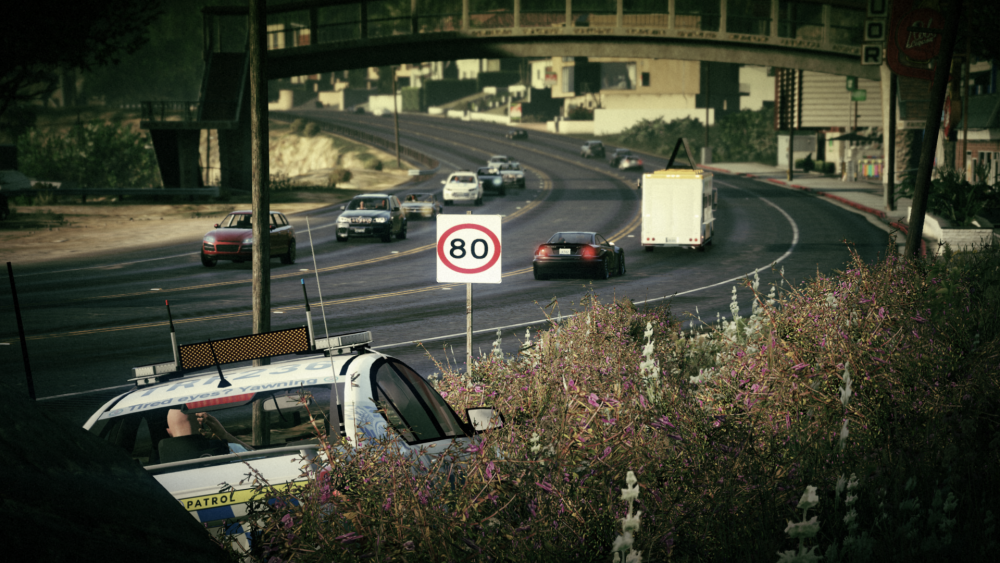
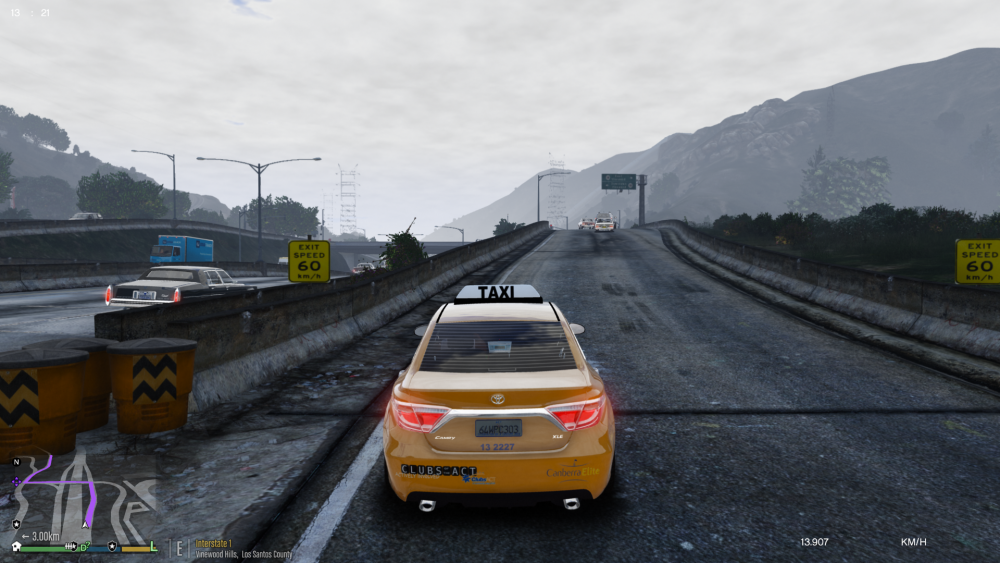
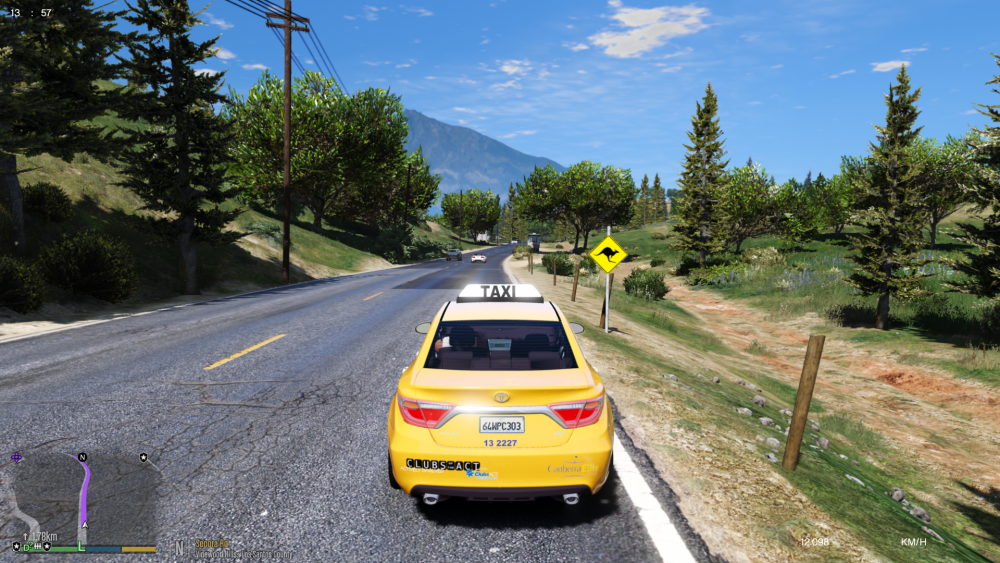 WIP retexturing project, to bring a more 'Strayan feel to Los Santos
From the album: Project Straya
Some technical issues at the start but ended up being a pretty wild crazy night:Ok?.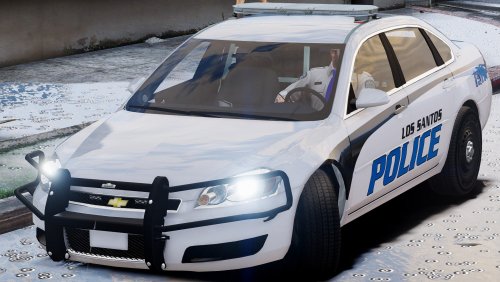 Overall a great car, only issues I found were the lighting not quite popping as much as other cars do (yes I have visual mods installed), and didn't include a handling line despite really needing one. Overall though a great car and really enjoyed using it, thanks :)
- 62 comments
- 12 reviews
-
-

- 1
-
Tweaked my handling to fix the rolling, posting it incase it helps others: If you dont like realistic damage/braking, use this one instead:- 62 comments
- 12 reviews
Patrol Toolkit's records check includes a randomly generated list of priors.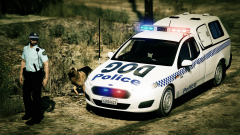
From the album: Darkmyre's LSPDFR Screenshots
Showing some love to our Kiwi cousins today in a double New Zealand livestream:Account
Navigation
Search
Configure browser push notifications
Chrome (Android)
- Tap the lock icon next to the address bar.
- Tap Permissions → Notifications.
- Adjust your preference.
Chrome (Desktop)
- Click the padlock icon in the address bar.
- Select Site settings.
- Find Notifications and adjust your preference.
Safari (iOS 16.4+)
- Ensure the site is installed via Add to Home Screen.
- Open Settings App → Notifications.
- Find your app name and adjust your preference.
Safari (macOS)
- Go to Safari → Preferences.
- Click the Websites tab.
- Select Notifications in the sidebar.
- Find this website and adjust your preference.
Edge (Android)
- Tap the lock icon next to the address bar.
- Tap Permissions.
- Find Notifications and adjust your preference.
Edge (Desktop)
- Click the padlock icon in the address bar.
- Click Permissions for this site.
- Find Notifications and adjust your preference.
Firefox (Android)
- Go to Settings → Site permissions.
- Tap Notifications.
- Find this site in the list and adjust your preference.
Firefox (Desktop)
- Open Firefox Settings.
- Search for Notifications.
- Find this site in the list and adjust your preference.