Iggy Fresh
Members
-
Joined
-
Last visited
Everything posted by Iggy Fresh
-
Newest Sandy Shores Sheriff patrol with shenanigans!
-
I would try moving your Mods folder from your GTA 5 directory, launch the game and see if you notice improvements. If you notice improvements, then it's definitely something you have installed. If not, then it's probably more hardware related.
-
Check out this awesome US Marshals patrol!
-
First Military SWAT episode over here!
-
Newest SWAT episode!
-
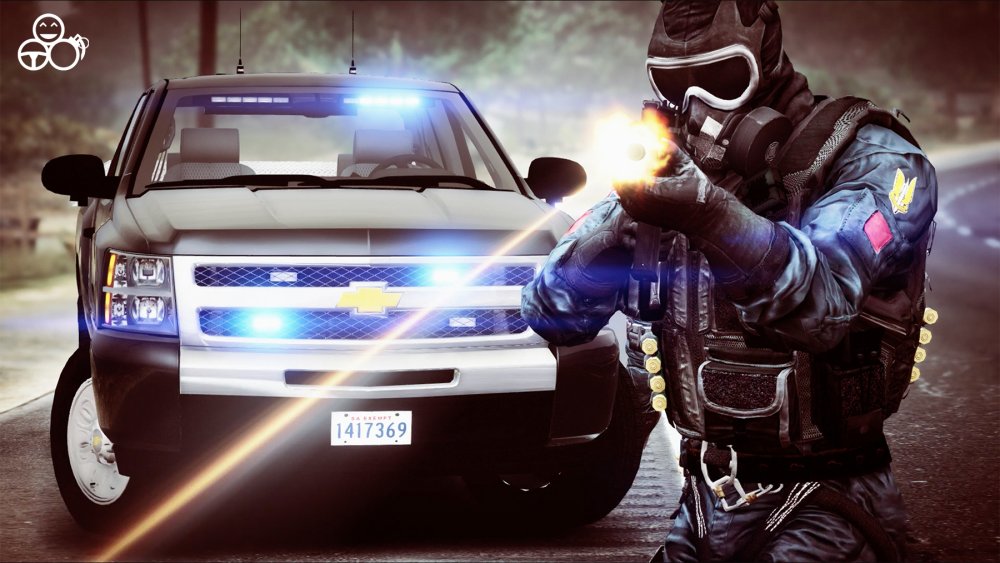
Had fun roleplaying as SWAT today
-
New episode - we target street racers!
-
Just wanted to say that Cyberpower and iBuyPower are owned by the same company and I would not recommend you going with either. Your specs sound pretty decent, I can't imagine why you would have such issues running GTA 5. Does GTA 5 run better without LSPDFR or are you still having issues? Perhaps try to update your graphics drivers, sometimes it could make a world of difference.
-
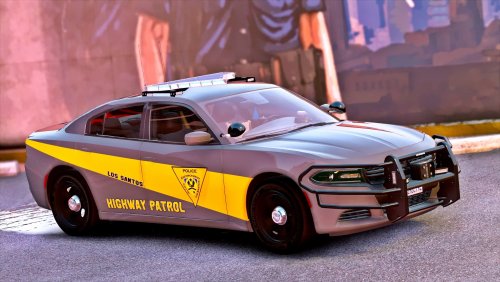 Another quality vehicle by Policesco! Loving this Charger and the option to have steelies or alloy wheels. 5/5!
- 35 comments
- 37 reviews
-
-

- 1
-
-
New patrol using @POLICESCO's new Charger!
-
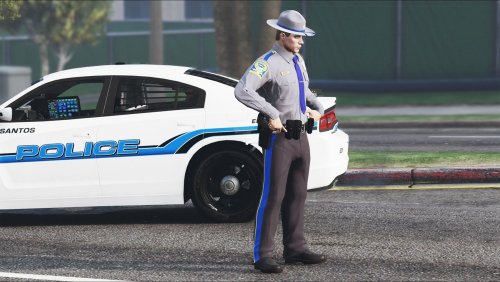 Hey guys, There weren't any CT State Trooper uniforms available, so I created my own and decided to share with everyone per many requests. Due to some limitations, the hat is not exact (doesn't say 'State Police') and the badge is a little off. You will need EUP 7.4 to use this skin. Ped Skin Installation: 1. Install EUP 7.4 2. Replace both .ytd files (starting with jbib and lowr) in this directory via OpenIV: GTA5/mods/update/x64/dlcpacks/eup/dlc.rpf/x64/models/cdimages/eup_componentpeds.rpf/mp_m_freemode_01_male_freemode_business Trooper Hat Installation 1. Install EUP 7.4 2. Replace p_head_diff_013_e.ytd file in this directory via OpenIV: GTA5/mods/update/x64/dlcpacks/eup/dlc.rpf/x64/models/cdimages/eup_componentpeds_p.rpf/mp_m_freemode_01_p Use EUP or Skin Control to put the outfit together. -Iggy Fresh CT State Police Taurus in the screenshot: Vehicle Used: Wheels Used: Video Showcase:
- 1 comment
- 1 review
-
-
- 3
-
-
New traffic police episode with ALPRs!
-
It doesn't matter if a certain car you're trying to overwrite is in the latest patchday. The latest patchday folder will always overwrite any other instances of that vehicle anywhere else in the directory. There's no need to do all this extra work you're doing, just put everything in the latest patchday whether it's already there or not.
-
Check out the new Bait Car episode!
-
Brand new Undercover Street Racing Bust video using @ALLENjr12's GTR!
-
Congrats Steve! Not everyone realizes how much work you really put into YouTube and your interaction with fans. I'm still amazed at how you put out 2-3 videos a day with consistently great content. Keep it going! I have to agree with Benzo that you are a true inspiration.
-
Full CT state troopers episode is here :)
-
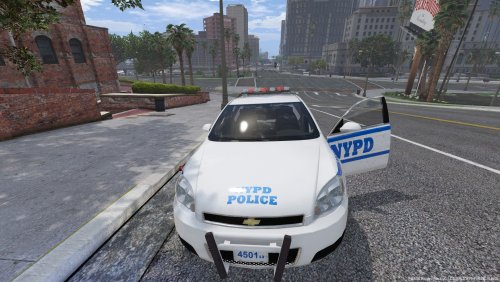 Great car, I enjoyed it. Just wish the red lights would be a little more prominent, but otherwise great job!
- 10 comments
- 6 reviews
-
-
- 1
-
-
Made a quick Cinematic tribute to CT State Police
-
New episode using @POLICESCO cars :)
-
Hey guys, check out today's Retro CHP patrol!
-
We got Portland Police rainy patrol!
-
Check out the latest K-9 Airport Patrol :)
-
-
Transformers Bumblebee joins Police Force!