
Caffeinated
-
Joined
-
Last visited
Everything posted by Caffeinated
-
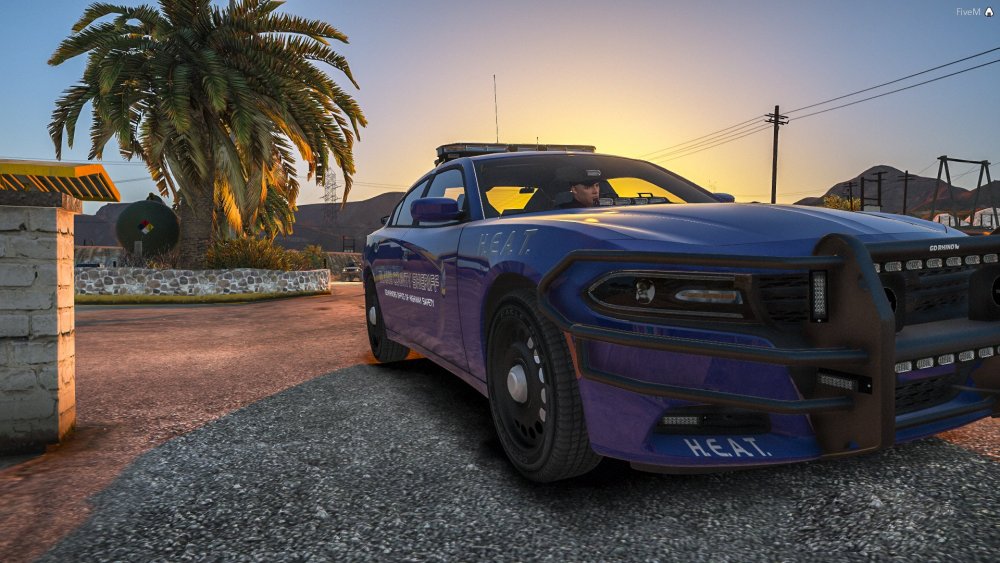
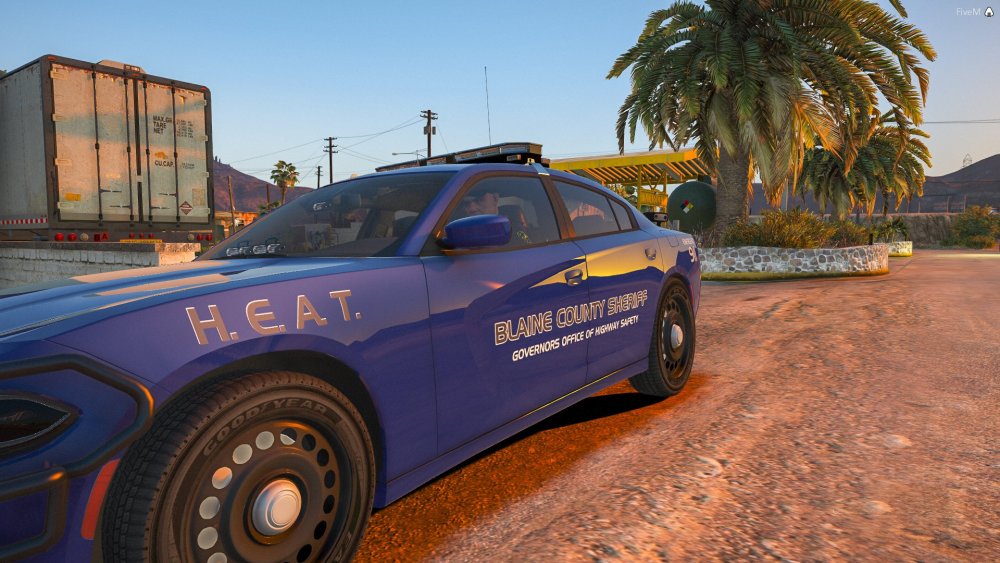
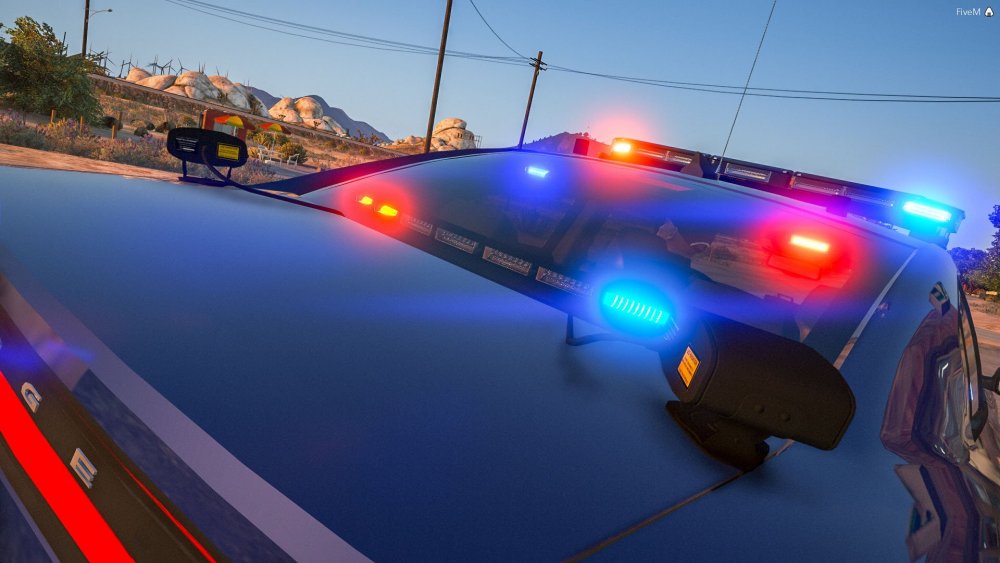
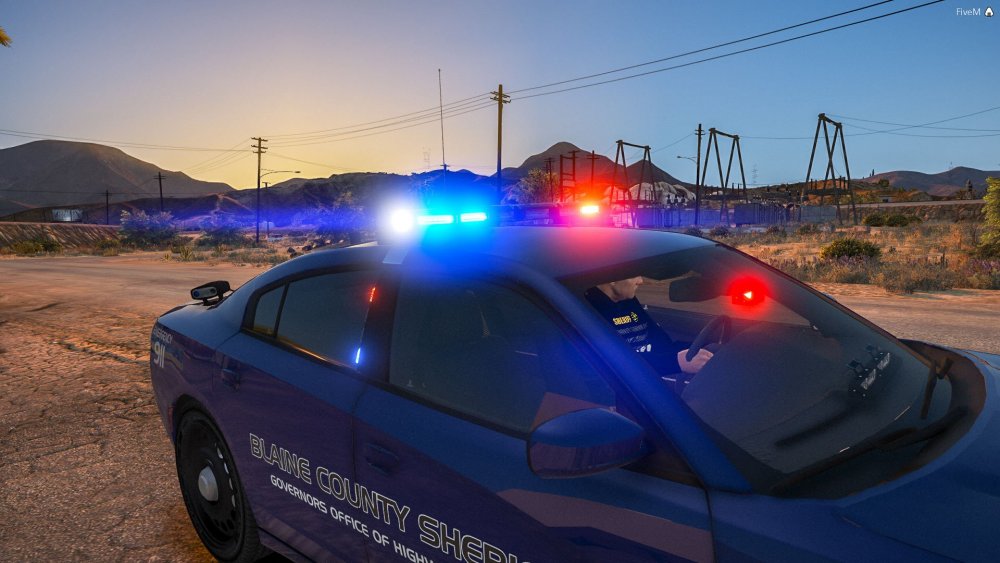
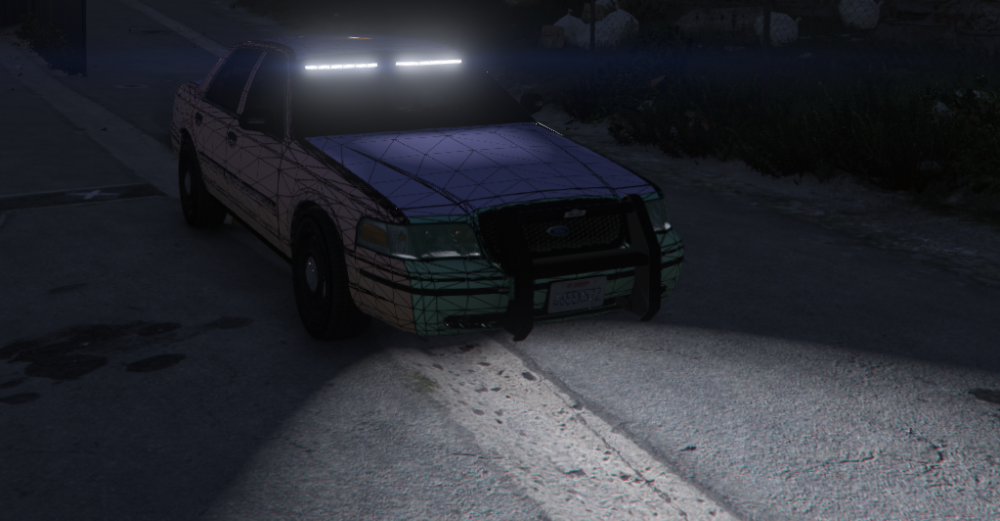
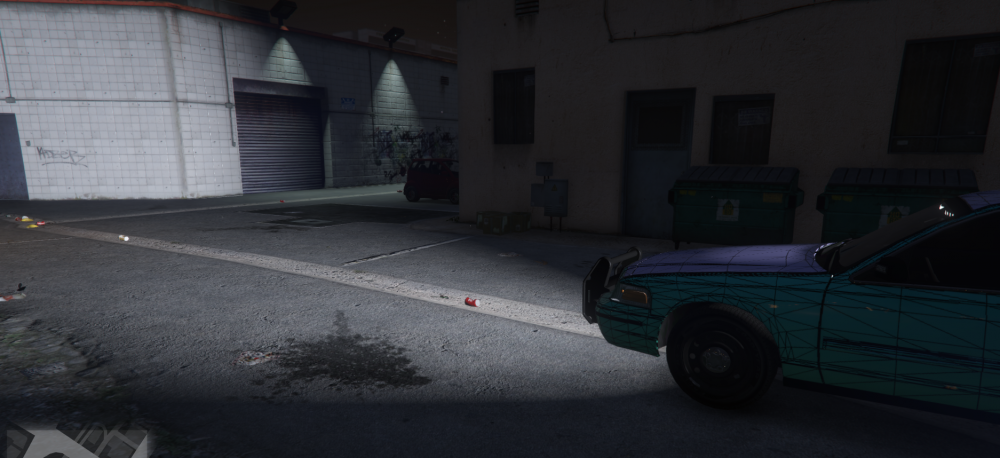
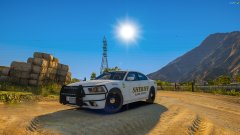
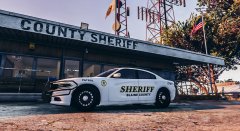
I think we are getting close to the point where I could possibly release something. Still learning all sorts of new stuff. Here are some photos of my latest pet project. Learning how to edit textures in photoshop, manipulate wires, properly do lightbar brackets, and all sorts of minutiae that I think are important if one intends on releasing a model.
-
From the album: Caffeninated W.I.P Pics
-
From the album: Caffeninated W.I.P Pics
-
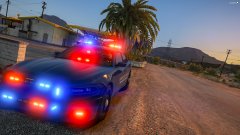
From the album: Caffeninated W.I.P Pics
-
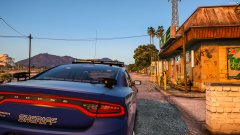
From the album: Caffeninated W.I.P Pics
-
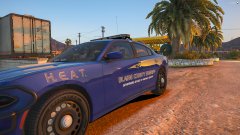
From the album: Caffeninated W.I.P Pics
-
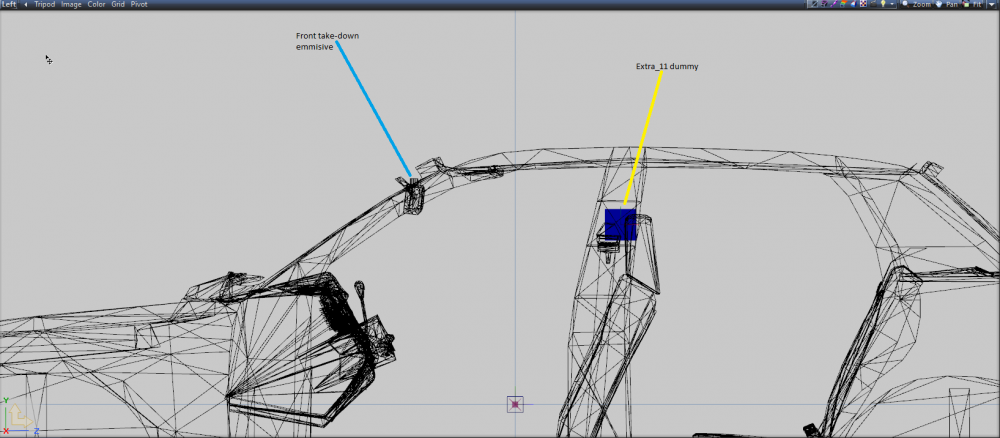
I'm not sure if that is the way it works as admittedly I am new to making models. Check this out though. In this screenshot, the dummy is both behind and below the take-downs emmisive. Here is a view from the left with the chassis node enabled. Could you post photos of your dummy and take-down emissive locations?
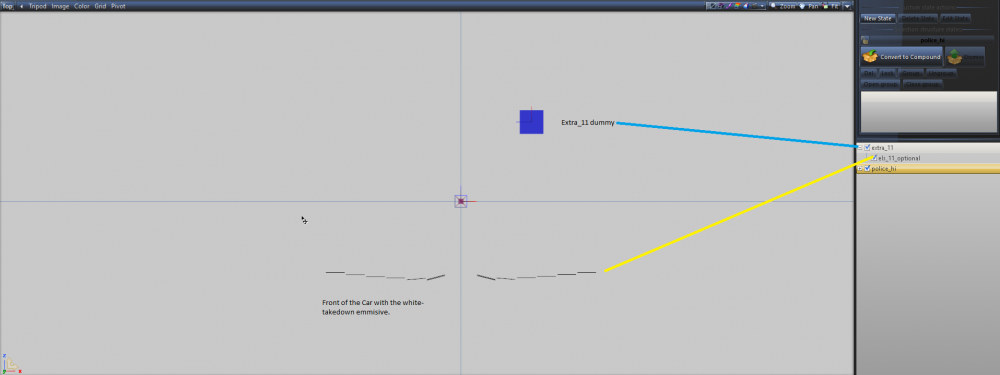
-
What do you mean you had to move the position of the dummy to match the object? The dummy for extra_11 can be moved independently of the items linked to it in the hierarchy.
-
From the album: Caffeninated W.I.P Pics
-
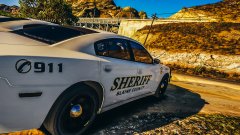
From the album: Caffeninated W.I.P Pics
-
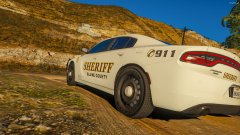
From the album: Caffeninated W.I.P Pics
-
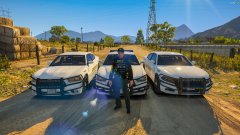
From the album: Caffeninated W.I.P Pics
-
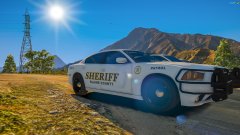
From the album: Caffeninated W.I.P Pics
-
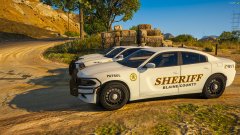
From the album: Caffeninated W.I.P Pics
-
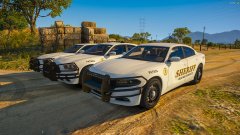
From the album: Caffeninated W.I.P Pics
-
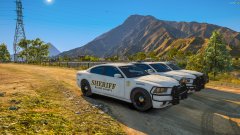
From the album: Caffeninated W.I.P Pics
-
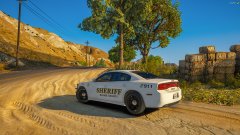
From the album: Caffeninated W.I.P Pics
-
From the album: Caffeninated W.I.P Pics
-

From the album: Caffeninated W.I.P Pics
-
From the album: Caffeninated W.I.P Pics
-
I'm going to send you a dm.
-
So run me through what you did exactly. You merged the z3d save for those parts and then what?
-
I missed completely that you also said your take-downs are backward. You need to relocate and resize your dummies for the front facing lights. Is that a sound off front-bar ?
-
Post the ELS Config for us to look at.
-
Collisions are broken on the vehicle. I haven't found out why it happens yet, but you need to find which part is breaking the collisions by removing parts one at a time. For example, I have Tahoe built out with that works wonderfully. If I put Gump's ball mount antenna on it, I get this issue. I'm still actively experimenting with this, but I'll post if I ever figure it out. Hopefully, someone who knows will chime in.