
Caffeinated
Members
-
Joined
-
Last visited
Everything posted by Caffeinated
-
I seem to have fixed the issue, I flipped them in Polygon mode and that seemed to do the trick. No idea why; however, I'm pleased I can attach all my extras properly.
-
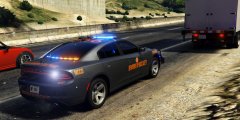 DM, inbound.
 -
Huh, I'll have to go look again. I didn't know he had a legacy. I'll have to go look, Thank you.
-
Looks awesome! I love that rear deck lighting, I used that sound-off rear in a slicktop the other day. That legacy looks really awesome, did you use a public dev one ?
-
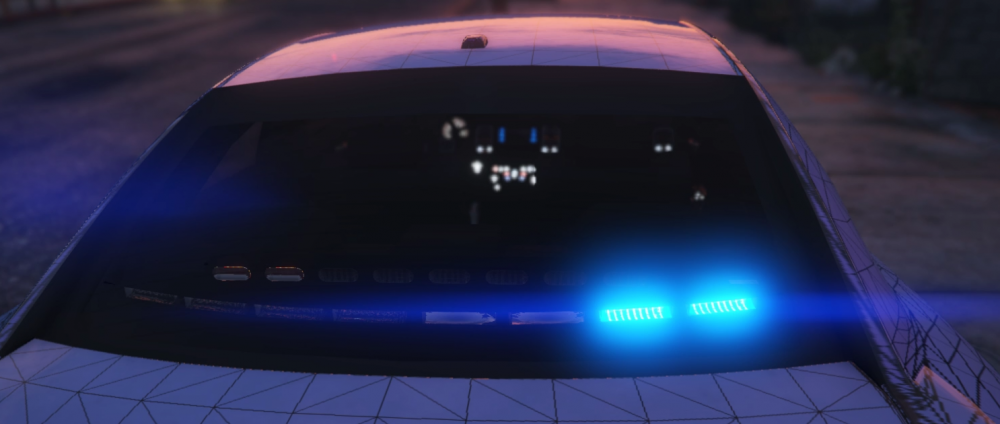
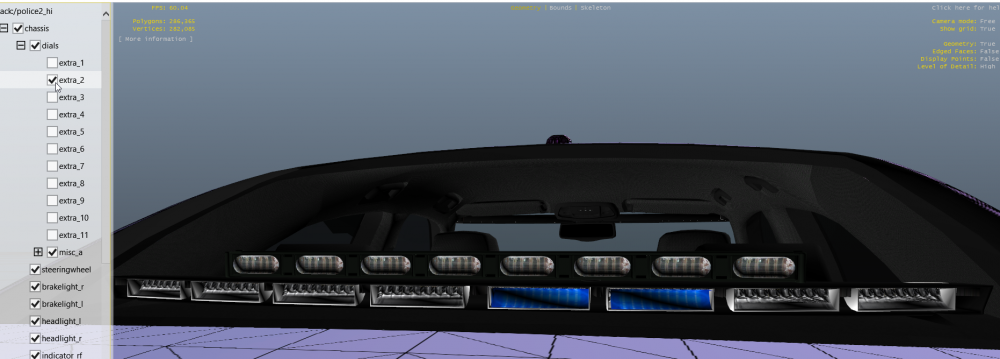
Open Iv on and off In Game You can see the lights that are messed up here. I just wish I knew how to fix it.
-
I'm doing some testing; however, I think the section of lights that I flipped is not displaying in game. I see it and can toggle it in open IV. I'll update with photos in a bit.
-
I'll try this, Thank You !
-
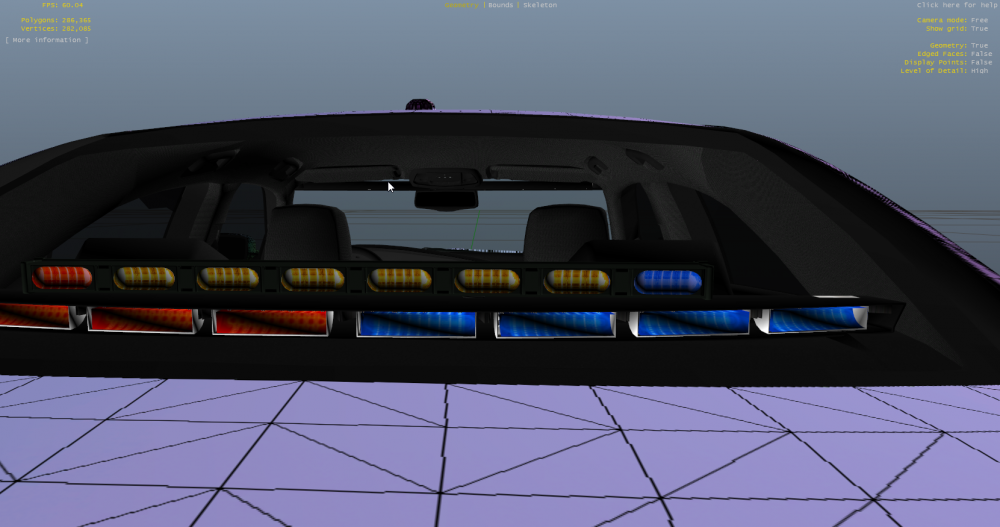
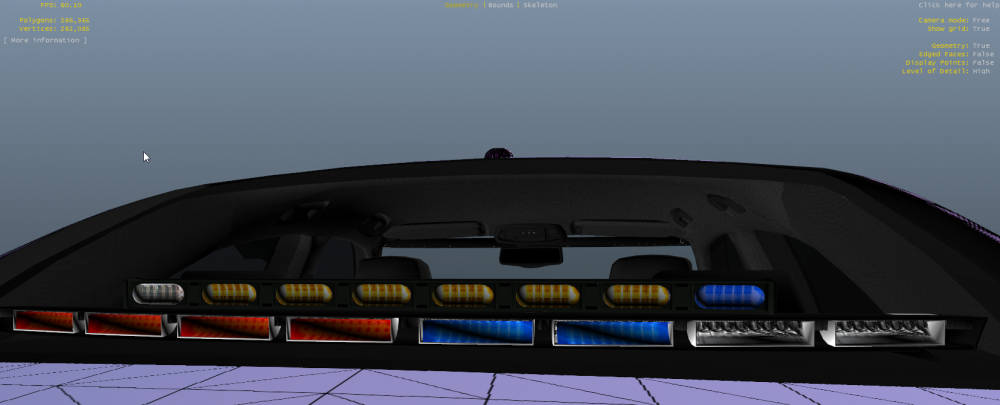
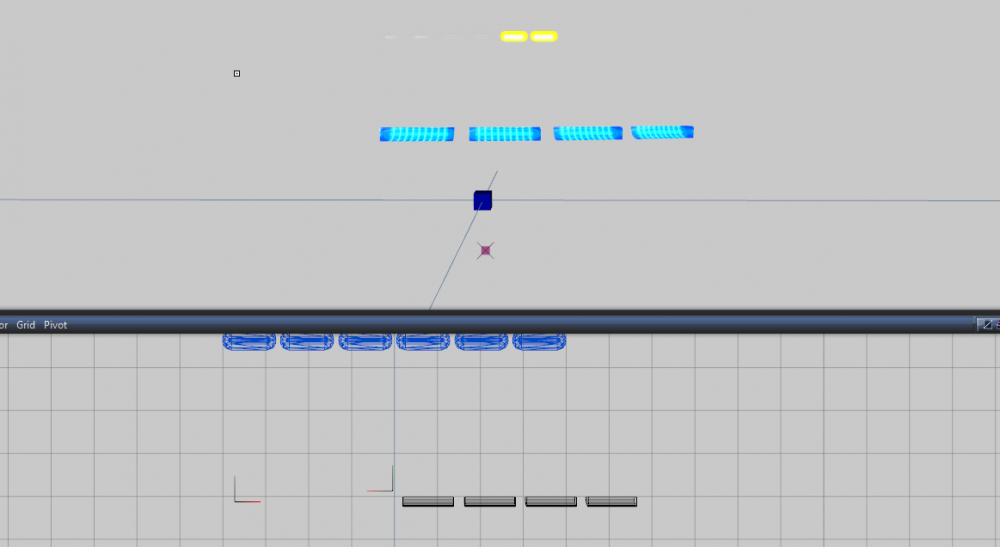
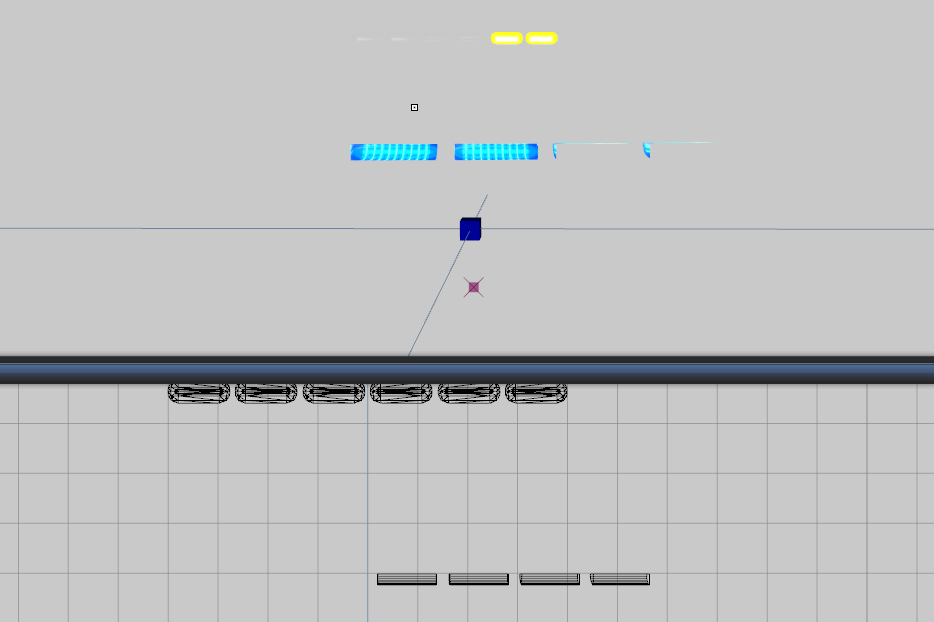
Hello Everyone ! I'm having an odd issue. When I attach a light to another one I get texture loss on the light. I'll attach photos so you can see what is happening. My Zmoddler3 is legit, paid for, and registered version with no updates available. I'm using the attach tool with the destination selected. Either option of "relink children" or "attach children" makes no difference to the texture loss. Can someone explain the difference between those two options for gp. Before attaching. After attaching So as you can see one of the light sections attached perfectly fine; however, the one suffers texture loss and I'm at a loss as to what is causing this issue. Thank You in advance for any assistance!
-
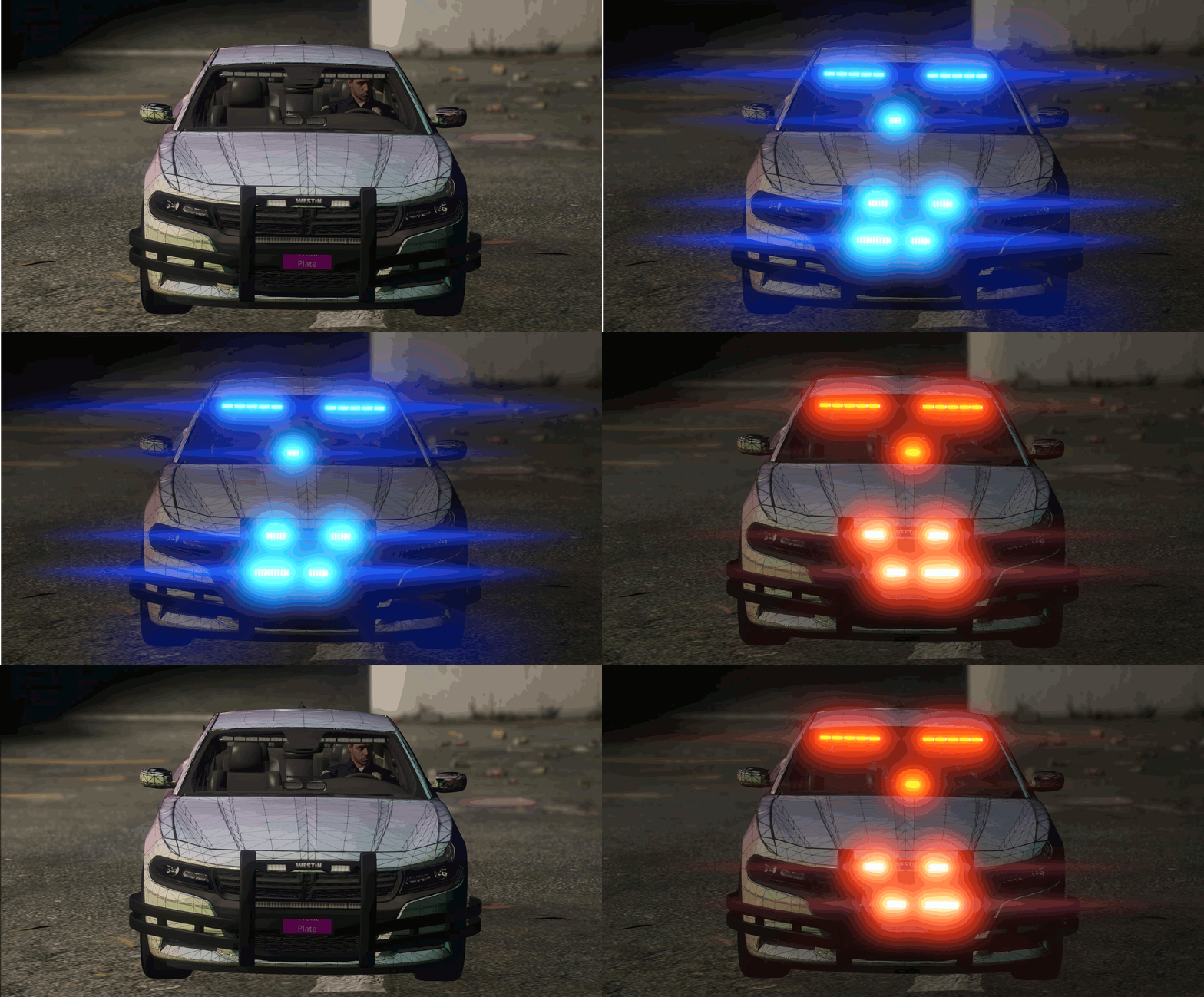 This is a masterpiece. Absolutely fantastic work.
 -
It looks awesome. If you added Whelen Ions on the mirrors it would be 12/10.
-
-
Just random screens of me playing GTA V
-
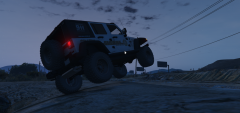 Don't tell the Chief.
-
 Take-Downs anyone ?
-
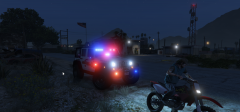 One should always wear a helmet.
-
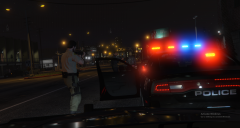 Felony Take-Down
-
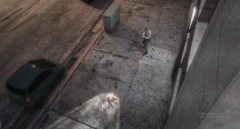 Security Camera Footage of Arrest
-
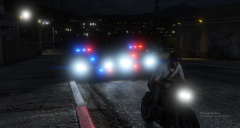 Felony Motorcycle stop
-
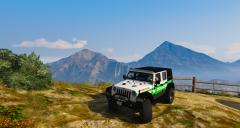 Perks of being a Park Ranger
-
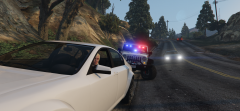 Park Rangers
-
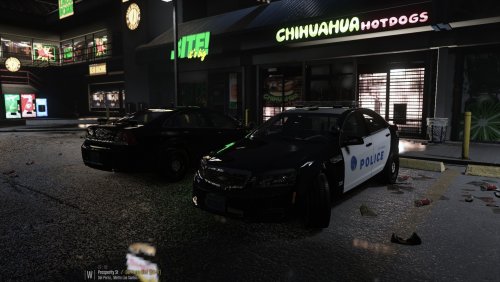
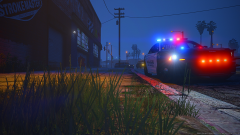 Late Night
-
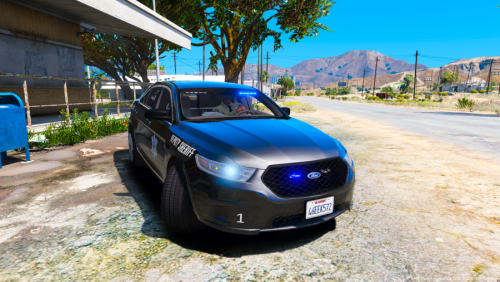
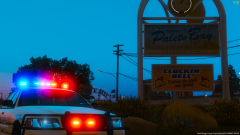 Paleto bay Deputies showing off their new cruisers. (2)
-
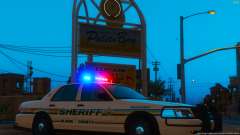 Paleto bay Deputies showing off their new cruisers.
-
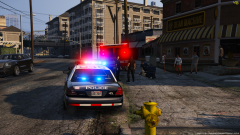 Responding to a hit and run.
-
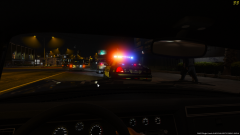 Passerby slows for traffic stop.
-
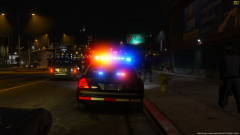 Whelen Ultra Freedom in action.
-
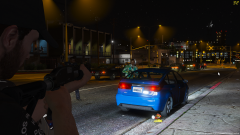 Felony stop gone wrong.
-
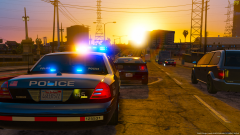 Traffic stop on a nice afternoon
-
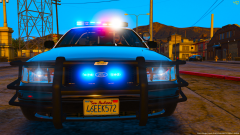 Whelen Ultra Freedom
-
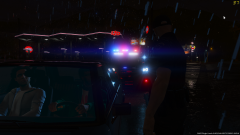 Rolling through stop signs in Mirror Park us a good way to get pulled over.
-
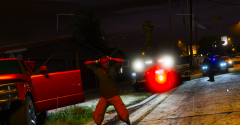 Take-Downs Cutting through darnkess the arrest was made.
-
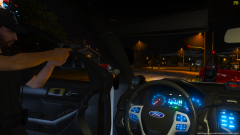 Road Rage turned Felony stop with 1 struck civillian.
-
-
From the album: Patrol shots
-
From the album: Patrol shots
-
From the album: Patrol shots
-
From the album: Patrol shots
-
From the album: Patrol shots
-
From the album: Patrol shots
-
From the album: Patrol shots
-
-
-
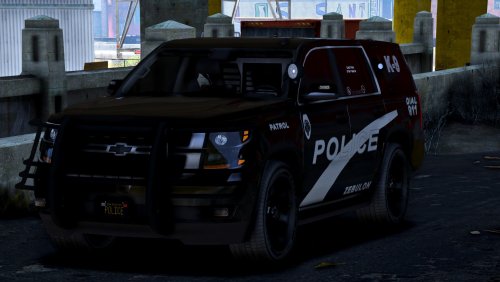 Great Release ! Only two issues I've seen as mentioned before the Take-downs are shining rewards. Also there is a strange light coming from the spotlight. Other than those two items great looking release.
- 22 comments
- 7 reviews
-
-

- 1
-
-
-
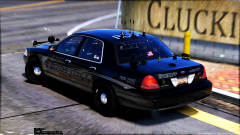 What vic is this ? It looks awesome !
 -
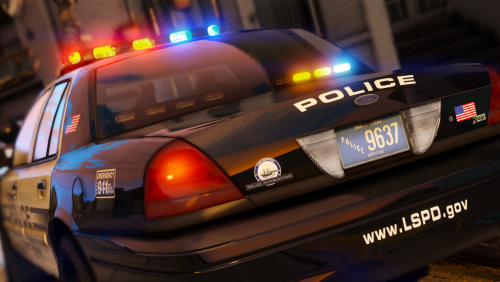 @Thehurk is there a way to remove the white flashing lights from the center of the lightbar? I attempted to edit the "Emissive" File in the .ytd as well as the "legend_detailing_clear". Both time I failed to change the color and ended up breaking the light bar textures. Thanks in advance.
- 32 comments
- 34 reviews