


Aquamenti
Members
-
Joined
-
Last visited
Everything posted by Aquamenti
-
@NefariousBonne has done some ELS work on vanilla vehicles before. Maybe this is of help?
-
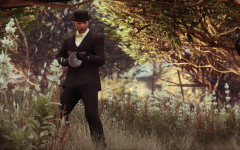
From the album: Aquamenti Police Workshop & Museum
-
Some captions I've taken of my many endeavors. I enjoy customizing my game a lot to give it a personal touch; here you can see some of my textures and, in the case of vehicles, slight model alterations.
-
Judgement Day
-
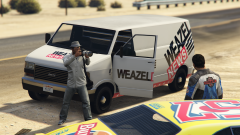 Promoted Vanity
-
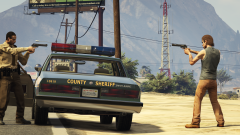 The San Andrean Standoff
-
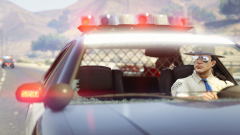 But a Glance
-
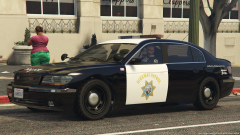 Seen Coming
-
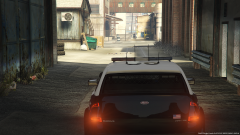 Circle Search
-
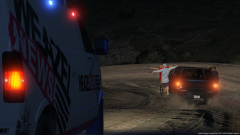 Pony Tailing
-
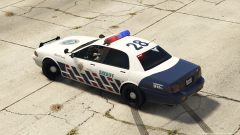 The Ever-Reforming
-
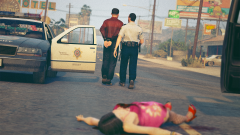 There Can Be No Excuse
-
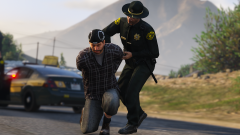 Game Over
-
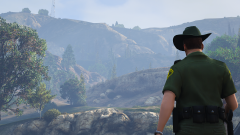 Inspecting
-
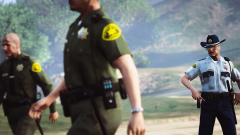 Deputy Grimes and his stupid jokes
-
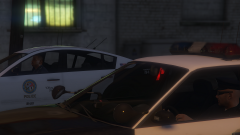 The Lineup
-
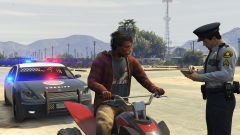 Re-educating Sandy Shores
-
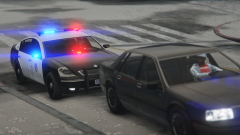 Annis Pinnacle WIP
-
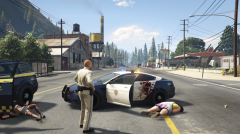 Trouble in Paleto Bay
-
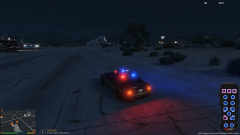 Custom Siren Controller WIP
-
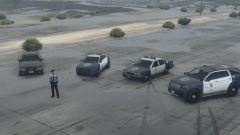 Blaine County Blue
-
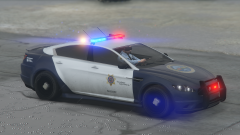 Presenting: the Jackal
-
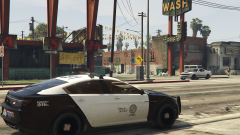 Black and White
-
-
From the album: Aquamenti Police Workshop & Museum
-
From the album: Aquamenti Police Workshop & Museum
Cars like these take lore modding to a whole new level. It's the handiwork of 11john11 and he's got more where that came from! -
-
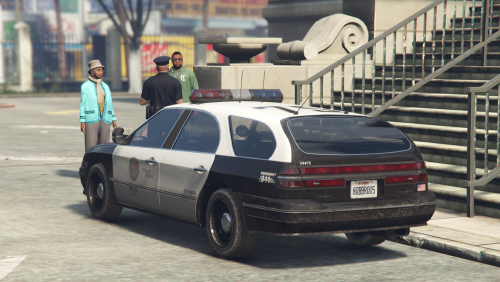 I did that to retain a better quality of the template with minimal effort. I suggest rescaling the template to meet your needs.
- 9 comments
- 3 reviews
-
Did you add the carvariations.meta lines correctly? Or did you by any chance rename or otherwise modify any of the files?
- 9 comments
- 3 reviews
-
From the album: Aquamenti Police Workshop & Museum
-
 I'm sorry, no. However, all of my models are unlocked and I encourage anyone to customize.
- 21 comments
- 4 reviews
-
This looks incredibly natural in the game environment, much more so than other real car mods as far as I can tell. I admire your work.
-
Oh, lol. Yeah, I made the Oracle XS.
-
That's pretty cool. Did you make the Oracle?
-
Do people who have issues with crashing aircraft have WOV installed?
-
 That your community spirit? Give me a break.
 -
 If you're not gonna use the hwaycar models anyway, it'd be easiest to just replace them with the models you're going to use.
- 1,524 comments
- 85 reviews
-
You need to select what you want to scale first. And if you hold shift during scaling, it will scale on all axes.
-
I've got some good news / bad news depending on your perspective. I'm actually part of the RDE team now and work there is plenty to keep me occupied for now, which means I won't be releasing new models for some time. However, I'm sure my effort is better channeled into these team projects which will eventually produce amazing content that I could never compete with on my own.
-
That's only for sirensetting 1, mind you. Carcols has the info on all of them.
-
From the album: Aquamenti Police Workshop & Museum
-
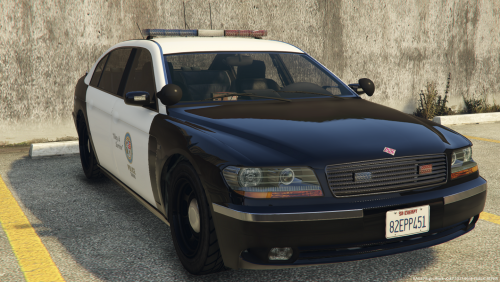 I'm sure this one doesn't require a long introduction. The Ubermacht Oracle XS is at your service! This model is a standalone (add-on) model. Recommended vehicles and carvariations meta lines included Windows, lights, dials and collisions work as they should The vehicle is fully mapped. This lore-friendly model is unlocked. Also, for texture editing, you can find a template, .psd and the original textures in the optional separate download. Share/request liveries or keep up to date with my other content in my showroom thread:
- 2 comments
- 1 review
-
-

- 9
-
If you wanna do carcols editing, I suggest you start reading the thread about it in Modding Discussion. Essentially, you need to copy or edit the sirensetting (that's <siren>) that your vehicle currently uses and change the red coronas to blue. In carcols, under <siren>, the top-level <item> stands for a siren texture, there's 20 total. there's a color value within, something like 0xFFFF0000 (red) where the characters after 0x determine the alpha, red, green and blue channels (0xAARRGGBB). So, start reading the thread, and good luck! Hey there, Yard1! Apparently I can't PM you so I'll try my luck here. I've run across a very high def image of the SAHP logo on the internet, and I gather it's one of your creations. Can I release my own content which makes use of the logo and if so, are there any conditions you'd like to be met? Thanks And hats off to your work with RDE, by the way, I couldn't play without it.You've made a mistake with the carcols file. First off, it starts with </Sirens> but it should be <Sirens>. There also seems to be a redundant <Item> right after it.



