
steinberg4145
Members
-
Joined
-
Last visited
Everything posted by steinberg4145
-
 @TWISTEDSCOPES Maybe, I'm currently waiting for virzza to get back to me about when he can teach me junk, but if you could tell me what needs to be done(like steps almost spoon fed) I could totally do it because I'm free for the day.
 -
uuuuuuuuuhhhhhhhh , I totally know exactly what you're talking about
-
No problem. (great minds think alike am I right?)
-
I could help you out. I have zm3 but I have no idea what I'm doing so I have to wait on someone who is going to help me learn it.(everyone who I've asked are pretty busy so it might be a while before I could help you)
-
He's working on a LAPD not LASD car. (even though they look the same there are minor and major differences)
-
Ok thanks I hope you can sort out your zmodeler issues.
-
Do you think this and your other lvmpd car will make their way into V?
-
Yes
-
I know I saw it. It looked amazing and I'm kinda sad I didn't get a copy before you took it down (even if it used EVL I don't really mind).
-
Looks pretty nice. What's up with the lapd Taurus? I'd love to see that car again.
-
 The hurks fpi With a whelen liberty bar
 -
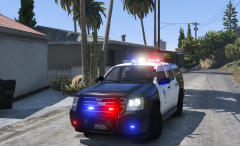 Yeah it should be an arjent. LAPD doesn't use liberties.
 -
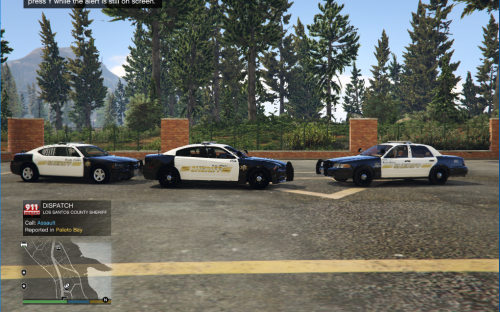 Hey an In game screenshot nice! If you're using steam hit f12 And then when you get out of the game find the folder that steam dumps screenshots into.
- 2 comments
- 1 review
-
-

- 1
-
-
Fine then someone isn't going to get screenshots for their updated NYSP car.
-
Ugh, how many times must we go over this? Soon® (or when ever he feels like it)
-
This is a really old question but the answer (I'm pretty sure) is that the cars with rambars are usually from traffic divisions i.e. valley traffic or central traffic or they're from normal patrol divisions but they're pretty much cars dedicated for traffic duty.
-
oooooo pretty
-
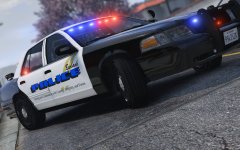
From the album: West Valley Designs misc Screenshots (because the other album is screwed up)
© West Valley Designs
-
Ah I didn't know that. why is the valley always last?
-
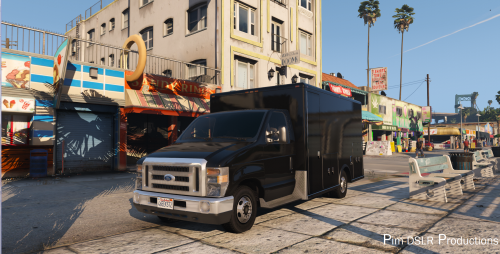 No problem. I didn't want to see some one do a load of work on a project using this and then not be able to release it because of copyright laws.
- 19 comments
- 4 reviews
-
-
- 1
-
-
Hey Pimdslr just an FYI you should change the CC license on this ambo because it's a no-derivatives license which means people can't release modified versions of this work.(i.e. put lights on it) you should license it under an attribution, non-commercial, derrivatives allowed license.
- 19 comments
- 4 reviews
-
-
- 1
-
-
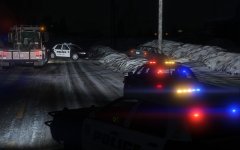
From the album: Screenshot Stuff
© West Valley Designs
-
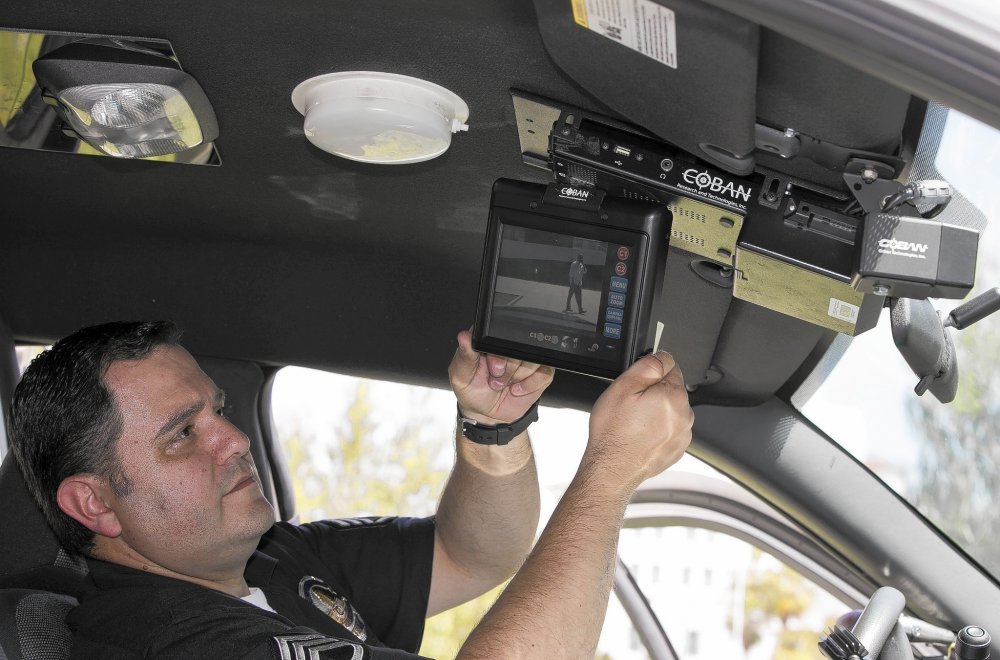
. Well then. I'm actually not a expert on LAPD dash cams.
-
What? But there's a picture attached of one in an LAPD vic.
-
What about one for the vic(s)?