Jack Borne
Members
-
Joined
-
Last visited
Everything posted by Jack Borne
-
-
Follow this link Basically install as you normally would with Aussie Flash Patterns and use one of the corresponding ELS files there for it
-
No but you can use the non els as els
-
 fark mate you plan on releasing any of these models or personal use? They look great by the way keep up the work if they're yours!
 -
 Instructions unclear, nuclear disaster imminent, am sueing
 -
.thumb.png.3544869af0bc256098d3ba0e7a2b74fb.png) Originally didn't think I'd like the all blue all red light scheme but its growing on me. Great model once again!
Originally didn't think I'd like the all blue all red light scheme but its growing on me. Great model once again!- 25 comments
- 8 reviews
-
Looks good
-
Sandy 301 first on scene to a deceased female. Traffic 601, Sandy 650 and Grapeseed 303 on scene at an abandon stolen vehicle. Vehicle was previously pursued but pursuit terminated due to high speeds.
-
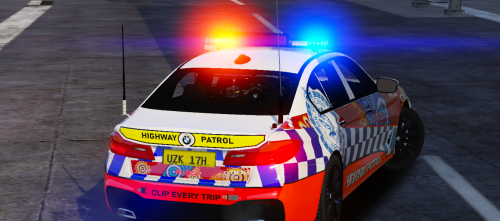 Great model, love it. Only one thing to comment on, the windows. They seem a bit cloudy and the passengers and drivers glass have some weird little marks on them. I've also noticed that if you change the tint it tints the lightbar, unsure if that can be fixed. Besides that, amazing model keep it up!
- 8 comments
- 6 reviews
-
Im assuming you know where its from?
-
Damn thats hot, whered you find that?
-
Fiction or not looks great!
-
HOT love it!
-
Fixed! For all others, future reference; I turned off anti virus, cleared download cache, changed my download to Russia - Moscow, then verified integrity of game cache. Tbh I'm not sure which fixed it as I did it all at once. Thanks for the help
-
I mean I doubt it. But it's telling me my game is up to date.
-
I don't believe that'll work. I do that quite often whenever I'm wiping my mods and I last did that like 4 days ago and it's still on the same thing. @JBin818
-
@DMGReviews c'mon we need some help over here
-
Basically I've had this issue for a while. My game version no longer is supported by Ragehook. My current game version is 1290 but the latest is 1493 and I can't find any way to update it. I have the steam version so it SHOULD be automatically up to date. Usually I'd just go back to a previous Ragehook update but it Ragehook doesn't allow me to download previous versions anymore. Any help?
-
Is it just me or does that lightbar look VERY big?
-
-
Lovin the Sorento's boys!
-
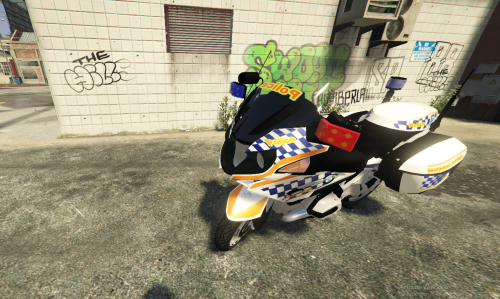 Will you be making those front two lights smaller? Theyre a bit big
 -
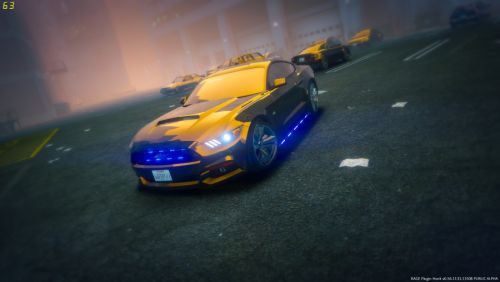 The handling seems to be inverted for me. Any handling lines that you recommend?
- 36 comments
- 8 reviews
-
-

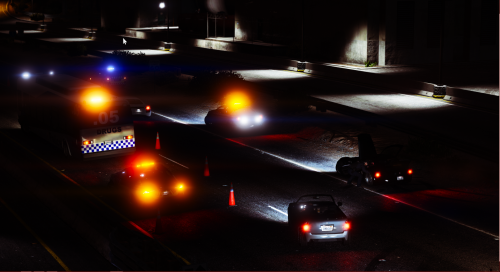

.thumb.png.3544869af0bc256098d3ba0e7a2b74fb.png)
.thumb.png.6f99bb4fad52c9370106155e3469f842.png)