falcon3y
Members
-
Joined
-
Last visited
Everything posted by falcon3y
-
Good luck, sure will be a interesting callout if you get it to work :)
-
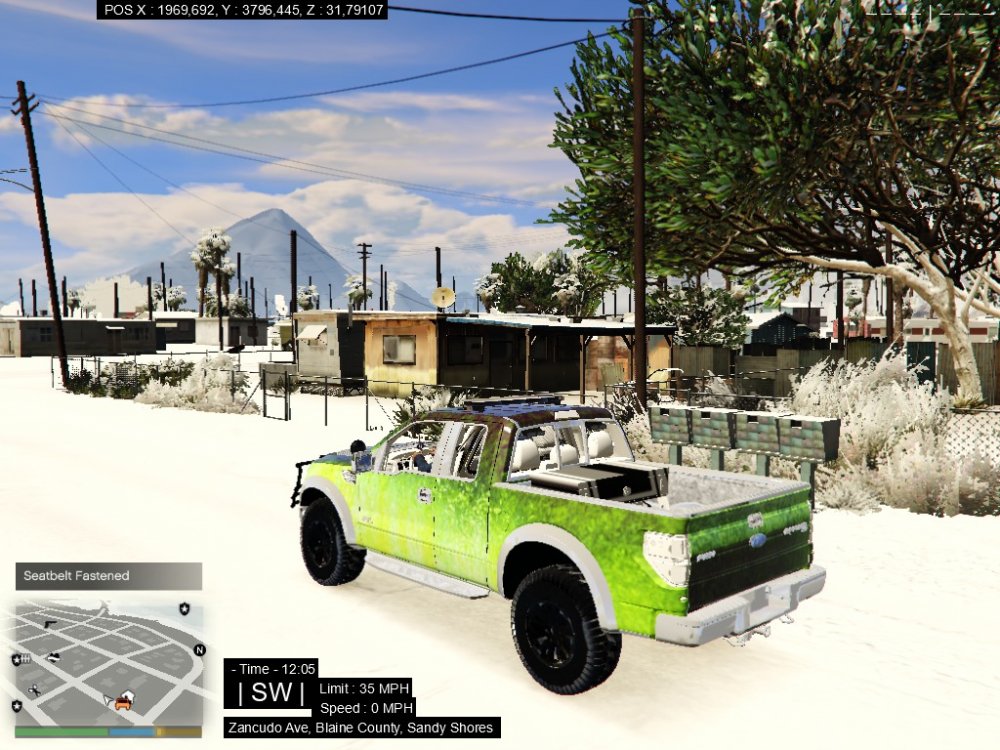
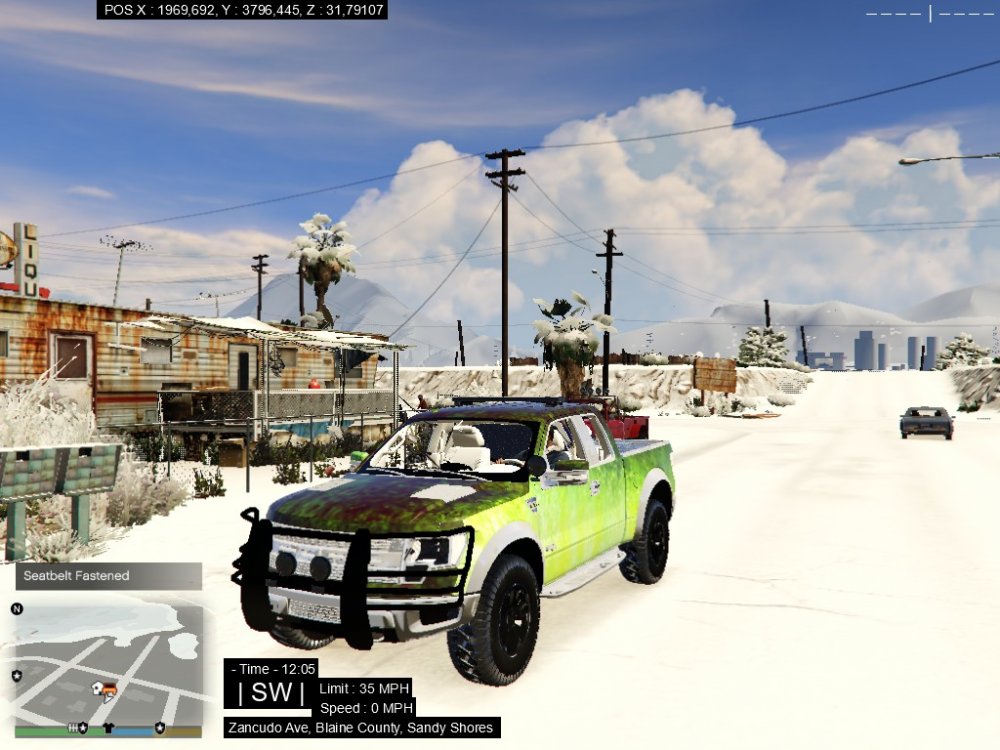
Hello guys, Fantastic community is the first thing i'll say, really great to be a part of this even though i'm not that much active here on the forums and what not. I wanted to make my first post here to ask for help. I downloaded multiple mods for my sheriff2, replacing the SUV. Each mod, that being a Suburban or the Raptor, the skin/template is just not loading, it flickers in green and white, gauges etc is not working but the base model of it is loading, including the wheels etc. I've tried using the search here and on google, so either i'm really bad at searching or there's really not a simple explanation out there to the problem. I made sure to follow the install instructions properly on each mod and every other mod besides the sheriff2 is working properly. Edit: link to mod Attached 2 picture files of the problem.