falcon3y
Members
-
Joined
-
Last visited
Everything posted by falcon3y
-
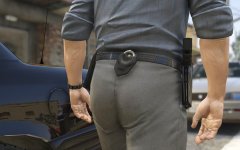 Is this development in progress or is this released yet for EUP? @AlexBraun Edit: Dat ass tho
 -
.thumb.png.ad2d11e154b3e1e5aa94f641dbfc5768.png) Downloaded and added in-game, looks beautiful! Having some issues with police lights not working properly, but that's on my end and on the vehicles, not the textures! :)
Downloaded and added in-game, looks beautiful! Having some issues with police lights not working properly, but that's on my end and on the vehicles, not the textures! :)- 3 comments
- 5 reviews
-
-

- 1
-
-
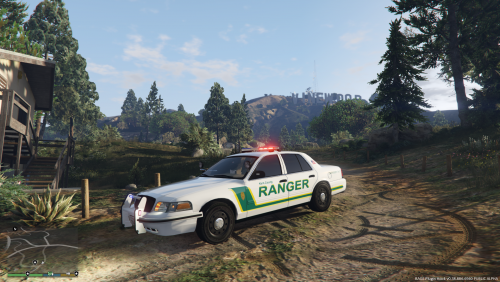 Been looking for a decent ranger skin for a while, this one does the job!
 -
 Yeah; In Windows 10 when using the built in language/speech handler - how to fix the problem when VocalDispatch is "crashing" on load of the plugins once getting in-game do this; Click the windows button and search for speech --- click speech settings --- Region & Language --- Add a language -- choose English (American) -- Click it once and select options --- where it says speech and a download button, click it and it will begin downloading. Once it's done, launch the game and it should work! The reason I think some people are having problems is because Windows doesn't tell you to do this, once you add the language under Speech options, you'd think you have everything installed, however you have to manually download it trough the options once it's set. Btw, no need to use the language as default!
- 587 comments
- 106 reviews
-
Great mod indeed, adds realism and more possibilities to the game, it's also great since I'm using my Xbox Controller, I don't have to reach for my keyboard anymore, just simply push and talk! :D
- 587 comments
- 106 reviews
-
-
A set of pictures taken while clocking some hours on patrol with my low end computer, so sorry in advance for some bad quality pictures, but it's the content that matters, right??
-
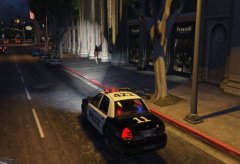 Where ye' gonna go?
-
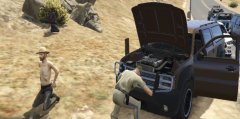 Where's the coke at??
-
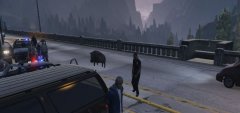 Just a normal day on patrol
-
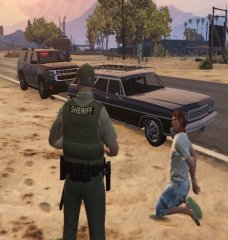 Where's that paddy wagon at?
-
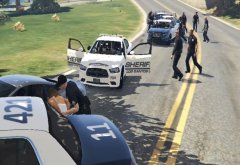 Thanks for the help guys
-
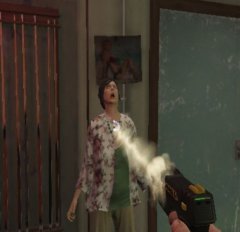 STOP RESISTING
-
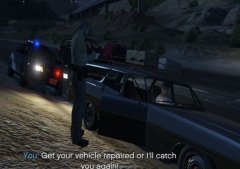 Repair yer' shit, or i'll catch you again.
-
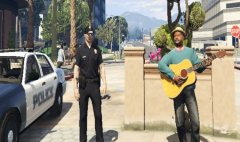 Chillin' with snoop
-
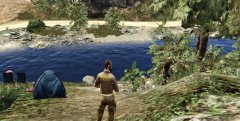 Checkin' up on 'em fishers
-
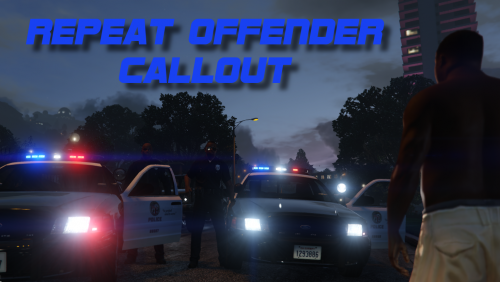
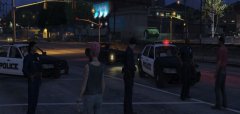 Domestic Violence Callout
-
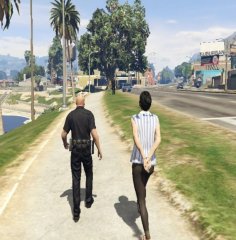 Taking a stroll
-
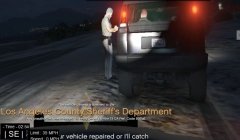 Dashcam
-
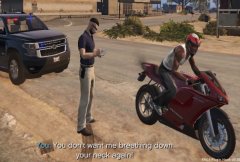 You don't want me breathing down yer' neck
-
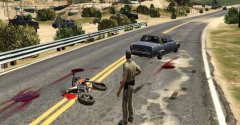 Motor Vehicle Accident
-
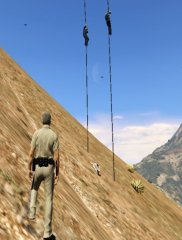 Rescue
-
-
From the album: Sgt. Collins' folder.
-
From the album: Sgt. Collins' folder.
-
From the album: Sgt. Collins' folder.
-
From the album: Sgt. Collins' folder.
-
From the album: Sgt. Collins' folder.
-
From the album: Sgt. Collins' folder.
-
From the album: Sgt. Collins' folder.
-
From the album: Sgt. Collins' folder.
-
From the album: Sgt. Collins' folder.
-
From the album: Sgt. Collins' folder.
-
From the album: Sgt. Collins' folder.
-
-
From the album: Sgt. Collins' folder.
-
From the album: Sgt. Collins' folder.
-
-
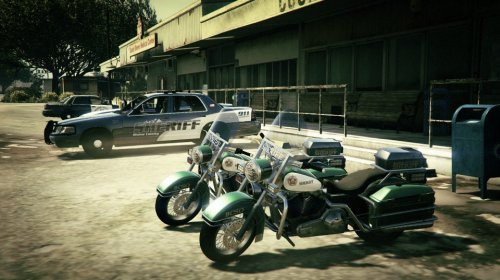 Can you do a HP texture for it? Yours look great, however I tend to rock Highway Patrol instead, especially when doing bike patrols.
- 3 comments
- 1 review
-
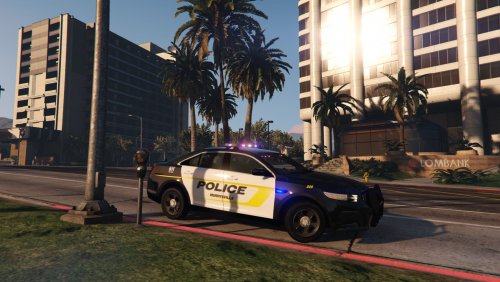 Looked great in-game and was installed flawlessly.
 -
Hey, thanks for the reply. On the top of my head I only remember that I have a I7 in her, but the graphic card is intergraded with the processor due to the size of the computer lmao, so it's not a gaming computer for sure. However, on the lowest settings I run a steady 60fps without drops at all. On another note, I got it to work fantastic. I had huge problems installing vehicle mods/textures before, however after I started adding all vehicle mods into the patchday9ng to overwrite everything "underneath" everything started working perfectly, only problem I have is that some mods have issues with the lights (some lights not working) but I guess that might be my fault since I haven't replaced some vehicle.meta/carvaration files, whatever does are for! Edit: Yes, I've tried having fun with my settings :) That's why It looks a bit shady, it's tuned down so much so I can run steady FPS on a low end computer. To addicted to wait until I get my rig back, so i'm playing on this. @PNWParksFan

.thumb.png.ad2d11e154b3e1e5aa94f641dbfc5768.png)