Skip to content
View in the app

A better way to browse. Learn more.

LCPDFR.com

A full-screen app on your home screen with push notifications, badges and more.

To install this app on iOS and iPadOS
  1. Tap the Share icon in Safari
  2. Scroll the menu and tap Add to Home Screen.
  3. Tap Add in the top-right corner.
To install this app on Android
  1. Tap the 3-dot menu (⋮) in the top-right corner of the browser.
  2. Tap Add to Home screen or Install app.
  3. Confirm by tapping Install.

Screminmemes

Members
  • Joined

  • Last visited

  1. Screminmemes changed their profile photo
  2. I tried going out an in again a couple of times. Still didn't load. It also happened again just now. I was taking screenshots and when I went in to look at the character syncing stuff I found that the menu was incorrect again. Also tried to load it a couple of times again here.
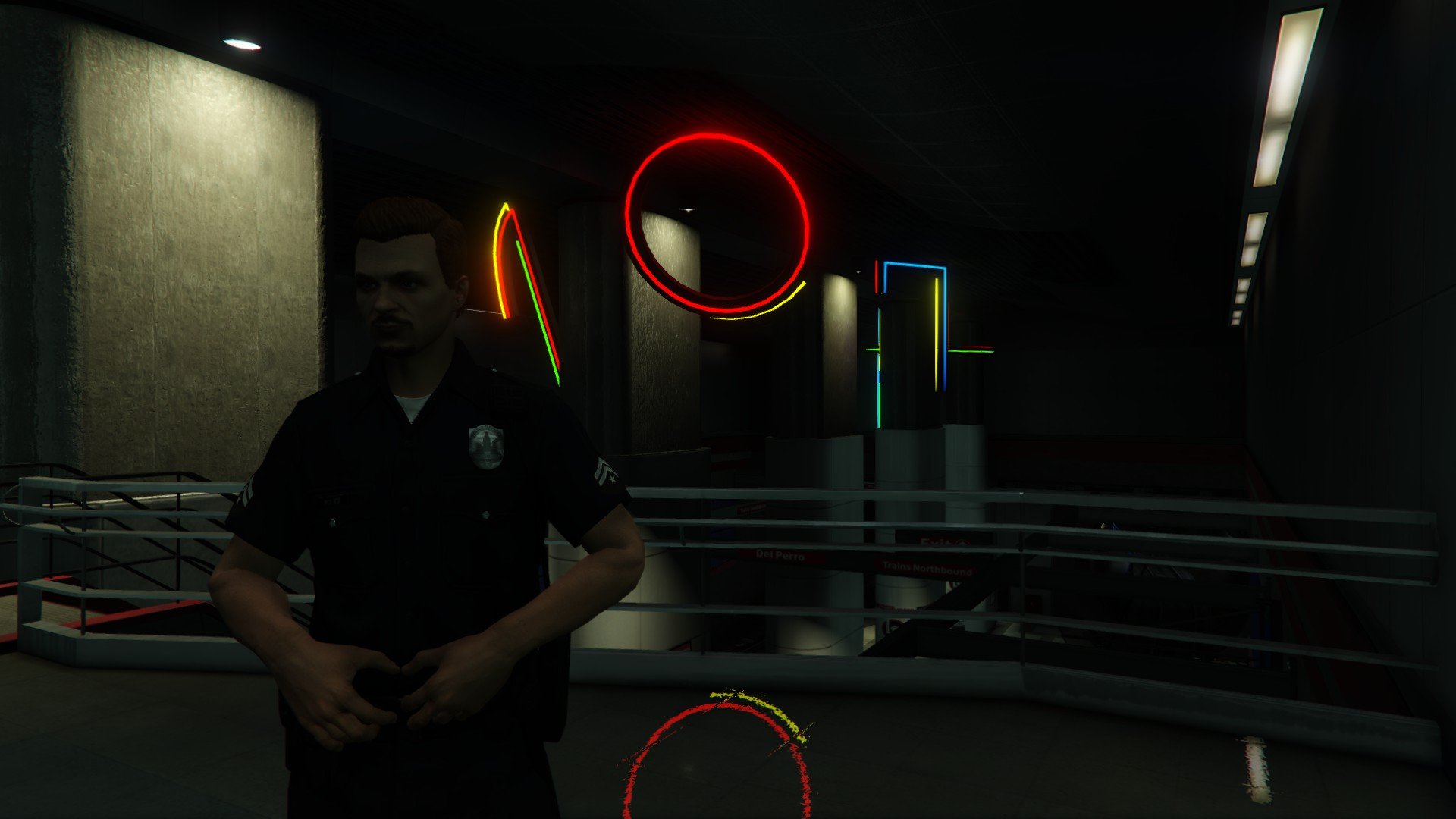
  3. I noticed a problem when I went to play today (worked fine yesterday.) The only changes I made were to lower the callouts multiplier to 125 and to sync with LSPDFR.com. When I went to play I noticed that I couldn't enter the police station (not sure which one - the one which is chosen when you teleport to nearest station from the apartment.) After teleporting I not only couldn't enter the police station (even though it said "Press E to enter station) but the LSPDFR menu in the main menu had the incorrect options (from vanilla game.) See screenshot (you can tell I am in LSPDFR because the officer picture and name reflects it.) Trying to load LSPDFR again from F4 menu said it was already running.
  4. Images added to a gallery album owned by Screminmemes in GTA V Galleries
  5. Well I finally got OpenIV and RPH to work together somehow. This mod works when installed in mods folder but not when installed to games folders.
  6. As I said if I use mods folder nothing shows up when using RPH. Unless I launch from OpenIV it doesn't load the mods.
  7. I don't think so. I have had vehicle mods in the past that stayed when using the game directory (the Penske truck, etc.) And when I run the game and go back to dig around in Open IV again the modified files are still there.
  8. I don't use a mods folder... no matter what I tried to do the mods would not show up unless I ran the game from Open IV, which meant bypassing RPH, which meant no LSPDFR. I install directly to the game directory (it's an option with the EUP installer.) I don't play multiplayer so it doesn't bother me to have the mods on my game files. If something breaks I just delete the file and verify again to download it.
  9. I've tried everything posted her to get it to recognize that I have the Emergency Uniform Pack installed but it won't recognize it. I spent about 3 hours this morning trying to get this to work. I've reinstalled using the installer 3 times as well as trying it manually (it appears that the installer is not moving the dlc folder any of the times I tried - it also doesn't move the EUP banner file either ) I've included screenshots of my dlclist.rpf, plugins folder, OpenIV shots to show the file paths, and a screenshot of what I get in the game every single time. Is there something missing from my install?
  10. The 8GB RAM, while not useful now, will be as games progress to use more VRAM. And the 390X goes toe to toe with the GTX 970 pretty well, even beating it in some situations on some games - for less money. Honestly, I am playing GTA V on max everything at 1080p and still getting smooth frame rates. Not sure the exact FPS because I haven't had my overlay up yet as I just got the game last night, but I will check it out when I get home from work.
  11. Finally got it built and up and running. Final build here: http://pcpartpicker.com/p/4t7YVn
  12. Ok... I lied, I am up to $1,400 now. Might as well go balls out.
  13.    coastiestevie reacted to a post in a topic: LSPDFR 0.3 - Now Released
  14. So you just tasered him for no reason? I'm all in for roleplaying and everything but don't you think you got a little too realistic there? :)
  15.    Boshy reacted to a post in a topic: This mod is going to cost me $1200
  16. With the exception of playing NCAA '07 on the 360 at work I never play consoles. Last time I bought one was a Gamecube (ugh) and I pawned that 2 months later lol. Haven't had anything to game on since selling my last PC a couple years ago. Except the computer I built for my mom... but it pretty much runs L4D2 and Mount and Blade Warband (Last Days of the Third Age mod.) Not much else I can throw at it.
  17.    LeGeorgettier reacted to a post in a topic: This mod is going to cost me $1200
  18. http://pcpartpicker.com/p/7GsT23 so far... still got a couple things that aren't included on that list to buy... and also probably going for a $400 budget on video card
  19.    skillsforilz reacted to a post in a topic: This mod is going to cost me $1200
  20.    alexis75 reacted to a post in a topic: This mod is going to cost me $1200
  21.    GlitchGamer reacted to a post in a topic: This mod is going to cost me $1200
  22. Or maybe they can buy the True Crime series and make it not suck. :)

Account

Navigation

Search

Search

Configure browser push notifications

Chrome (Android)
  1. Tap the lock icon next to the address bar.
  2. Tap Permissions → Notifications.
  3. Adjust your preference.
Chrome (Desktop)
  1. Click the padlock icon in the address bar.
  2. Select Site settings.
  3. Find Notifications and adjust your preference.