



CMan3144
Members
-
Joined
-
Last visited
Everything posted by CMan3144
-
 Let me guess... Gang unit?
 -
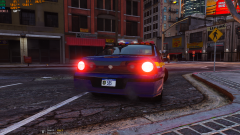 One of my favorite vehicles just for the tail lights.
 -
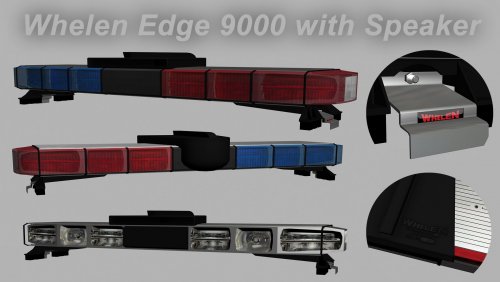 Great model but I'm having one problem, the glass doesn't appear to be transparent in Zmodeler or in game.
 -
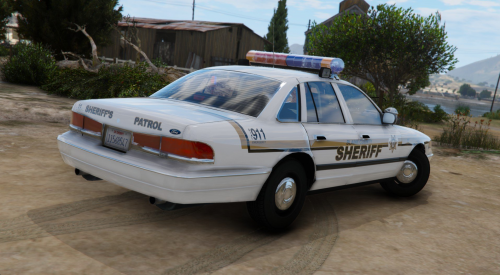 What happened to Lundy's files?
 -
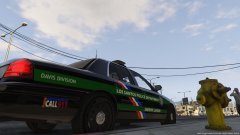 Thanks for the input. These are the first skins I've done for a Grand Theft Auto games. I started with a simple design for a, I guess, proof of concept. But then I decided just to keep the look going so now I have this. But personally, I think for a beginner skin it's pretty good. The lines are even around the vehicle and it all matches up pretty well.
 -
These are some skins for the LSPD I am currently creating. I am attempting to have a livery for every police station in Los Santos.
-
From the album: Los Santos Police Department Skins [WIP]
I do realize I misspelled liaison. This is an early version. -
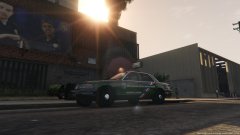
From the album: Los Santos Police Department Skins [WIP]
Due to the fact he Davis station in LS is technically a Sheriff's station I made a Liaison skin. I do realize I misspelled liaison on the car. This is an early version. -
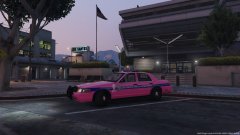
From the album: Los Santos Police Department Skins [WIP]
This is the Mission Row Breast Cancer Awareness livery I made. -
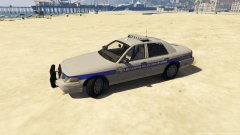
From the album: Los Santos Police Department Skins [WIP]
This is the LSPD Vaspicco Division livery. It has a grey color, unlike the common black units, fairly similar to the supervisor white. -
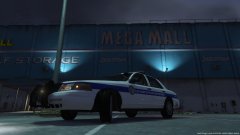
From the album: Los Santos Police Department Skins [WIP]
The LSPD Supervisor vehicle. Noticeable because it is an all white livery. T -
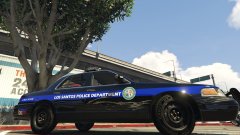
From the album: Los Santos Police Department Skins [WIP]
The first attempt at the La Mesa Division livery. I have since updated this livery. I have since updated this livery. -
 I have been using Custom Backup (3.3) for over a day now. I found it perfect for my needs. I am creating a entirely custom police department as in skins done by myself. With the help of this script I am able to set certain spawn locations for each vehicle/livery/etc and even customize them including modded wheels and components. This mod is perfect and fairly simple to use. It however does take some getting use to. I found one thing the problem, I personally would like to remove all the default backup requests due to the fact that they can't be customized from what I can find. If anyone knows how to I'd be more than happy to remove this from my review.
- 378 comments
- 23 reviews
-
Hey I am currently creating custom skins for each area within San Andreas and I am using this mod for my vehicles. I've gotten everything to work except mod tires. Could I possibly get an example of the use of the mod tires if I wanted Muscle category wheel 2 for the car? Literally can't figure it out all day and right after I post this I figure it out.
- 378 comments
- 23 reviews
-
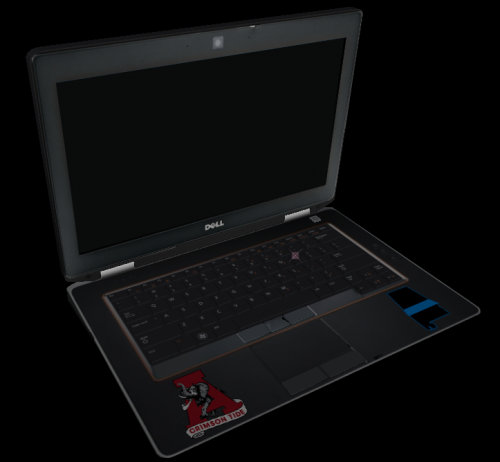 Roll Tide
 -
Thankfully the vehicle mods still work.... oh wait... All your going to see is a bunch of taxi's because there isn't a working traffic flow script..
-
-
-
Looks awesome, now I can't really say if its realistic or not but it does look good.



