911JDM
Members
-
Joined
-
Last visited
Everything posted by 911JDM
-
I recently upgraded to LSPDFR 0.4.8 and I have noticed that my traffic stops aren't working and I also can't accept callouts. I have checked my keybindings and all are ok. Is this a known bug?
-
-
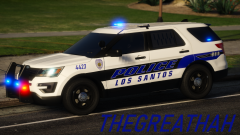 Awesome!
 -
 Is there any way to have more than two types of emergency services respond in the game? Right now, I can only have types fire and hospital respond to calls. I would like to add a third emergency service to respond with an area, in addition to the other two types. I apologize if this has already been asked and answered.
- 783 comments
- 86 reviews
-
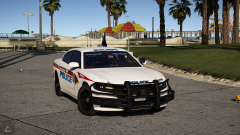 Sharp!!
 -
Do you still need help with this? I can try to assist if you do.
-
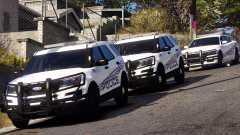 Please release!!
 -
-
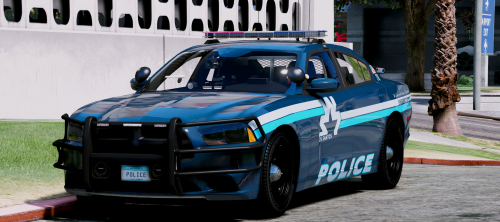 I love this pack! This is likely my most favored lightbar and pattern! Good work!
- 32 comments
- 35 reviews
-
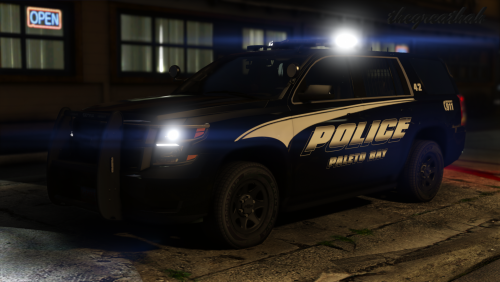 This is still my favorite Tahoe out there!!! I would love to see more models to accompany it! Great work!
- 23 comments
- 16 reviews
-
-
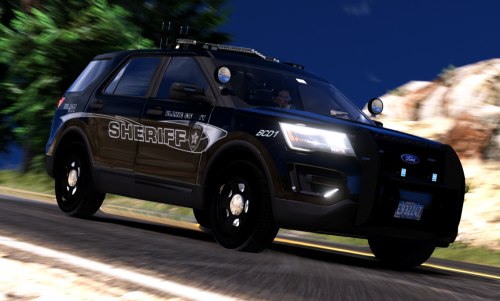 Is there anything I can do about the white door handle on the driver side of the vehicle?
- 50 comments
- 27 reviews
-
-
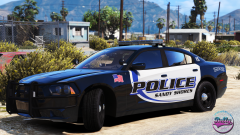 Sharp!!! I am loving these skins! Very talented!
 -