


Sizzlenuts
Members
-
Joined
-
Last visited
Everything posted by Sizzlenuts
-
-
It's been a while since I've installed cars since I took a break. I remember when you install a new police model sometimes you get a flickering issue. After installing 2 seperate ELS cars in the police2 slot I'm noticing when I turn the ELS lights on I get two small circular lights on the go rhino wraparound that shouldn't be there, they flicker in and out when the ELS lights are on. I can't remember if it's a vehicles.meta fix, carvariations.meta, or vehiclemods or something. Any help in this issue would be great thanks! EDIT: Nevermind I fixed it, apparently I had a police2 model in one of my patchday folders, conflicting with the original files!
-
 You're a real dick, you have the nerve to put this pack out when my therapist told me to stop playing LSPDFR, shame on you....
- 964 comments
- 158 reviews
-
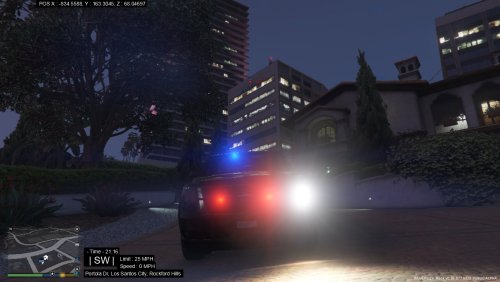 Not a bad effort! Dude dude dude....where can I buy one of those custom Los Santos skinned radios, that looks sick. Did you get that from Los Santos Customs?..please respond.
- 6 comments
- 8 reviews
-
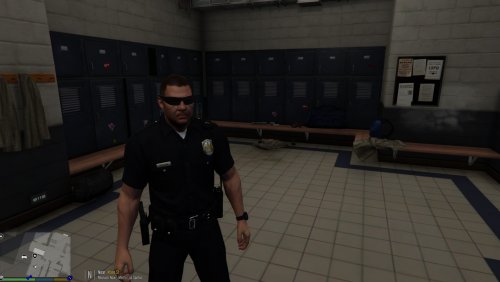 Finally! No more cancer patients as co-workers! Kidding of course, nice job!
- 11 comments
- 5 reviews
-
-

- 2
-
-
 Awesome mod, love using the different outfits to add some variety to LSPDFR. By the way Alex do you have the phone number of the female bike cop in your screenshots?
- 2,349 comments
- 237 reviews
-
-
- 1
-
-
 Cool mod, enjoyed it immensely. You should add sign language support though because sometimes I'm eating a burrito and don't have time in between bites to actually ask dispatch for backup...just sayin....
- 587 comments
- 106 reviews
-
-
- 21
-
-
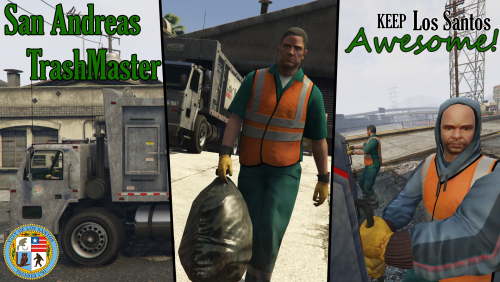 This mod is trash, literally. Love it! My parents have never been more proud. Thanks Alex, my life finally has meaning.
- 35 comments
- 14 reviews
-
-
- 2
-
-
Wow thanks Alex! I was having all kinds of issues with EUP before, that seemed to resolve all of them!
- 2,349 comments
- 237 reviews
-
-
- 4
-
-
 Were you getting memory crashes to desktop or just random crashes? I seem to be getting the memory error embeddeddalloc 4 error now and I'm not blaming this script I'm just at a loss for what could be causing it as it was fine in the past. Edit: Just played for a solid 2 hours with no memory crashes after removing safer chases. Disappointing as I'd like to keep using it :/
- 176 comments
- 46 reviews
-
 Thanks for the reply @Lt.Caine just wanted to make sure it wasn't something I was doing wrong. Very clean looking mod, love it regardless and looking forward to future updates. Thanks!
- 221 comments
- 57 reviews
-
The layout is nice and I'm enjoying it! I saw someone asked earlier about your previous version if it uses the language files so you can keep your modified texts to match realistic LA and I have the same question about the new version. I changed the global.gxt2s in their respective places but it seems to be still pulling Los Santos details. If you can reassure me your mod is pulling the language files I will go back and be sure I replaced them in their correct locations, thanks!!
- 221 comments
- 57 reviews
-
-
 Damn bruh, youtube works fast, copyrighted that shit so fast even you didn't see it coming.
- 43 comments
- 9 reviews
-
-
- 1
-
-
 I was getting the SaveLEJS error when I was accidentally not naming my saved locations so I'm not sure why it's automatically producing that perhaps Albo or Nutt will but as far as why it's giving you that Exception message: Year, Month, and Day parameters describe an un-representable DateTime. [1/25/2016 2:37:05 PM.034] Law Enforcement Jurisdiction Script: ------------------------------ [1/25/2016 2:37:05 PM.034] Law Enforcement Jurisdiction Script: Inner exceptions: [1/25/2016 2:37:05 PM.034] Law Enforcement Jurisdiction Script: ------------------------------ [1/25/2016 2:37:05 PM.035] Law Enforcement Jurisdiction Script: Stack trace: [1/25/2016 2:37:05 PM.035] Law Enforcement Jurisdiction Script: at System.DateTime.DateToTicks(Int32 year, Int32 month, Int32 day) [1/25/2016 2:37:05 PM.035] at Rage.World.get_DateTime() error try using a trainer to skip ahead 30 days instead of reloading all plugins and see if it ends up working any better.
- 270 comments
- 19 reviews
-
-
- 1
-
-
It's a crash caused by a custom timecycle(most visual enhancement downloads) which RPH is reading the month as 0, so by using the below solution temporarily that should allow you to load it without it crashing. See : Also for the SaveLEJSLocationinfo issue make sure when you use this command in RPH you use this format(without quotes) "SaveLEJSLocationinfo LABEL" where "LABEL" is whatever you want it to be, if you're in Paleto Bay when you want to save your info naturally you would make it "SaveLEJSLocationinfo PaletoBay"
- 270 comments
- 19 reviews
-
-
- 1
-
-
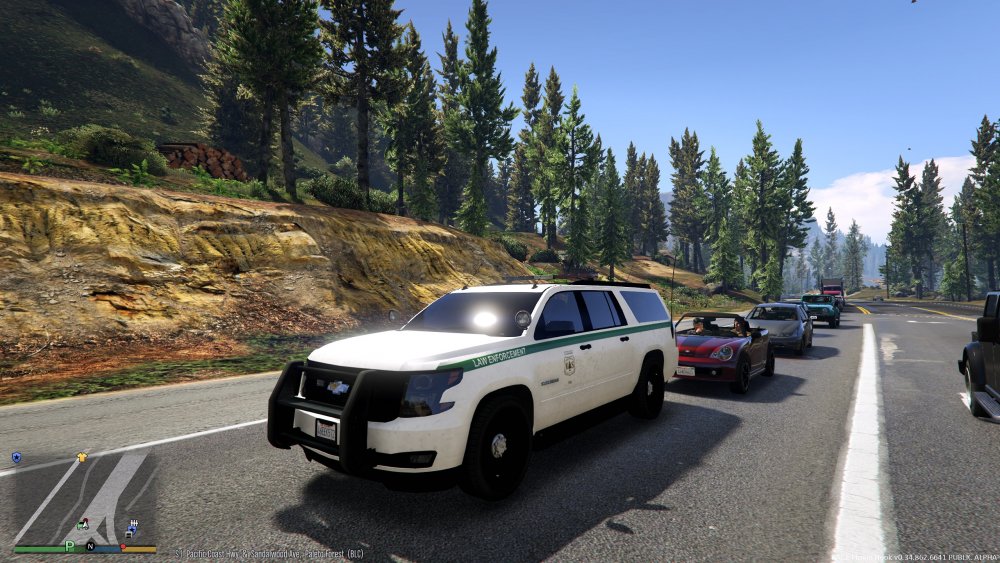
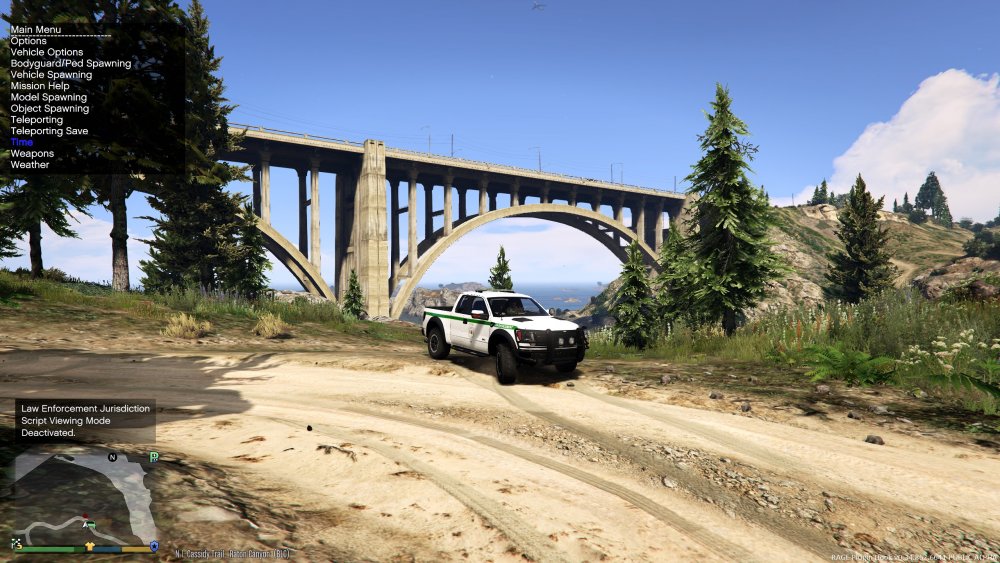
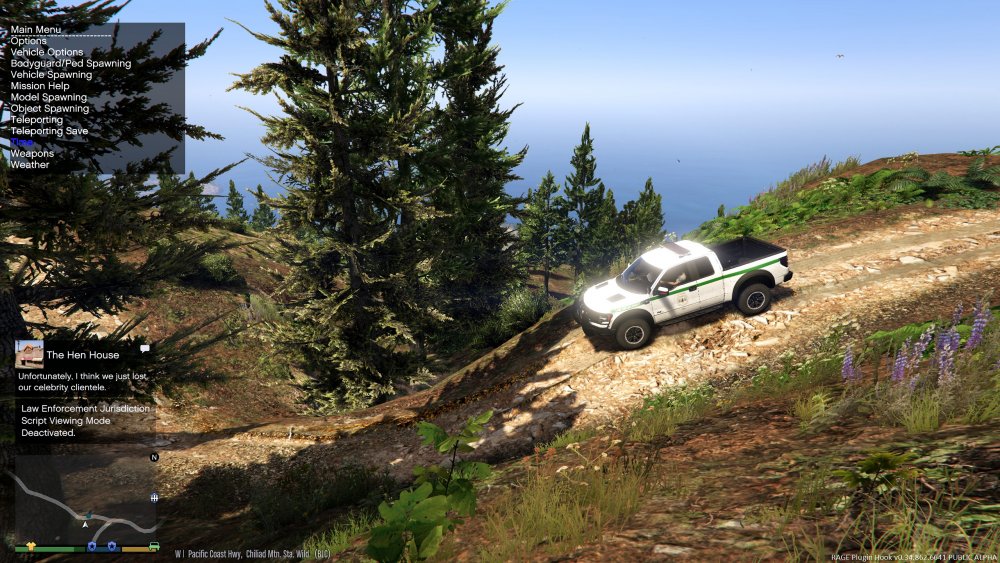
Some US Park Service coordinates for Mt Chiliad and Paleto Forest. All are patrolling for now, will maybe update later. Truck is the Ford Raptor by martinct and the skin is made by PNWParksFan Granger is the unmarked Suburban by POLICESCO and the skin is also by PNWParksFan US Park Service Skins
-
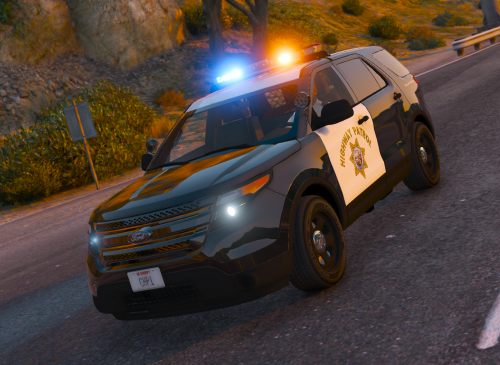 Thanks for this Mercenary, well done skins.
 -
I have the same issue, for the time being native trainer can be a work around, just skip ahead about 30 days so it's month 1 and not month 0 according to RPH.
- 270 comments
- 19 reviews
-
-
- 2
-
-
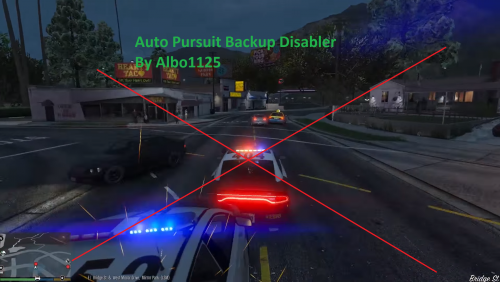 Albo, mate do you ever sleep...you're relentless. Keep up the good work though we all appreciate it!
- 57 comments
- 15 reviews
-
-
- 3
-
-
 I just have a question before I try this mod out, it looks fantastic but is it going to overwrite any of my LAPD vehicles and peds that I've installed with LSPD vehicles and peds? I've spent a substantial amount of time modding my game to be as realistic to LA as possible and I'd rather not lose all that work. I'm hoping I can still use this mod and keep my textures!
- 1,522 comments
- 85 reviews
-
-
 Be sure you changed the police3 model in the most recent update folder that police3 may be in, go to OpenIV, Tools --> Search --> then search for police3.ytd and make sure the one you replaced on that list of results is the newest patch otherwise it'll still be loading the most recent police3 model that you may have not overwritten yet.
- 563 comments
- 116 reviews
-
-
- 2
-
-
 About the petty theft gas station loading screen... I was experiencing the same issue when I received the petrol theft callout where it would endlessly load during the CCTV footage scene. I was getting the " System.ArgumentOutOfRangeException: Year, Month, and Day parameters describe an un-representable DateTime. " Error in my log so after looking at the forums I found on another thread that someone said: "If Rage Hook has a way to set in-game date and time, do you think that might fix it? I'm going to go try it real quick before starting a new game. Edit: Think I found the problem. When going back in time with the Enhanced Native Trainer, it tells you the date if you switch days. Mine said 'It is now 27.00.2014'. And obviously, there isn't a zeroth month. Edit 2: Yep, it works. After skipping days until the month said 01, the police computer works." So as soon as I went on patrol, I forwarded the date ahead a few days then forced the petrol theft callout and the CCTV footage worked flawlessly. Just wanted to share this info if you haven't already figured it out Albo (which I'm going to assume you did).
- 1,081 comments
- 166 reviews
-
-
- 2
-
-
 No worries mate, I think your Stealth.Common.dll in your GTA root folder is outdated (1.2.0.0) Pretty sure Stealth mentioned if you have callouts 3 and Traffic Control that you need to update your Stealth.Common.dll file to his newest version (1.3.0.0). Here you can see in red that he says you have to update your dll file if you have callouts 3. So go here to Callouts 3 and download his newest version of that mod (0.4.0) and copy the Stealth.Common.dll from that mod into your GTA V directory and overwrite your old dll. Let me know how that goes. Cheers.
- 1,915 comments
- 242 reviews
-
-
- 1
-




.thumb.PNG.af07c1ba4e56e747e420ef5393b352d0.PNG)
