Sizzlenuts
Members
-
Joined
-
Last visited
Everything posted by Sizzlenuts
-
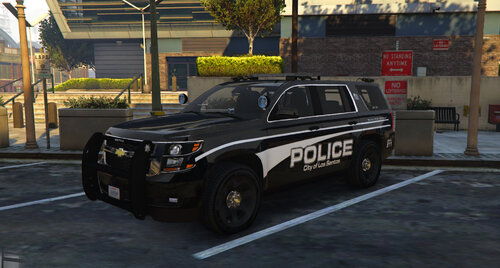 Fixed.
 -
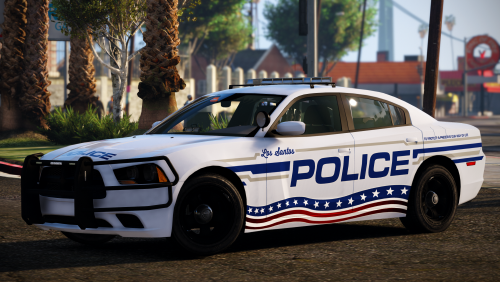 Not sure if you noticed yet or not but seems like on the Hobart-Lawrence, WI FPIU up there it says says "State of Wisconsin" inside the middle of the police badge, other than that the skins look great.
- 16 comments
- 13 reviews
-
Sorry bud not sure what the reason is but I'm pretty sure it's more than likely on your end.
-
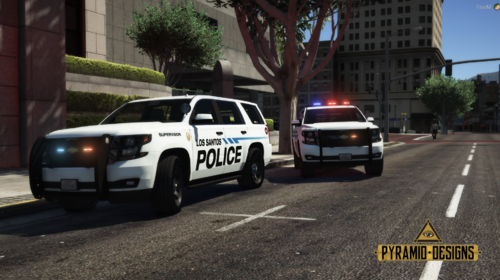 Looks good bud, nice work!
 -
They seem to work fine for me, you sure the files are installed in the right locations?
-
What do you mean they won’t click on? Sorry not sure what the issue issue. You mean they’re coming off during impact? Or you can get them to spawn on the vehicle through a trainer? It seemed to be working fine when I tested it out.
-
Lol, yeah it’s a pretty popular mod these days.
-
Hello friends. This is my first model, been using it for our FiveM server but decided to release it for the public. Hope you all enjoy it. Please be gentle. Thanks to @DJCave for the skin. Features: Working Analog/Digital Speedometers! Optional Slicktop HQ Interior Takedown Lights Breakable Glass Extras: Extra 1: Federal Signal Integrity Lightbar (Removed for slicktop) Extra 2: Setina Partition Extra 3: ALPR Cameras Extra 4: Setina Rambar Extra 5: Watchguard 4RE Camera Extra 6: Passenger Spotlight Installation (Single Player): Place the vehicle files to your mods\update\x64\dlcpacks\mpchristmas2018\dlc.rpf\x64\levels\gta5\vehicles\mpchristmas2018.rpf DRAG AND DROP my files into their respective locations: vehicles.meta ----> mods\update\x64\dlcpacks\mpchristmas2018\dlc.rpf\common\data\levels\gta5 carvariations.meta ---> mods\update\x64\dlcpacks\mpchristmas2018\dlc.rpf\common\data carcols.meta ----> mods\update\x64\dlcpacks\mpchristmas2018\dlc.rpf\common\data handling.meta ----> mods\update\x64\dlcpacks\mpchristmas2018\dlc.rpf\common\data Spawn with any trainer using "tahoe" as the model name. *NOTE* TO AVOID CRASHING WHEN SPAWNING, IF YOU AREN'T USING MY HANDLING FILE ABOVE THEN BE SURE TO CHANGE "<handlingId>tahoe</handlingId>" TO SOMETHING LIKE "<handlingId>GRANGER</handlingId>" IN THE VEHICLES.META FILE (mods\update\x64\dlcpacks\mpchristmas2018\dlc.rpf\common\data\levels\gta5) OR SOME OTHER SIMILAR IN GAME VEHICLE. Disclaimer: Please do not redistribute and/or reupload this pack to any website or any other sources without explicit written permission of myself. FiveM use is allowed with permission as well.
-
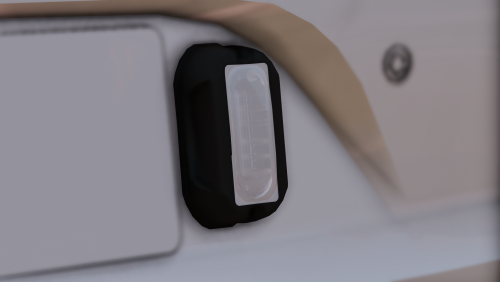 Making an ELS part non-ELS is literally a joke. You don't deserve this part if you don't know how to convert it.
 -
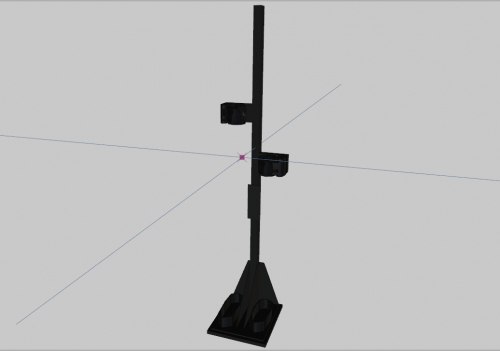 Finally somewhere to store my peacemaker in between mowing down criminals. Thanks!
 -
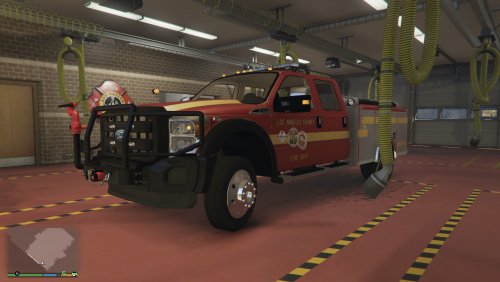 Is Radiance required for this model? Seems like using it without Radiance causes the lights to be pretty dull and void of coronas for 90% of the lights. Editing carcols seems to make no difference in bringing out the coronas as well. Just curious if I need Radiance for this model, I can't seem to replicate the look of the lights in your video without it.
- 39 comments
- 11 reviews
-
-
 @Thehurk Beautiful model, if this has already been mentioned I apologize, didn't have time to read all 177 comments. I noticed when you do a wheelie that between the wheel and the bike frame it's invisible and there's no actual front shock steering stem showing. Love it otherwise though, thanks for all your hard work m8.
- 218 comments
- 42 reviews
-
 It has to do with the dirt mapping not being lined up properly with the model in zmodeler sadly. I've already tried to mess with the textures in an attempt to work around it but without editing the UV mapping it's a lost cause. Shame too because it's a near perfect model. I'll probably just make the dirt mapping transparent so it never shows for now or I'll go hang myself, one of the two.
- 779 comments
- 187 reviews
-
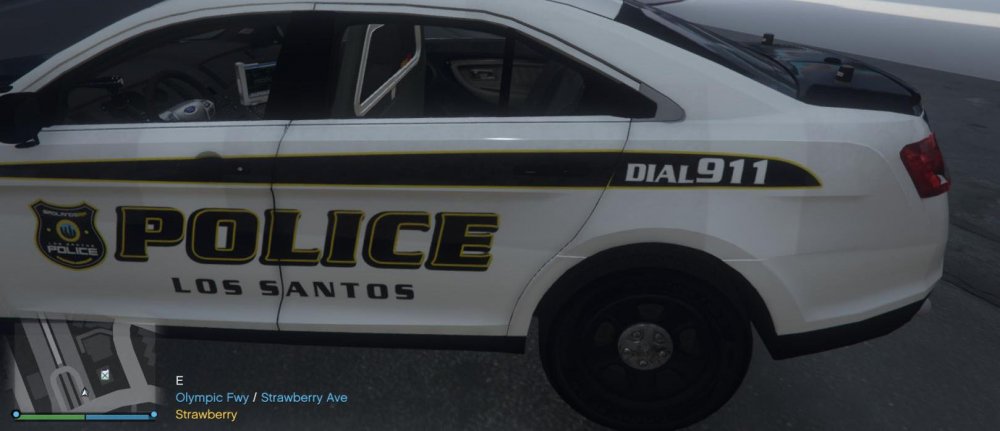
So the dirt mapping on the FPIS and the charger seem to not be aligned and I know the model is locked. Any chance we could get that dirt mapping fixed? They're beautiful cars and they look awful with this issue in the dirt :(
- 779 comments
- 187 reviews
-
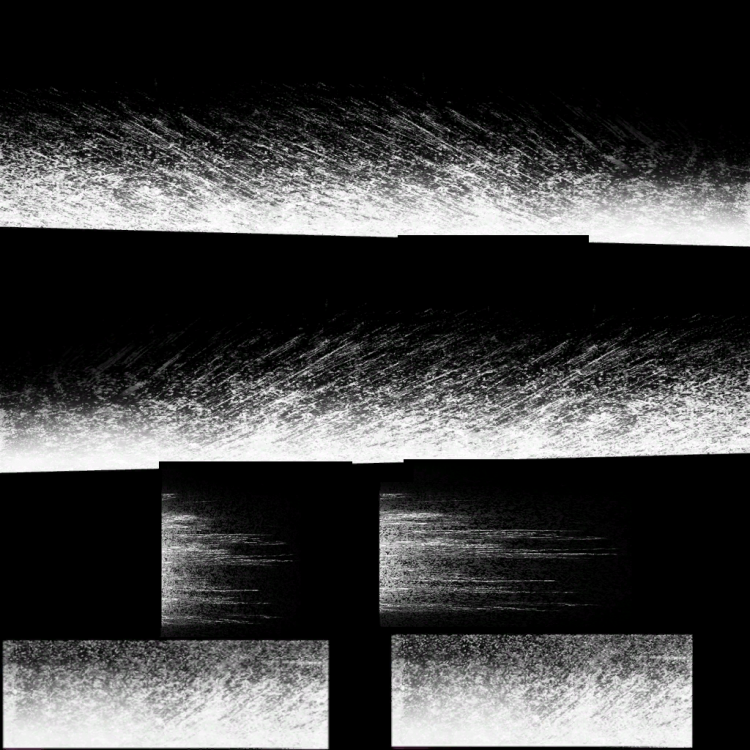
I'm using Captain14's LSPD pack that contains a charger and a FPIS. Both of them have dirt map issues where in the snow it's clear the model wasn't positioned correctly in UV #2 in zmodeler. Unfortunately the model is locked so there's no way of changing that. My question is is there any way that I can change the dirt texture file (tau_dirt.dds) so that it will line up correctly with how he mapped the model pieces in UV #2 (the dirt map). Or does anyone have any suggestions on how I can see the dirt mapping without having to launch GTA and drive around for 30 mins until it gets dirty enough for me to see any changes I made.
-
It was an unlocked model I had downloaded from here that was about 50% completed. I figured it out by basically just adding sirens in each headlight since I couldn't get the actual headlights themselves to flash with the sirens. Thanks for the response though Candice.
-
I’m currently working on an unlocked police raptor police vehicle. The headlights work fine but for whatever reason when the sirens are activated the headlights go dark and dull and don’t wig wag or blink at all. There’s no corona no nothing coming out of the light. The tail lights do wig wag though for some reason. The carcols for this vehicle had 0’s for the sequencers value but after putting proper sequencers in there it seemed to make no difference. This is a non ELS vehicle as well. Any insight into why the lights won’t flash or wig wag would be greatly appreciated!
-
I had scroll lock on before I entered game and didn't see that red alert on the bottom right. Thanks bud!
-
-
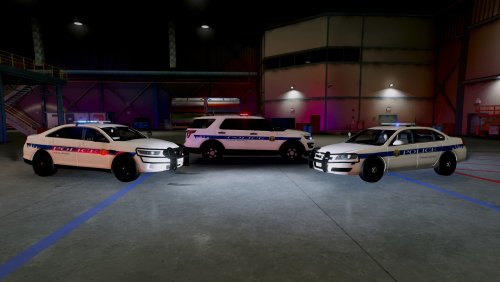 Aw shiiiiiiiiiiiiiiit....I live bout 30 miles from Frederick and your boy can attest to the accuracy of these textures, well done mamikeb!
- 4 comments
- 3 reviews
-
 Not sure if I was supposed to or not...but I lol'd. Maybe it's because I had a gay college professor who said this was his favorite song...maybe that's why...
- 7 comments
- 2 reviews
-
-
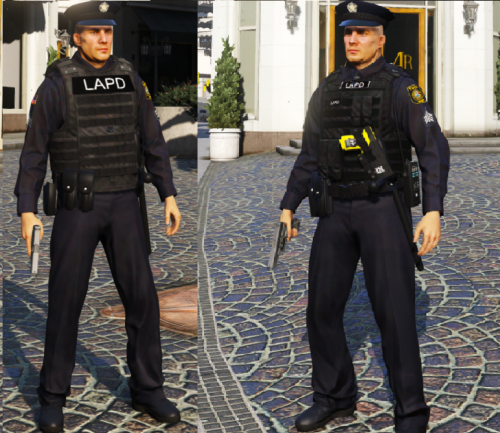 This is great because when I'm beating the ever loving shit out of a criminal I want him to know full well what jurisdiction I belong to. The L-A-P-D. Well done PIM!
- 2 comments
- 2 reviews
-
-

- 1
-
-
Thanks m8, shit was annoying as hell.