



.png.e5ce2ac32b562f6703fbf991fcaf0a0c.png)
Dragonzuke
Members
-
Joined
-
Last visited
Everything posted by Dragonzuke
-
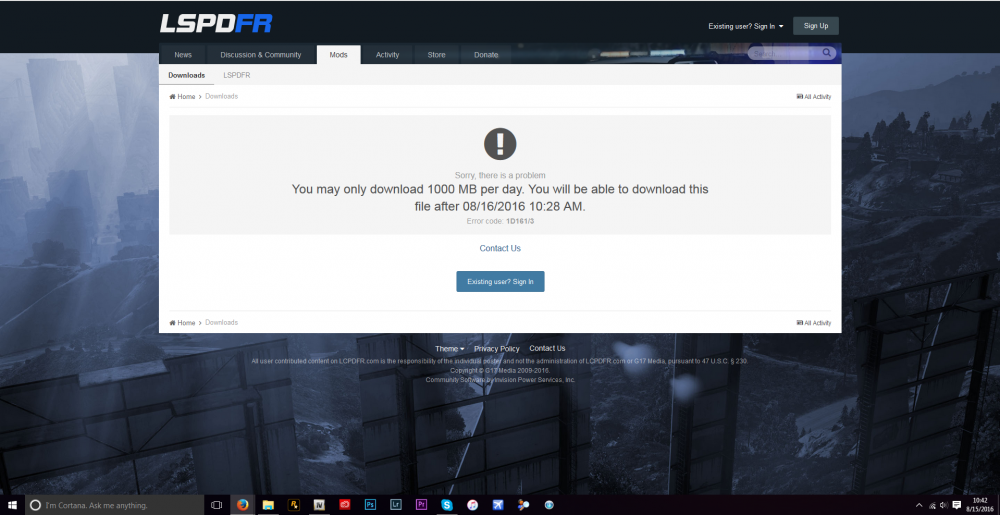
I just downloaded some new cars for my game, then I go to download a skin pack for the cars, and this message pops up. I have never seen this before, so was this recently added onto the site?
-
Did you try and use the Very Bright one? If not, then try that and see if it works.
-
Make sure you installed it correctly. If you just dragged the visualsettings.dat into OpenIV (or whatever you use) from the ZIP file, then try doing it from your desktop. I know from experience that OpenIV doesn't like to accept files from zip's. If that doesn't work, then try and use either the Bright or the Very Bright option (Use whichever one you didn't use before)
-
Did you follow the install instructions in Radiance V and either: 1) Put your Post FX on high or above or 2) Replaced the settings.xml file in "C:/User/(YOUR NAME)/Documents/Rockstar Gams/GTA V" You need to do one of these two in order for Radiance V to work. Hope I helped! - Zuke
-
Hello everyone! I am currently looking to make some skin packs for patrol cars, and I was wondering what the community would like to see because I have seen a lot of BSCO and LSPD skins going around, so I would like to change things up a little bit. If you have any suggestions for the skins, please leave them in the comments. Thanks! - Dragonzuke
-
I figured out the problem. It was because my XBox controller was connected while it was loading up. I don't know why, it was doing that. But thanks for the help!
-
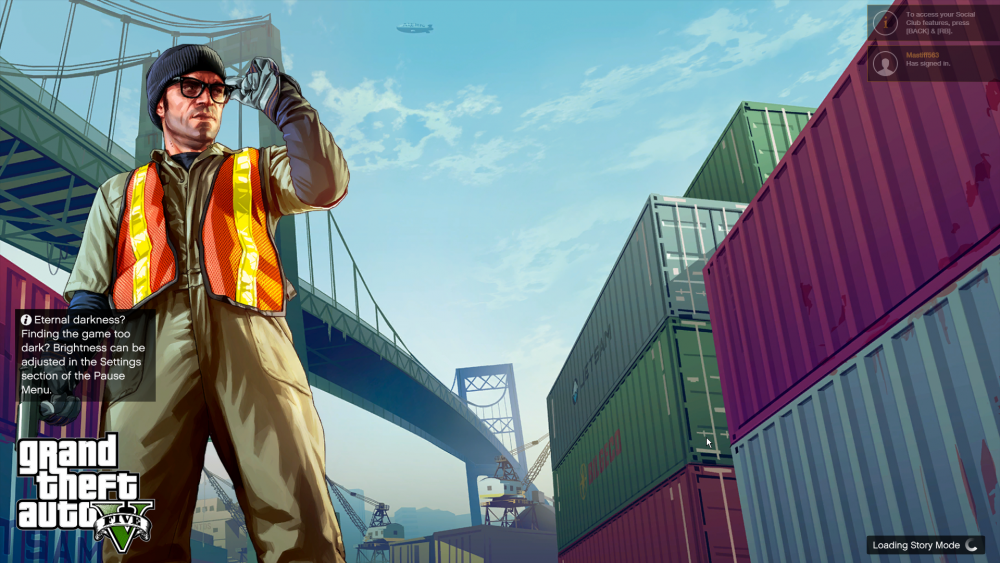
Hello everyone, I am having this problem where my GTA V isn't loading up. Every time I try and launch it up, it gets stuck at this screen. I am launching it through Steam, and I am connected to the internet. Any help is appreciated!
-
-
-
-
-
-
Sorry for the late reply. Currently, my vehicles.meta for police2 looks like this: http://prntscr.com/a2z0dx which is the interior that the bullet uses.
-
Hello LSPDFR Community, Today, I have started making my own police models, but I have a problem. Whenever I launch up the game, the Police2 car spawns in fine (Which is my modded bullet), but it has a white interior. ZModeler: http://prntscr.com/a2q4iu - Interior shows up fine In-Game: http://prntscr.com/a2q5jc - Interior is white Thanks!
-
I will try this out now. And what exactly do I need to edit in the file (since I am new to this)
-
I have just started to make skins for cars today, and I was wondering if there was a way to add in another livery onto the car. Right now, I am currently making skins for 2011 Dodge Charger any help would be appreciated! Thanks!
.png.e5ce2ac32b562f6703fbf991fcaf0a0c.thumb.png.7cde5359be93db47dbe247a68c62c2ae.png)


