


SirNavarro
Members
-
Joined
-
Last visited
Everything posted by SirNavarro
-
Thank you sir. /me salutes
-
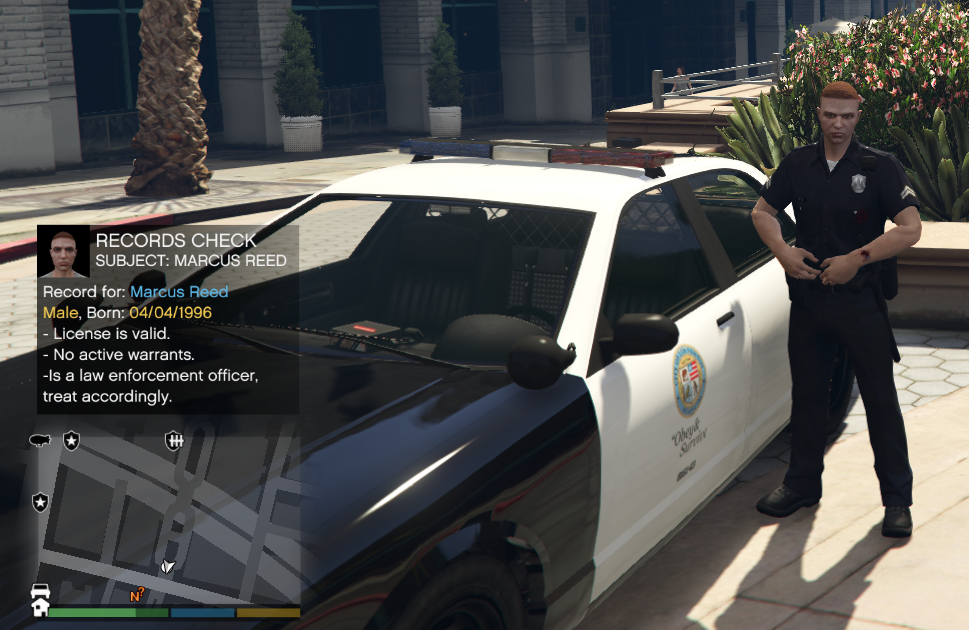
I am not going to lie.. yesterday I want to bed frustrated for not being able to get LSPDFR 0.4 to work.. today, after looking into it more carefully and with the help of a friend, I managed to make it work! 😄 - No mystery here, disabled WinDefender at 10 win, set to windowed mode and removed the commandline.txt (deleted the file). I also set the option to spawn online vehicles. I must say, the mod is looking amazing so far! Great attention to details, loved the new way of hooking up in a pursuit (with the camera focus), police officers, general AI is wayyyy better, cops are more talkative and this gives a great immersion. I'm still trying it, but so far so good. Thank you very much @Sam & the LSPDFR team, you guys are amazing. /me tips hat. (p.s if you look for your name on the police radio, 😉 you get this. Nice touch!)
-
People can't seem to read @Cyan's warning above. lol. Anyways, looking forward to the release, checking this topic few times on the day or something haha. F5F5F5F5F5F5F5F5
-
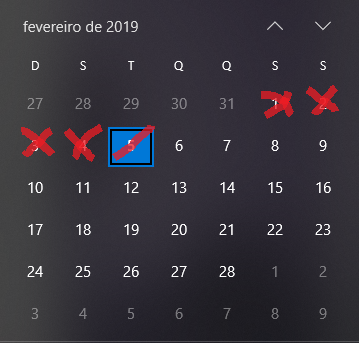
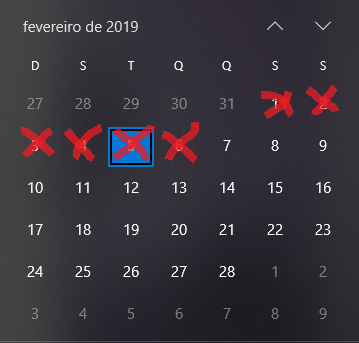
21? days and counting. 😄
-
All I want is to drink a soda from the vending machine! 😱 Still, though, the calendar is up and running! :D Thanks in advance @Sam, we are all looking forward to it!
-
Hello there, February. :D
-
YESSSSSSSSSSSSSSSSSSSSSSSSSSSSSSSSSSSSSSSSS!!!!!!!!!!!!!!!!!!!!!!!!!!!!!! Great news Sam, thank you very much! Looking forward to it! :-D
-
I see some people bitching about how long this is taking.. come on, give them some time dude... keep in mind no one is paid to make LSPDFR. They will release it when it is ready.. in the meantime, just keep checking this topic or general LSPDFR news every couple of days like me 🙂 Thank you all for the hard work and merry xmas!
-
All I have to say: Thank you very much for bringing us LCPDFR and LSPDFR. You all rock!
-
Amazing! Looking forward to it!
-
LSPDFR 0.4 combined with RDE and a some callouts = ♥ Looking forward to it, great job guys!
-
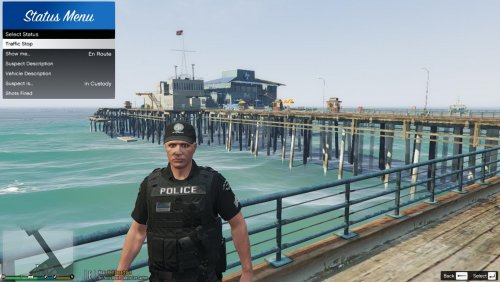 Another amazing plugin to bring in the realism to our daily patrols. Thank you so much @Phaxol!
- 64 comments
- 13 reviews
-
-
 Good morning everyone! I followed their official installation video (thanks to bilago https://www.youtube.com/watch?v=E3PKFle0Vx8&t=1s) and now I am wondering how to make RDE work with LSPDFR. Can anyone kindly help me? Thanks in advance and congratulations for this amazing mod!
- 1,522 comments
- 85 reviews
-
Congratulations sir. You do deserve it! 1M more to go? :D
-
-
 Loved the GIGN background. Good job!
 -
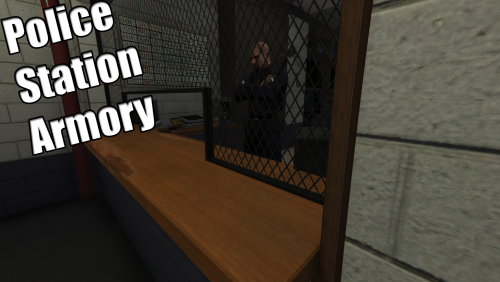 Hello Alex, thanks for creating this amazing mod and giving life to the Armory, it was more the expected someone to step in to create a mod for it. Thank you! As for the noises, it is indeed due to another mod.. as for the attachments, I will be waiting for an update on this mod as you mentioned, because components are also driving me mad. If anyone has in mind the components for the standard pistol and the shotgun, I would appreciate, if not, we'll have to wait for you alex! :D Once again, congratulations and thank you!
- 128 comments
- 34 reviews
-
-

- 1
-
-
 Very good job sir. That's the kind of experience that avoids us being bored and like you said, sometimes we just want pursuits without deleting all of the callouts that people do put a lot of effort on it. I haven't tested it yet, although I downloaded, I am wondering if once the suspect gets the red blip, if there's an automatic audio file of Dispatch letting everyone know about a suspect resisting arrest... anyways, good job. 10/10.
- 74 comments
- 24 reviews
-
-
- 2
-


