HP Deskjet
Members
-
Joined
-
Last visited
Everything posted by HP Deskjet
-
-
-
 Well a. VCF can make the lights flash certain ways. Slow or fast. The original pattern is just a simple back and forth. the Additional VCF is for a more unique pattern effect.
- 20 comments
- 4 reviews
-
-
Inaccurate lighting is the VCF for flashy lighting instead of accurate lighting. The VCF supplied by default is the closest I could get to the real pattern.
- 20 comments
- 4 reviews
-
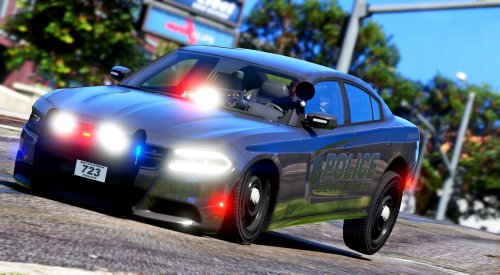
Based off of Bethlehem Police Department's newest addition. The 2018 Dodge Charger Pursuit vehicle. Features: EXTRA_TEN - Daytime Running Lights Functional spotlight - Use ALT+[ to utilize the spotlight rotation Functional Cencom sapphire (interior) For some reason people need to know how to install this. I have a custom game and DO NOT install over the default vehicles. But here is a way to install... Using OPENIV, navigate to: GTA V/update/x64/dlcpacks/patchdayXXng/dlc.rpf/x64/levels/gta5/vehicles.rpf and drop the .ytd and .yft files in there. The ELS VCF for this vehicles goes into "Grand Theft Auto V/ELS/pack_default PatchdayXXng stands for the latest patchday folder, which would be Patchday19ng by the time I'm writing this. ( thanks Sebo ) I highly suggest using these as ADDONS. I do not replace vanilla cars in my game so I am unsure of how to replace vanilla vehicles! Follow the tutorial here : Bethlehem Police Dodge Charger videos (3) :
- 20 comments
- 4 reviews
-
-

- 4
-
-
 What? The only files I supply are the model files and the ELS.VCF files. The rest is on you.
- 253 comments
- 53 reviews
-
The spotlight only moves forward and backwards. Thanks man! I’ll look into doing that. It’ll be challenging though.
- 253 comments
- 53 reviews
-
-
- 1
-
-
The CVPI seems to be having consistent issues. Even on my end. I’m trying to fix it, but it will probably lack features... it does work fine for me. But the only special thing I have is carvaristions... lightsettings and sirensettings are both 1
- 253 comments
- 53 reviews
-
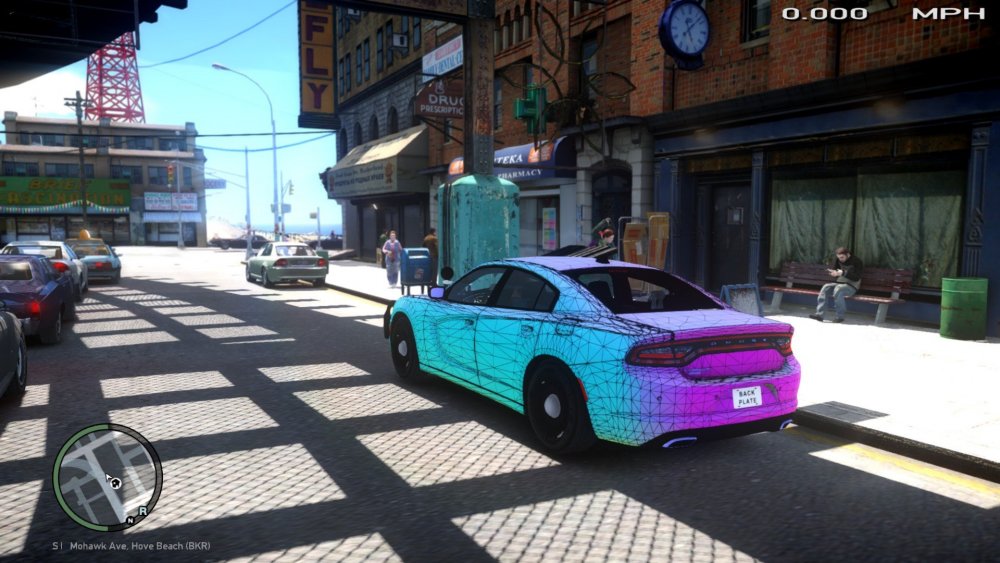
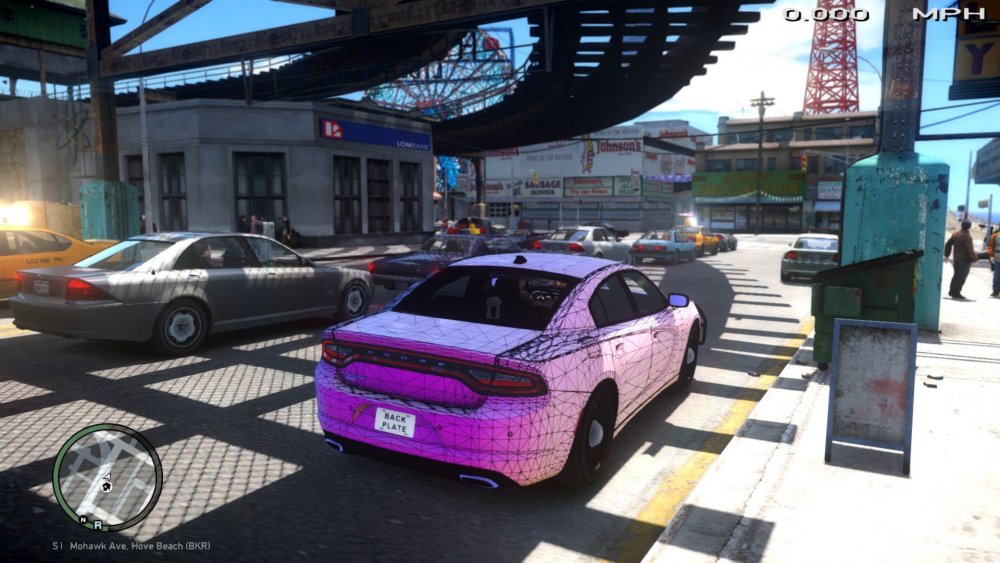
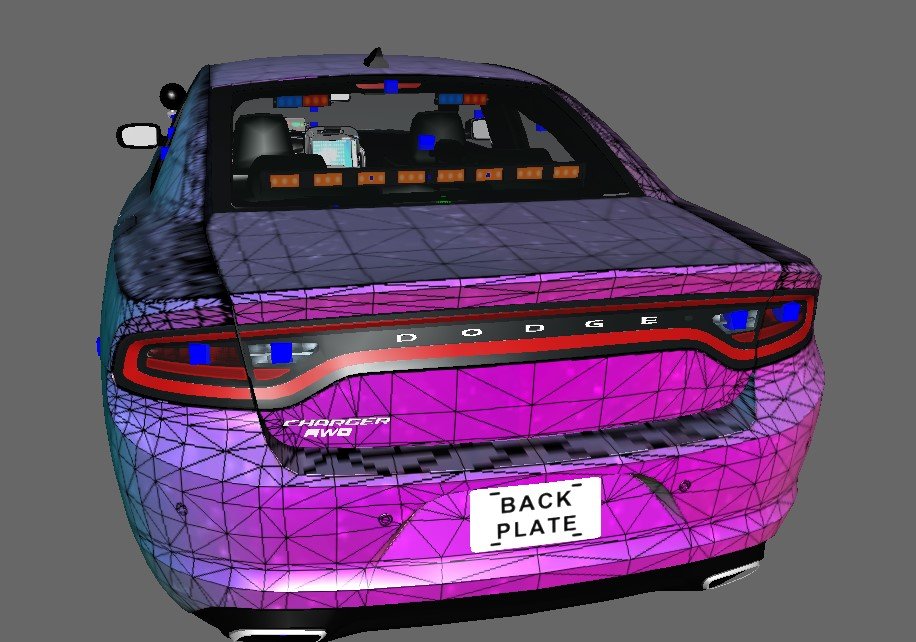
Hello, So this is a completely new issue to me for GTAIV. I came back to it trying to use a set of lighting for the rear. unfortunately in-game vs zmod (as usual) looks completely different. Anyone have any ideas of how to solve this / had this issue in the past?
-
I made the car. The taillight utilizes the lighting used by the dashlight. It’s just that its a very big and long light, so I assume that’s what’s causing the blur. it’s such a weird issue, I’ve never heard anyone say anything about it. To correct the reverse lights and your brake lights, you should use a visual settings like RadianceV or MVG or something similar that makes your lights brighter. It will ‘blur’ the taillight, but it will produce a better result around the whole vehicle and all of your in-game vehicles. I will do some testing with other lighting methods. check for an update within the next few days 😉
-
@Helix Hey man! So i’m not too sure what that problem is, or honestly, what I’m looking at, lol. I think it’s just the game’s reaction to such a bright light. Do you have this problem with any of the other lights around the vehicle?
-
Probably your visual settings? Idk, it could also be the window tint? I believe that is the reflective texture you're seeing. You need to change that, or use the non-reflective vehicle included in the pack! 🙂
- 253 comments
- 53 reviews
-
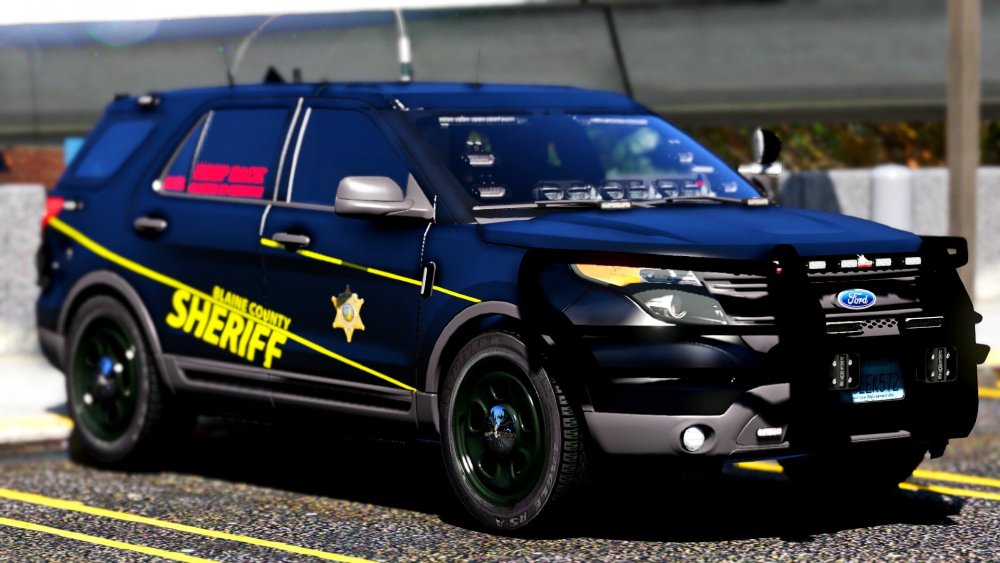
Ohhh, good find! I didn't even notice that white piece up there. I guess that's probably the safest bet. Thank you so much for your insight, man. I really appreciate it. I haven't noticed that little piece up there on other vehicles before. When you say he released the antenna, you think they swing the antenna down when going into certain areas?
-
-
 Amazing work as always <3. Thank you for releasing this publicly
 -
Thanks man. This is super helpful. Did you happen to see what was holding the antenna down? I'm curious, cuz at the moment I have a vehicle utilizing this, but I can't see what it's held in place from in any of the photos I have..
-
Maybe some day. But for now, it’s a lot of work and I have other projects I’m currently caught up in. (Which will be released soon 😉)
- 253 comments
- 53 reviews
-
 For some reason, this isn't working for me. Changed the audio hash to appropriate name : For a Charger. If you need me to, I can supply my vehicles.meta line for the vehicle, but until then, the issue is the vehicle doesn't have any audio besides the sirens.
- 28 comments
- 2 reviews
-
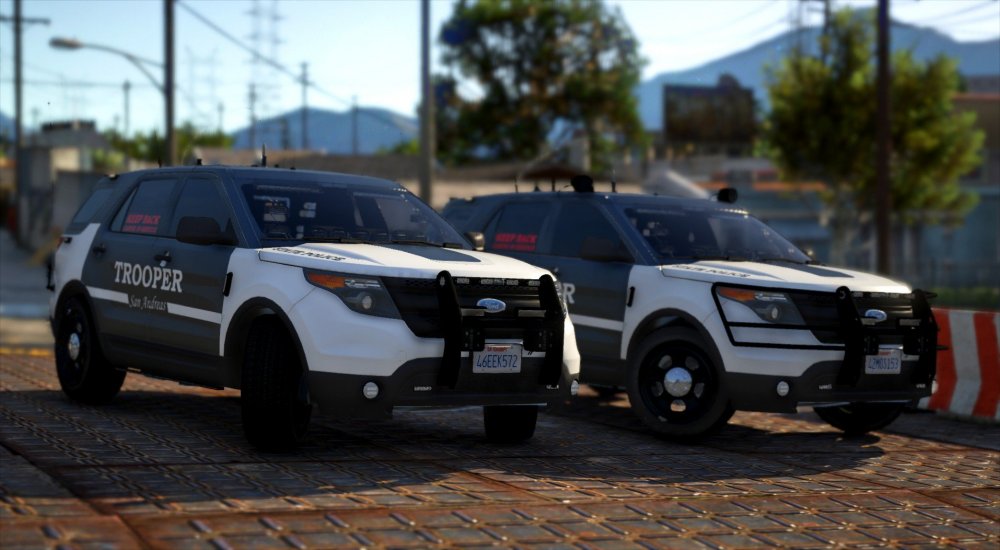
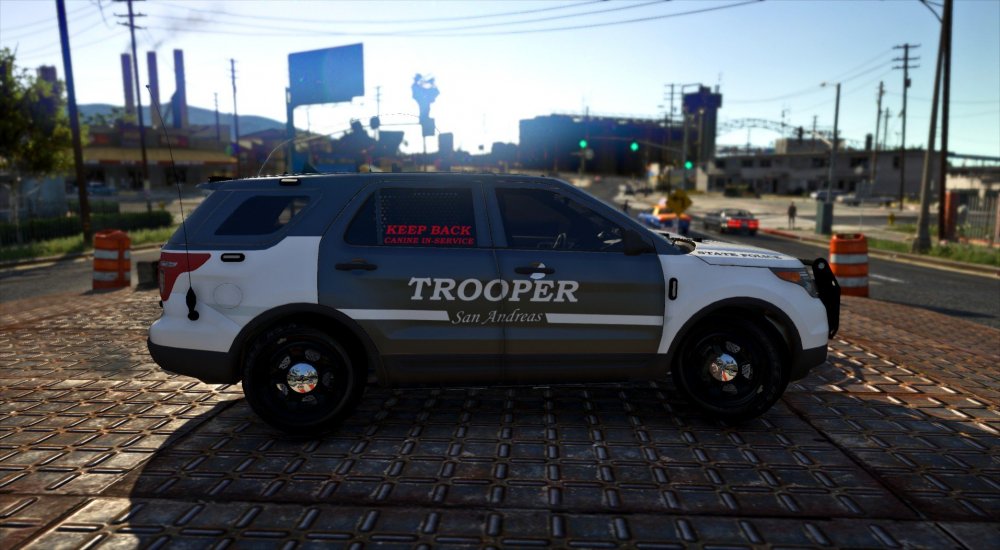
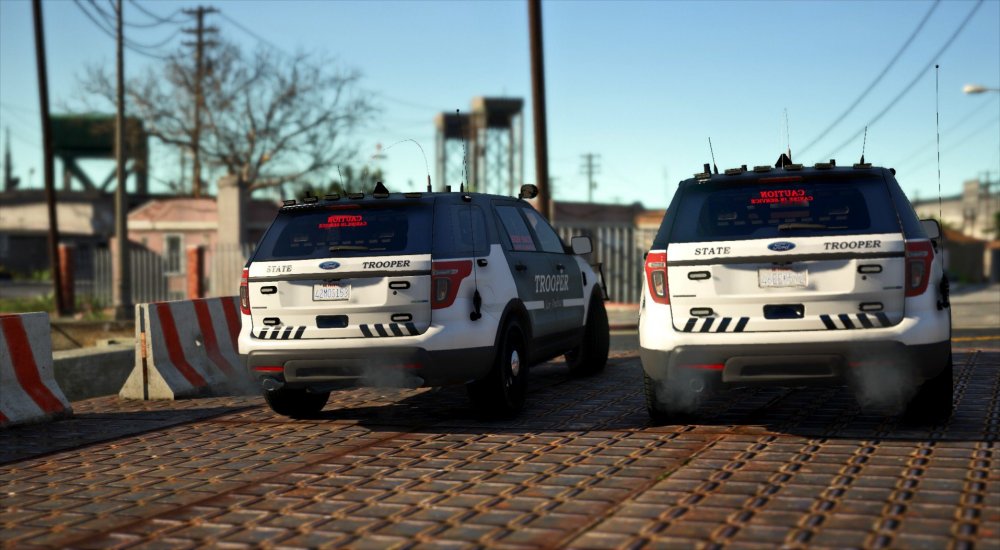
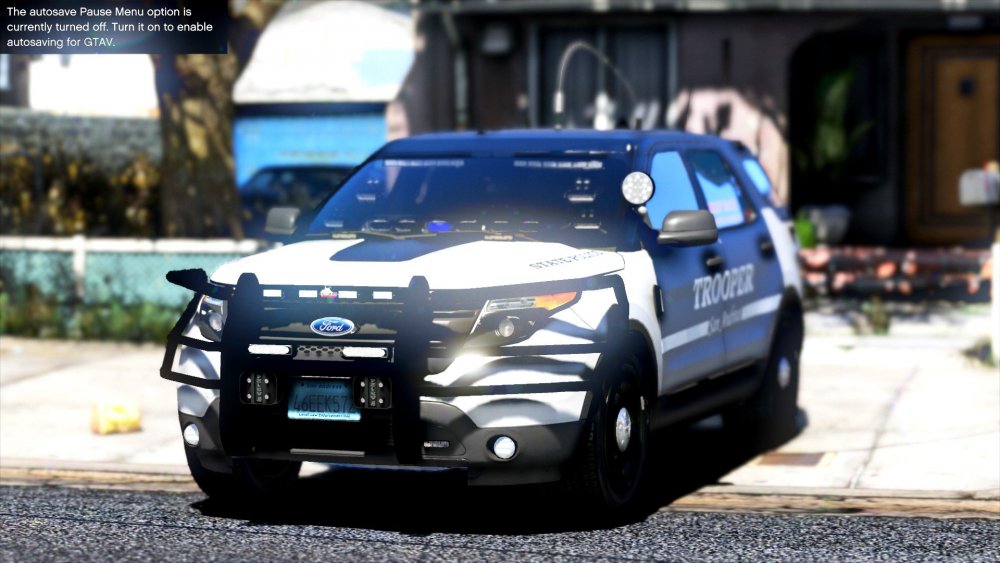
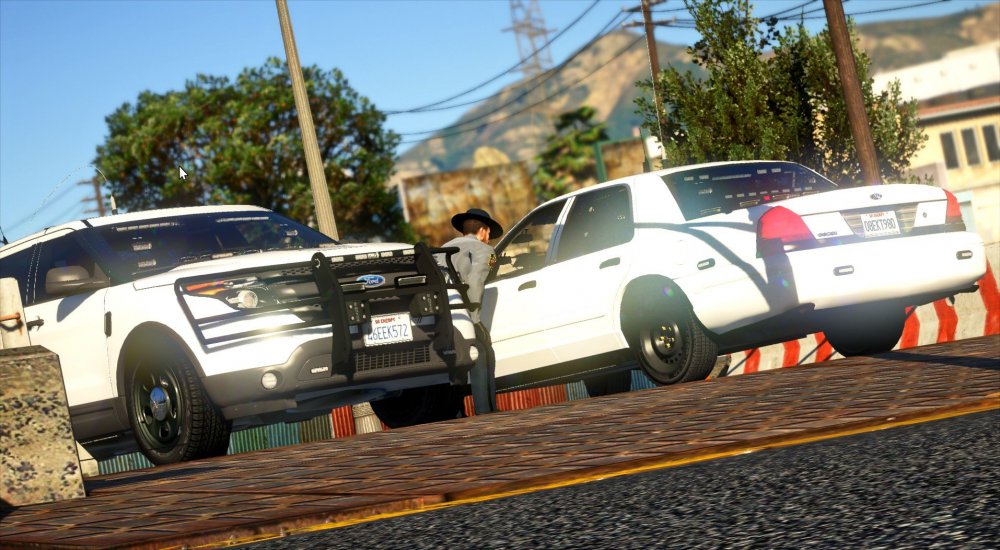
FPIU Livery. I think this is final.
-
Oof, that's too low for me 😜
-
-
Download the newest version. I added a none-reflective variant and I believe there is a template included.
- 253 comments
- 53 reviews
-
-