Abel Gaming
Members
-
Joined
-
Last visited
Everything posted by Abel Gaming
-
Hello coders! I am currently working on a Grand Theft Auto V CAD (Computer-Aided Dispatch) System. I have created a lot of it and have finished it! I am looking for additional help with making a GTA V script to accompany the system, and I am looking for someone to help me create my audio files for the program. Creating the audio files then having to add all the code is a long process and I feel it would speed updates up a lot if someone could help me with creating the audio files. If you are interested, comment and I'll message you with more details. Now, I also need help with making a GTA V script. I am curious and seeking out to the good modders of GTA V, if it is possible to make GTA V load a script after the game is started. For example, say you run some EXE file or a file and it makes the game load a specific script. I am not too familiar with script modding in GTA V. Any help is appreciable! If you have comments on anything I am trying to accomplish you can comment and I'll answer it there! I hope I made sense to everyone :) Apologies if this topic is in the wrong location!
-
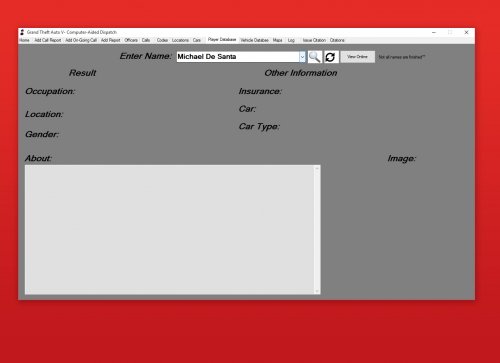 Update 6 contains a lot of updates you might like! Examples including Citations and ability to create your own settings :) hope you enjoy!
- 7 comments
- 6 reviews
-
Okay! I think I get your idea! I like the idea of it too! If you ever need some help coding, I could always help out!
- 7 comments
- 6 reviews
-
I appreciate the comment! I will have to look into these programs and the authors of them! I would love to work with them and make something like you suggested! I think it would be amazing! However, I hope you enjoy what I have put together so far, and we have some pretty cool updates that just came out with the ability to run ped names and vehicle plates! Now working on getting report systems and log systems fixed!
- 7 comments
- 6 reviews
-
Recommend Downloading Version 7.0 Update! About This Tool This tool was made for role-play clans who do police role-play on Grand Theft Auto V. This program would be used by a dispatch and would keep things very simple and organized. At the time, it is only formatted for a clan of 6 people, but I am adding more in future updates! This tool is extremely easy to use and should help your dispatch out a lot! Let me know what you think in the comments! No More Updates Will Come As The Project Has Yet Again Been Corrupted And Messed Up Virus Scan- Click Here
- 7 comments
- 6 reviews
-
-

- 10
-
-
-
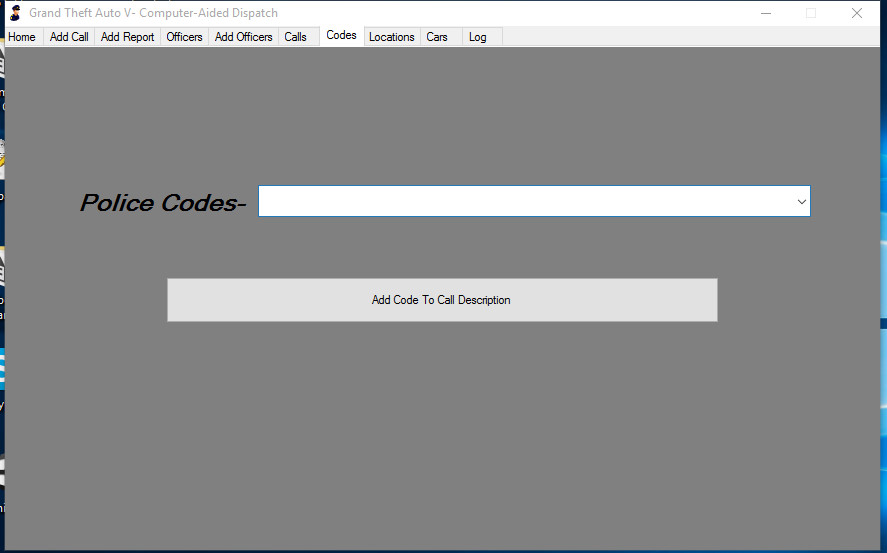
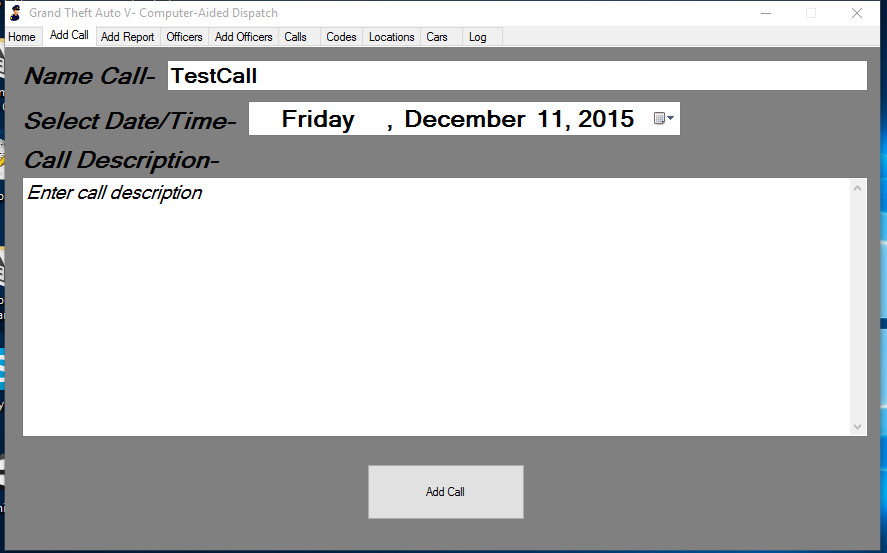
Thanks! Adding pictures now! Pictures are up! The "Cars" tab says "Select Location" but that will be fixed on the actual file release!
-
Hello everyone! I am currently working on a GTA V CAD program for any role-play clans who might be in the search of one! I am going to work all night to get as much done as possible! If you have any suggestions I would love to hear them below! I will update this forum later containing pictures and information! Release- Click Here Notes On login screen, just click login without entering anything! Not all tabs have been added or finished! Virus Scan- Click Here Pictures
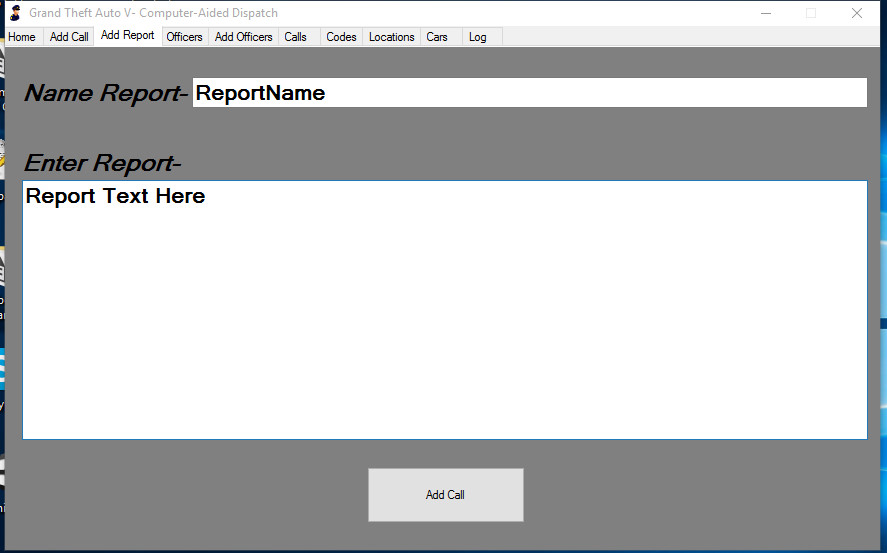
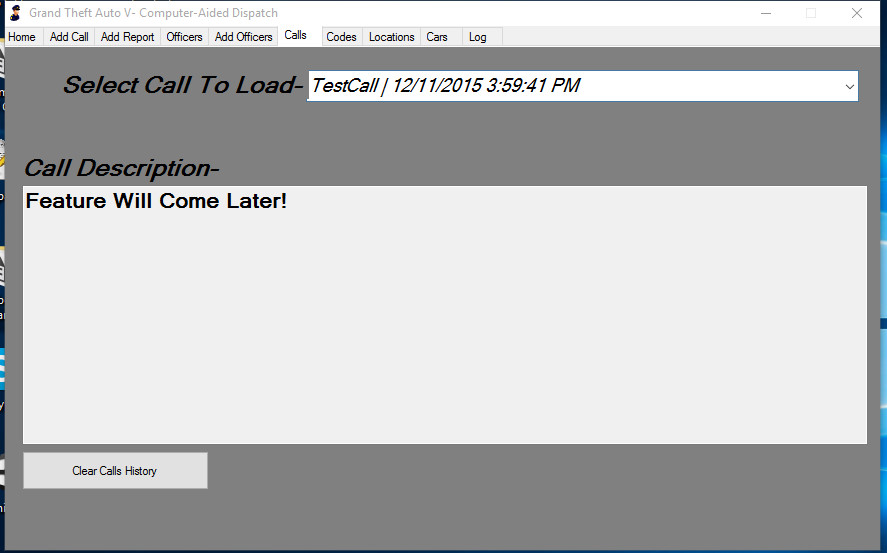
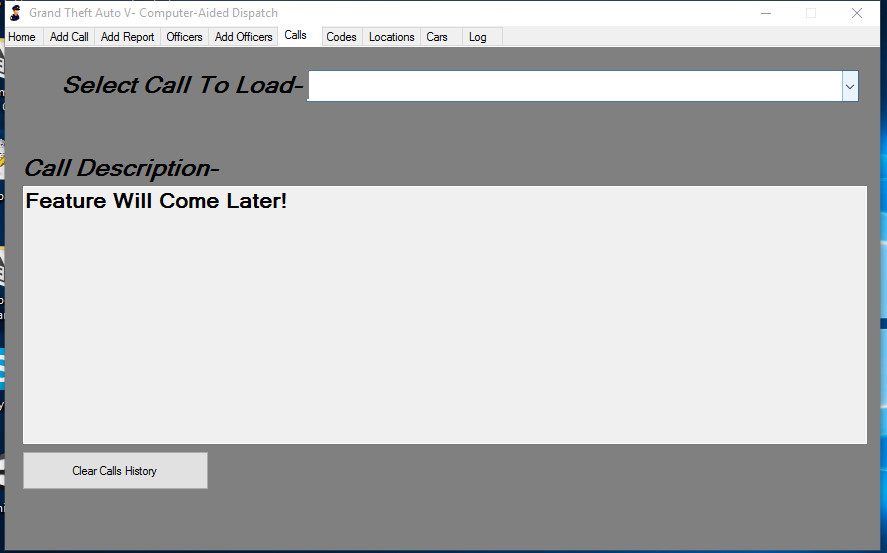
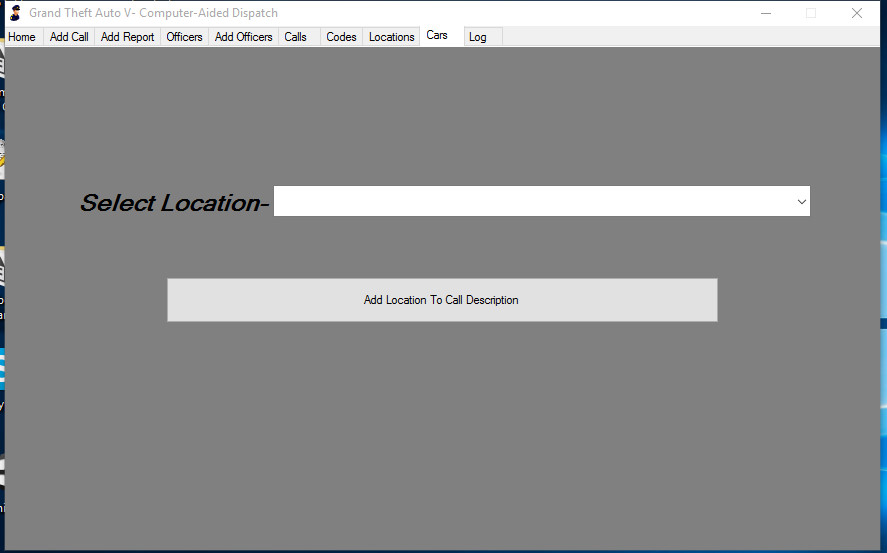
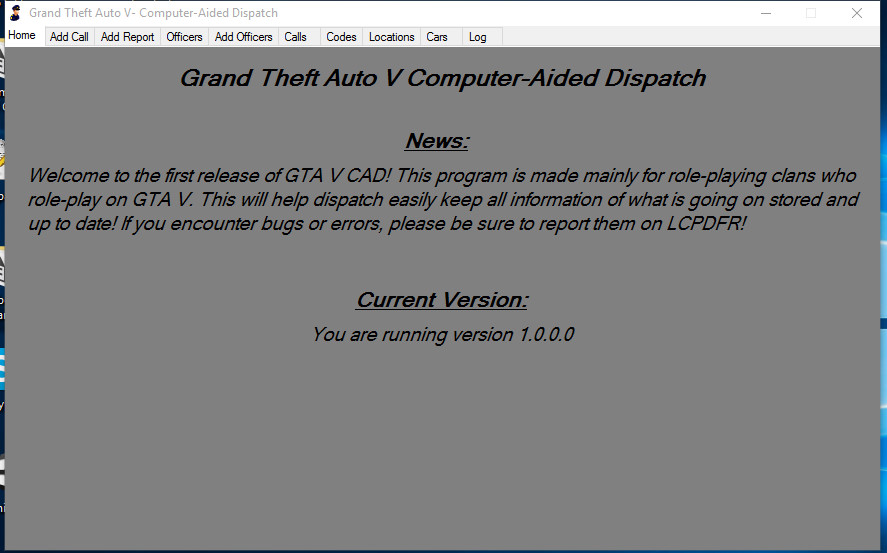
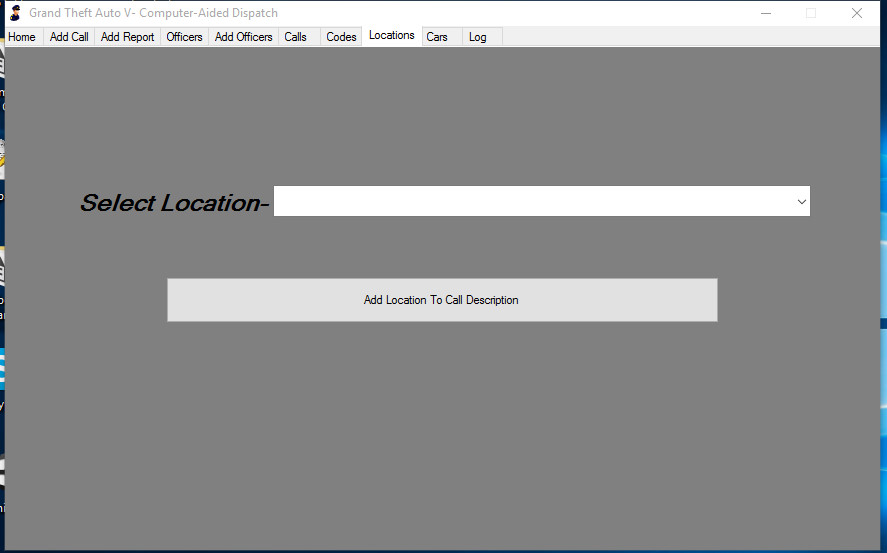
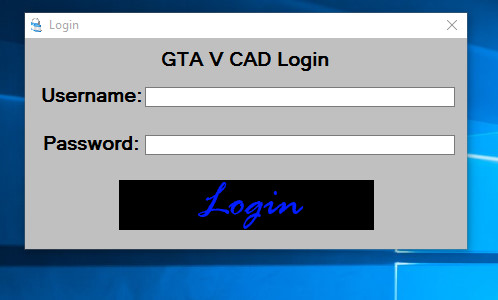
-
 Thank you for the comment man! Updates coming very soon too! :) No problem man! Glad to hear you enjoy it! Update will be coming soon! :)
- 23 comments
- 1 review
-
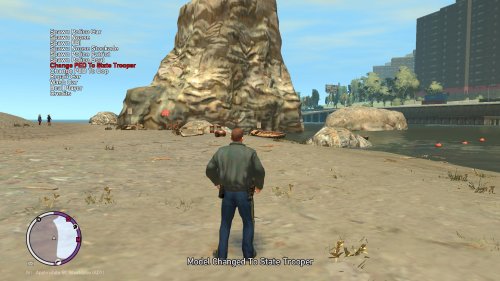
Hello everyone! I hope everyone had a great Thanksgiving! I want to share some big information with everyone who is interested in making GTA IV mods! If you follow my content, you know that I recently updated my "GTA IV Mod Template" file where it is in a much better working state. If you are interested in this file, feel free to Click Here to view it. I have some big news towards mod templates though. As you can tell by the title, I plan on releasing a public mod menu template! This template is going to have a lot of notes typed within the script as making a mod menu is pretty difficult and you have a lot of different things going on! I want to hear your thoughts on this release! I will later bring more info later!
-
-
-
 I have uploaded the new version! Be sure to check it out and if you have questions you can inbox me! Happy modding :)
 -
PoliceMenu About This File- This mod is much like a mod menu; however, with this it is focused mainly on police functions/ features. This menu might be useful if you are tired of digging through your mod menu looking for all your police materials! Download PoliceMenuV for Grand Theft Auto V! Keys (Version 1) F1- Open/Close Menu Scroll Up- NumPad 8 Scroll Down- NumPad 2 Select Item- NumPad Enter Keys (Version 2) F1- Open/Close Menu Scroll Up- NumPad 8 Scroll Down- NumPad 2 Select Item- NumPad 5 Keys (Version 3) F1- Open Menu NumPad 8- Scroll Up NumPad 2- Scroll Down NumPad 5- Select Item F11- Quick Vehicle Repair
- 23 comments
- 1 review
-
-
- 7
-
-
I am working on a new one as this one is out-dated and not working. After I finish the new one I will be sure to upload it and add more explanation!
-
Template Is For Visual Studio 13! Download Visual Studio 13 Community Now! With this template, you can easily create a .NET script mod for Grand Theft Auto IV! It took me a large amount of time to finish this template, so please enjoy and be sure to let me know of any errors you find or questions you have! How To Use This template is very easy to use. I will walk you through a list of steps 1) Extract the RAR in your Visual Studio 13 Projects Folder 2) Open Visual Studio 13 3) Click Open Project 4) Locate The Folder and Open "GTAIVModTemplate" 5) Simply read the notes at the top of the script and notes I have placed within the script! 6) If I have a part of the script disabled (It will be green) just remove the "//" Where Can You Find More Scripts? Although I haven taken a lot of time adding script you might need and want, if you wish to have more I often post little codes on my Pastebin Site! Click Here to go to my Pastebin! GTA IV Mod Menu Template (C#) Coming Soon!
-
I don't know if you are still searching, but I created a template for Visual Studio 13! GTAIVModTemplate.zip
-
-
Video Link- Click Here Mod Creator- Click Here
-
Below, I will try and walk you through of how to make your first script in my mod creator. 1)To begin, we want to load the program up and be sure to have the "Coding Help Tool" open. **If you wish, clear all text from the box and paste this, -- Mod Name by Author, v1 local modname = {} function modname.tick() local playerID - PLAYER.PLAYER_ID() 2) We will first add a title for the mod, I'm going to call mine Tutorial. Replace all the modname with the name you want the mod to go by. 3) under "local playerID - PLAYER.PLAYER_ID()" we are going to begin the mod. For today's mod example I'm going to give the player godmode, a 5 star wanted level, and unlimited ammo with three different keys. 4) We will choose the key we want the user to press to enable Godmode, I'm going to use F4. After choosing the key from the coding help window, select the function or item you want the key to enable or do. For mine, I used "Player Invincible" 5) To end this function of the mod, we will then press the button from the coding help window that says End "If..." Statement Your script should now look something like this -- Tutorial by Author, v1 local Tutorial = {} function Tutorial.tick() local playerID - PLAYER.PLAYER_ID() if get_key_pressed(Keys.F4) then PLAYER.SET_PLAYER_INVINCIBLE(player, true) end 6) We will now add the wanted level to the player. I want the user to press F5 to enable the wanted level. I will find the F5 button on the coding help window and press it. 7) Next, I will will select the button that says "5 Star Wanted Level" 8) To end this function of the mod, we will then press the button from the coding help window that says End "If..." Statement Your script should now look something like this -- Tutorial by Author, v1 local Tutorial = {} function Tutorial.tick() local playerID - PLAYER.PLAYER_ID() if get_key_pressed(Keys.F4) then PLAYER.SET_PLAYER_INVINCIBLE(player, true) end if get_key_pressed(Keys.F5) then PLAYER.SET_PLAYER_WANTED_LEVEL(player, 5, true) end 9) For the last part of this mod, I want the player to have unlimited ammo. I want the user to be able to press F9 to enable unlimited ammo. 10) Find the "If F9 Is Pressed" button in the coding help window and press it 11) Next, find "Infinite Ammo" button in the coding help window and press it 12) To end this function of the mod, we will then press the button from the coding help window that says End "If..." Statement Your script should now look something like this -- Tutorial by Author, v1 local Tutorial = {} function Tutorial.tick() local playerID - PLAYER.PLAYER_ID() if get_key_pressed(Keys.F4) then PLAYER.SET_PLAYER_INVINCIBLE(player, true) end if get_key_pressed(Keys.F5) then PLAYER.SET_PLAYER_WANTED_LEVEL(player, 5, true) end if get_key_pressed(Keys.F9) then WEAPON.SET_PED_INFINITE_AMMO_CLIP(playerPed, true) end We now need to end the script! 13) If you have closed the coding help tool, re-open it 14) Find the button in the coding help window that reads "End Script" 15) Press it 16) Make sure you replace modname with the name of the mod you chose. Your final script should look like this -- Tutorial by Author, v1 local Tutorial = {} function Tutorial.tick() local playerID - PLAYER.PLAYER_ID() if get_key_pressed(Keys.F4) then PLAYER.SET_PLAYER_INVINCIBLE(player, true) end if get_key_pressed(Keys.F5) then PLAYER.SET_PLAYER_WANTED_LEVEL(player, 5, true) end if get_key_pressed(Keys.F9) then WEAPON.SET_PED_INFINITE_AMMO_CLIP(playerPed, true) end end return Tutorial Exporting Your Script 1) Go back to the main window with the code 2) Click File in the corner 3) Click on Export Script (Or press Control+E in V4.0) 4) Save it in the location of your choice; however, be sure it is all one word!! Click the letters below to download my script! Version 4 of Mod Maker includes "Import Scripts" feature! Tutorial.lua
-
Hello everyone! The developers here at Abel Software have been working super hard to realize our file named "Grand Theft Auto V Mod Maker". We have all worked ridiculous hours to put in all the code that was needed. At the time of making this topic on original version, we currently have version 3 of the program out. However, we would like to know some things you guys would like to be able to do with the mod maker. This could include scripts you would like to see added, features you would like to see added, or really anything you think needs added or changed! Please comment below as it will help us improve our program! Thank you! Grand Theft Auto V Mod Maker