




Abel Gaming
Members
-
Joined
-
Last visited
Everything posted by Abel Gaming
-
-
 1.9.2 is going up as I make this reply - a key bind and menu option have been added to lock the radar marker in place and also unlock it when ready to be moved or if you want to move with the player vehicle again!
 -
Yes, this was something that was recently added based on preference. In the next release, I'll add a hotkey (customizable in the .INI) where you can lock the marker in place! I'll try to get an updated push out today/this evening!
-
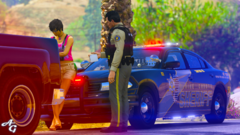
From the album: LSPDFR On Patrol
-
Patrol screenshots!
-
BCSO Traffic Stop 3.png
-
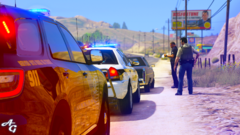 BCSO Traffic Stop 2.png
-
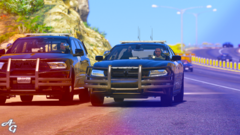 BCSO Traffic Speed Radar.png
-
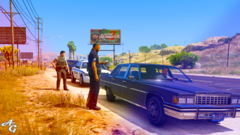 BCSO Traffic Stop.png
-
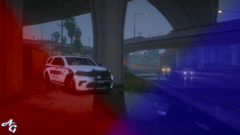 Highway Traffic by LSCS.png
-
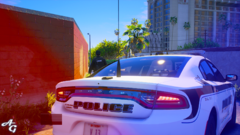 LSPD + LSCS #5.png
-
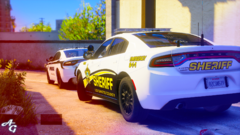 LSPD + LSCS #4.png
-
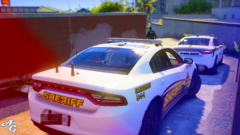 LSPD + LSCS #3.png
-
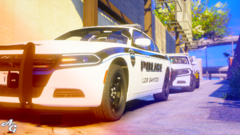 LSPD + LSCS #2.png
-
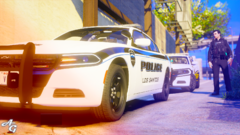 LSPD + LSCS #1
-
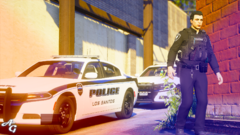 LSPD + LSCS #6.png
-
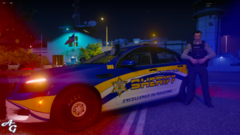 Los Santos County Caprice.png
-
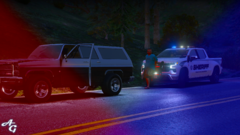 LS County Sheriff Silverado #1.png
-
 LS County Sheriff Silverado #2.png
-
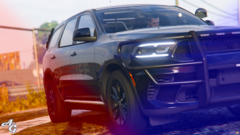 BCSO Traffic Durango.png
-
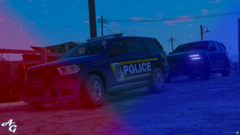 Durangos.png
-
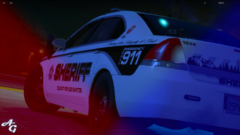 Impala LSCS #4.png
-
 Impala LSCS #3.png
-
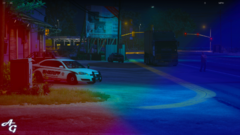 Impala LSCS #2.png
-
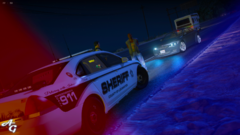 Impala LSCS.png
-
-
From the album: LSPDFR On Patrol
-
From the album: LSPDFR On Patrol
-
From the album: LSPDFR On Patrol
-
Thanks for that! After looking through, I found some things I think might be causing the crash. I'll be fixing and uploading the new version tonight!
-
If you could provide an updated log after crashing. I use this for my streams will usually are 60-90 minutes and length and haven't had it crash. Not to say it isn't possible, but a log would be able to tell me more. The prior log you uploaded looked like it being crashed by another plugin related to Ambient Emergency Traffic. Thanks!
-
From the album: LSPDFR On Patrol
-
From the album: LSPDFR On Patrol
-
From the album: LSPDFR On Patrol
-
From the album: LSPDFR On Patrol
-
From the album: LSPDFR On Patrol
-
From the album: LSPDFR On Patrol
-
From the album: LSPDFR On Patrol
-
-
-
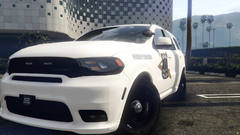
From the album: Indiana State Police
-
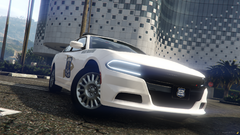
From the album: Indiana State Police
-
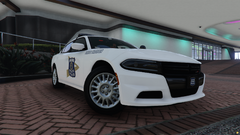
From the album: Indiana State Police
-
 This allows users to cancel out controls that vanilla won't let you have an empty keybind for. This mod is similar to Keybind Unlocked (or something like that); however, with that mod, after installed, all key binds must be edited through the .INI as it essentially disables the ability to edit anything on the key bind setting menu. Yes it does! Sorry I was just getting around to comments, glad you got it working!
 -
From the album: LSPDFR On Patrol
-
From the album: LSPDFR On Patrol




