
winglesschip209
Members
-
Joined
-
Last visited
Everything posted by winglesschip209
-
only works on the disk one not steam
-
 but you should still release this one
 -
 omg lucky you what a beauty i hella want one lol very good job
 -
idk bout 3 weeks thats a long time for me i restarted the pc and started working fine
-
you probably wanna get one that is pretty good in specs. As games are evolving you dnt wanna buy one for example with a 970gtx and later on you wanna play newer games but your graphics card wont handle the modern games and then your going to have to upgrade to a better graphic card like a 1070 or 1080 basically invest your money wisely you dnt wanna buy the same things again in 6 months because you fell behind in technology
-
 I like the detail work done to this utility
 -
So on monday i get my vr from htc vive i was wondering if n e one has ever tried to play lspdfr on vr if so i would like to hear your experience and maybe some pointers
-
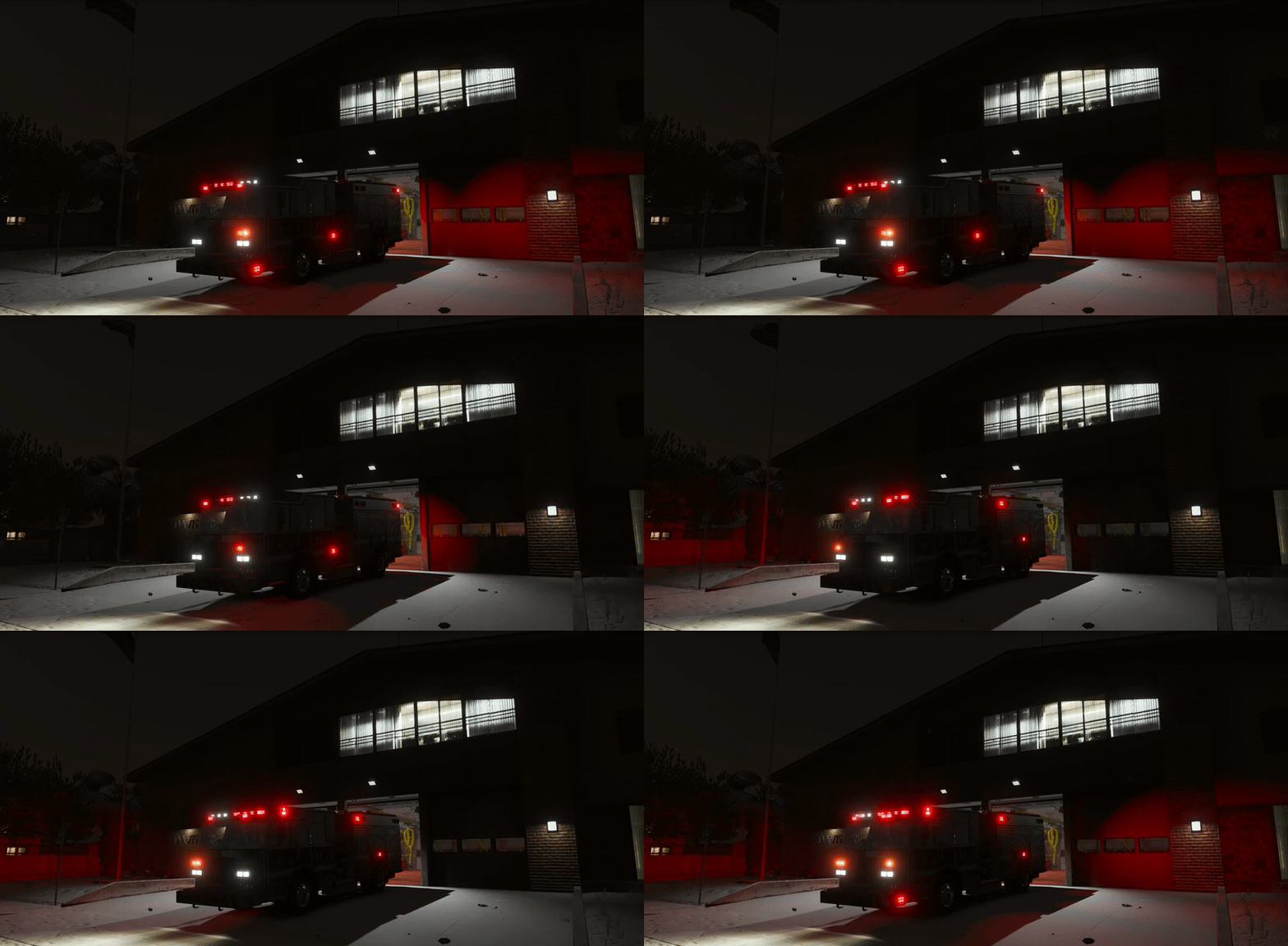 aww man like the environmental lighting
 -
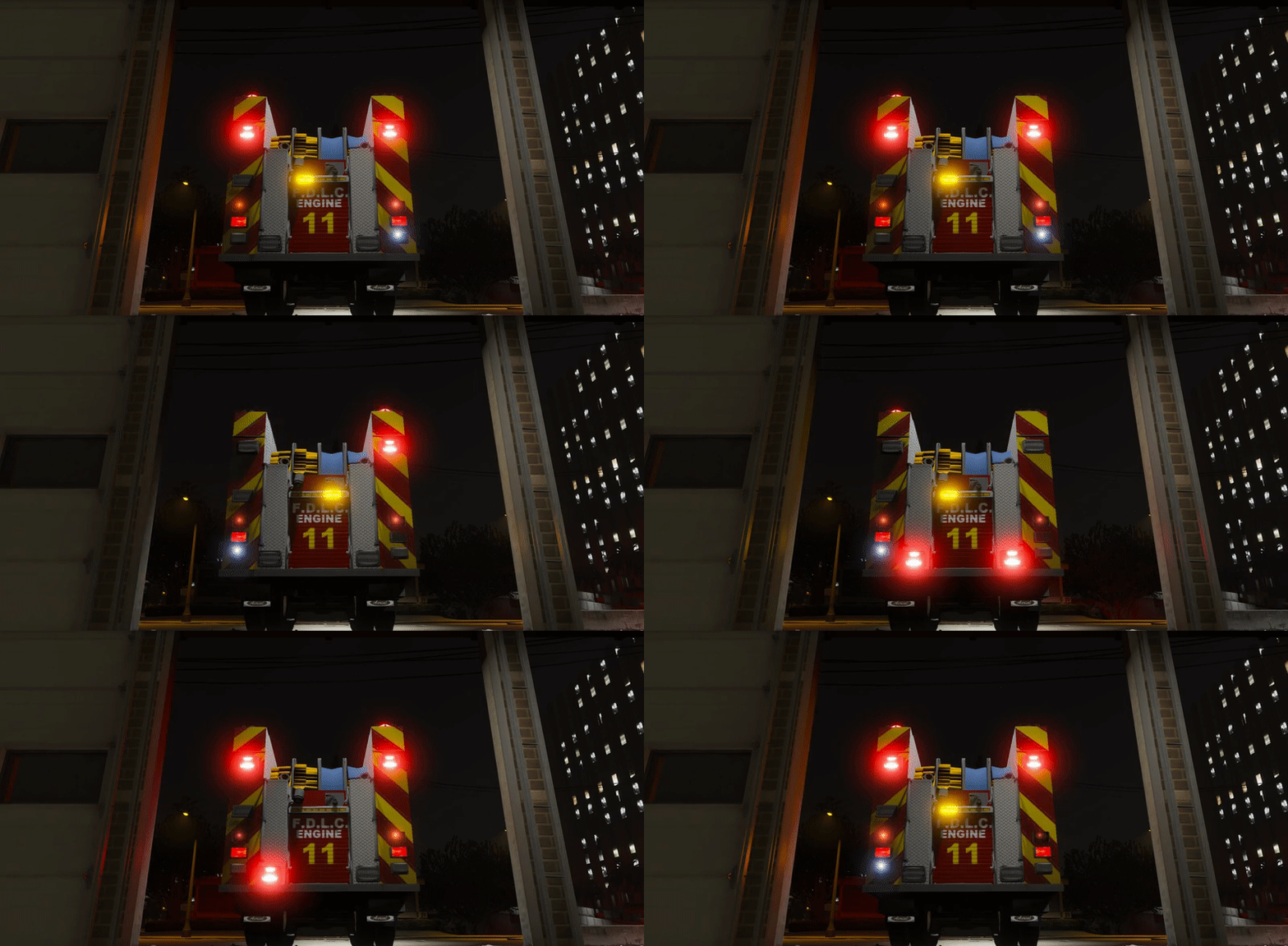 This is a beauty it gave me goosebumps lol and im not really into fire stuff
 -
 Nicely done looks very good
 -
-
-
-

From the album: ARMA 3
-
 haha for reals looks good tho probably used meguiars wax
 -
 That would be cool
 -
-
i bought the CD and i would of rather gotten it on steam less hassle
-
After a long day at work this makes my day great model what rear lights are you using Are you doing this one
-
 Cool can't wait I remember seen the units when I started driving
 -
Nice cant wait this is a pre 2003?
-
 cool that sounds good.
 -
neat like your work very detailed i just wish it would be on years 2010 plus models lol
-
-
 cool im a little up north merced county i was working at fowler i would see theis cvpi on the free way when they wear going to their destination