
Griswald
Members
-
Joined
-
Last visited
Everything posted by Griswald
-
-
-
-
-
-
-
-
 Oh my jesus.
 -
-
Thank you.
-
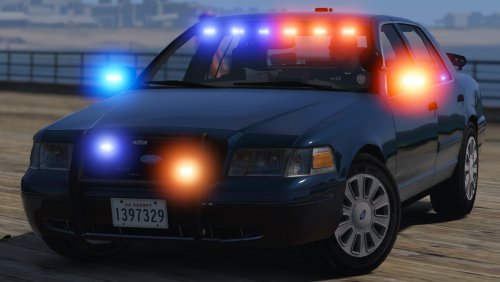
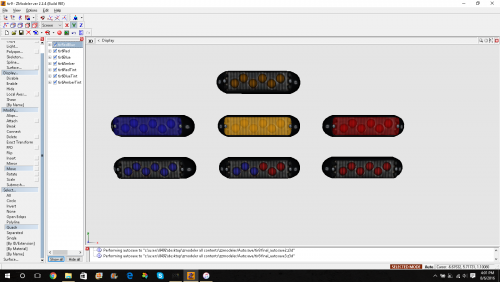
Please help! I am making a new police model and have gta 4 lights how do I convert them?
-
-
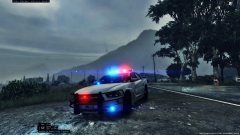
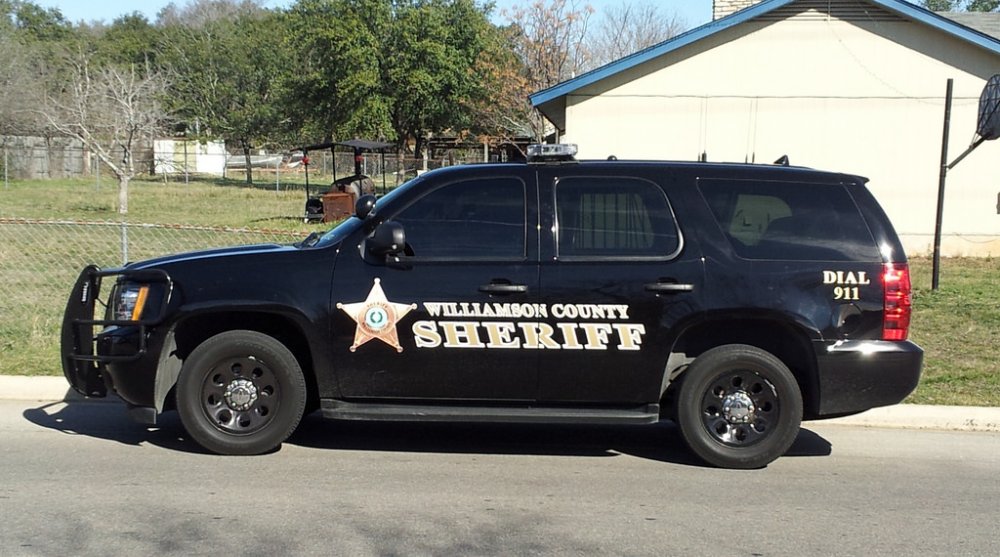
From the album: Sheriff texture
-
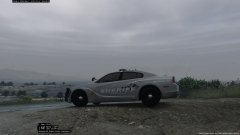
From the album: Sheriff texture
-
Oh well id rather wait for this car than get it with little problems, thanks for your awesome work!
-
Did you get the lights working????
-
Thanks
-
Hey, can you send me the template so I can start making a skin for it.
-
That sucks
-
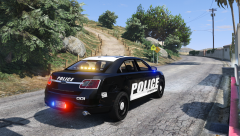 This model just keeps getting better! Again amazing work Pim.
 -
Yes!!!!! thank you Pim you are awesome!
-
Wow! absolute perfection. Are you going to put a spotlight on it?
-
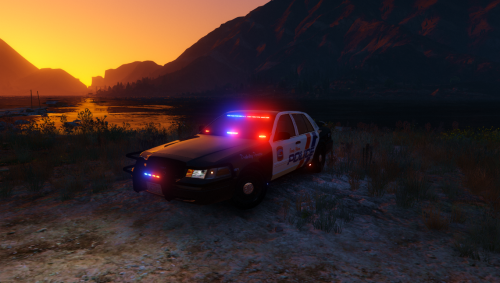
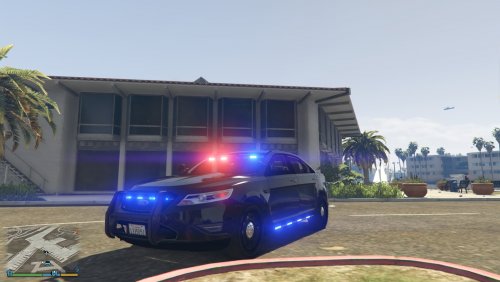 I love the car! It almost seems like you rushed it a little though and the lighting could be a little more realistic but I dont know anything about zmodeler.
- 23 comments
- 14 reviews
-
*suggestions* I would add 4 antennas on top like real Tahoe units. If possible on the marked version I would use the light bar that Carper had on his charger model. I would add a divider between the front seats and trunk as well as window cages. I would use more realistic looking steal wheels I love the model right now and if you added this stuff it would be awesome but its your model so its up to you.
-
Ok, I just wanted to see some antennas like this