BlueLine Vibes
Members
-
Joined
-
Last visited
Everything posted by BlueLine Vibes
-
Check to make sure you do not have another trainer installed. Sometimes when you install other scripts or mods, they include other trainers. For example Script Hook V has Native Trainer which you do not need as well.
-
Have you tried to force a callout? Do you have any other callouts installed?
-
Yes I would download Ultimate back up first. Call for back up with Code 2 or code 3. When they arrive, stand in front of them and press E once.
-
Do you have Stop the Ped installed? If so, try pressed E twice with gun pointed at suspect.
-
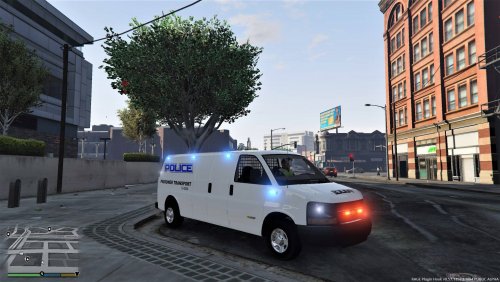 Looks good However, I am getting invisible tires at about 100 feet away from the coroner van.
- 136 comments
- 13 reviews
-
Do you have two game folders perhaps? Make sure you are launching RagePluginHook.exe from your properly modded game folder that usually is named Grand Theft Auto V. Look like it might be a pathway issue. Second, you will need to wait for Script Hook V to update before playing LSPDFR properly at least.
-
Wait for Script Hook V to update http://www.dev-c.com/gtav/scripthookv/
-
You will need for Script Hook V to update before you can play. http://www.dev-c.com/gtav/scripthookv/
-
Better to just wait on Script Hook V update. No need to try a work around. Wait patiently.
-
Why would you say that they will not work? They work for 0.4.3 with just a "possible compatible warning". Expect the same thing with this as well.
-
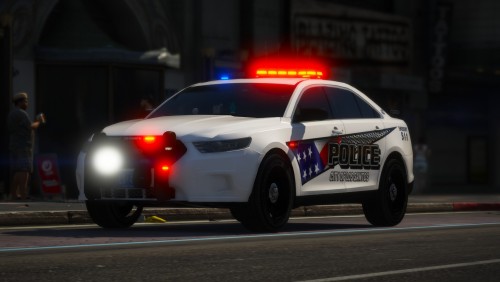 Fantastic vehicle pack. Livery is great and the inside of the vehicles is kick ass!
- 37 comments
- 24 reviews
-
-

- 1
-
-
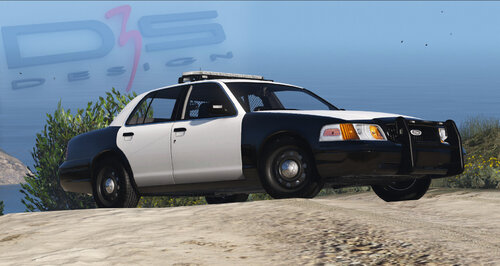 /includes liveries ok
 -
-
-
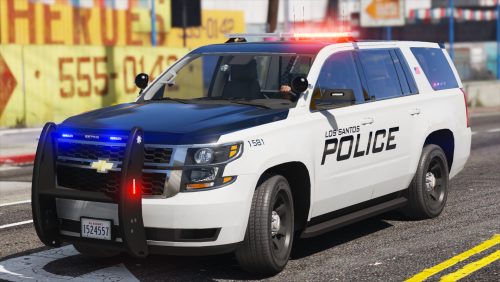 Fantastic livery and ELS set up. Inside the vehicle is also great. Police computer is not too bright like most modded vehicles these days. Hands on wheel, working gauges. 5/5
- 51 comments
- 22 reviews
-
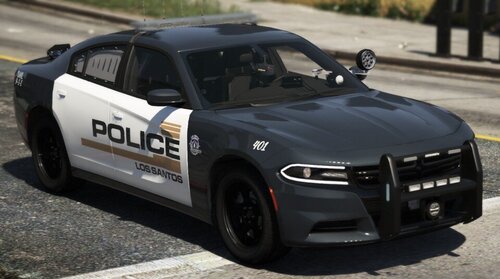 Really love this texture. Simple and not over the top. Colors are fantastic!
- 17 comments
- 3 reviews
-
-
- 2
-
-
-
 @SneakySteve I am truly surprised that no one has mentioned this in the comments yet. All 3 vehicles with the pack have zero sound. Meaning no car door sound, no engine sound etc. Found the problem and it is in the vehicles meta file. Path here mods\update\x64\dlcpacks\gspack\dlc.rpf\common\data\levels\gta5 The meta file needs to have an audio hash in order for it to recognize what a "CVPI" model is. Simple fix would be to name them something like this <audioNameHash>POLICE</audioNameHash> and <audioNameHash>POLICE2</audioNameHash> then <audioNameHash>POLICE3</audioNameHash> just an example of how to get sound for these vehicles. of course you can get real creative and put a different type of vehicle in that name. Like <audioNameHash>BULLET</audioNameHash> for the charger 😉 Hope this helps
- 174 comments
- 13 reviews
-
-
- 1
-
-
-
-
-
-
-
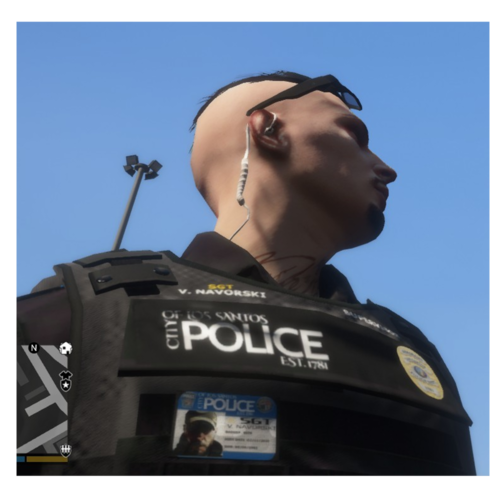 Looks very nice. I am curious, about the dark green pants for lspd. Never seen a dark green like that. Is that the final pant style?
- 95 comments
- 16 reviews
-
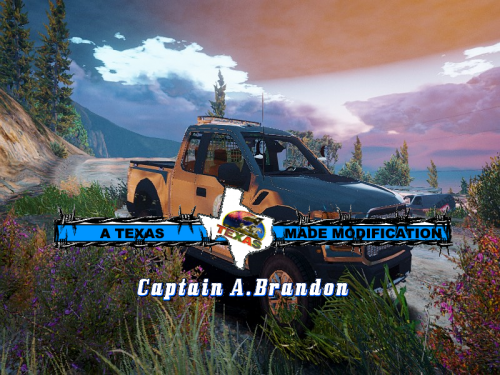 Great job Captain Brandon! Everyone disregard frankc123's rating, he obviously doesn't know how to install skins correctly!
- 4 comments
- 2 reviews
-
-
- 1
-


.thumb.png.94fba69a484a616061785af449ca47c4.png)