BlueLine Vibes
Members
-
Joined
-
Last visited
Everything posted by BlueLine Vibes
-
-
 Maybe reinstall the ELS.XMLs 18chargerpolice.xml and the 18chargerpoliceblue.xml I have zero issues spawning it in game. Anothing thing you can try is just to delete out the LSPDpack from your DLC packs. Then reinstall the pack to make sure it is not merging something that should not be there.
- 239 comments
- 15 reviews
-
Charger seems to spawn fine at the moment, as I think he updated the pack recently. Just make sure you download the newest update. However, I am noticing a bit of floating LODs on the charger model only. I checked the LODs and they seem to be completely fine at 500.000000 on all. It could still be on my end though, I will check a few settings. Great job on this pack though @OfficerArk
- 239 comments
- 15 reviews
-
-

-

- 2
-
-
 I will pass on this incomplete upload
 -
Few things you can try and see if this works. When you say you "End Callouts" Are you stating that you are using Grammar Police to say Code 4? Or are you literally pressing "END" key on your keyboard? Reason I mention this is that there are some callout packs that specify pressing the END key to end the callout, even if you think the call is Code 4 completely. Another thing that could be possibly tying up your callouts is LSPDFR itself has triggered an ambient event, perhaps an event took place and you did not report it and it is waiting for you to do so. Note: This could happen on multiple occasions even without you noticing that much. You could try turning the ambients off in your lspdfr.ini file and it would look like this below: WorldEvents.IntervalMultiplier = 0.0f WorldEvents.MaxNumberOfEvents = 0 Try that and see what you get.
-
 Thanks for the upload. I did read in your copyright info in description: " It may be included in any video as long as it does not attempt to make money off The Owner's Mods." I am assuming money of any kind. If I am reading this correctly, this would include YouTube ad revenue as well? Just wanted to make sure as I would need to take this out before recording or streaming any type of content with this callout pack.
- 422 comments
- 25 reviews
-
-
- 1
-
-
 Great callout pack to add to several types of patrols
- 237 comments
- 20 reviews
-
-
- 2
-
-
- lspdfr callout
- rph
- translation
- legacy
-
Tagged with:
-
-
-
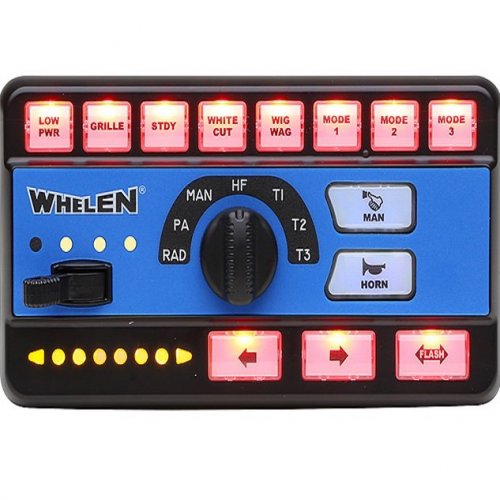 bakerxgooty coming through with another great siren. Been using this for a long time now.
- 26 comments
- 4 reviews
-
-
 I didn't realize hats were a huge topic of discussion for uniforms. I learn something every day.
 -
-
-
-
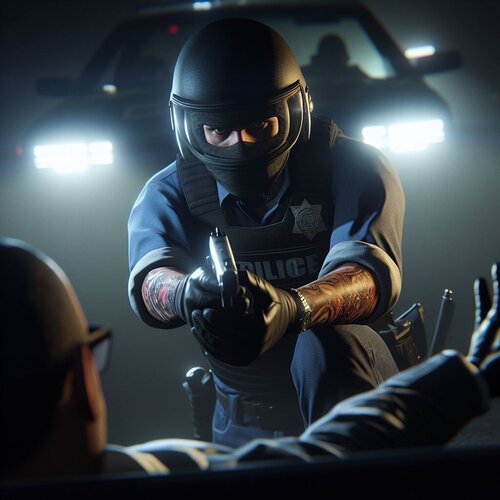 Yep, less crashes 😉 Look above the download here, LSPDFR admin put info about the nightly version and the link for you.
- 34 comments
- 5 reviews
-
-
- 1
-
-
-
-
Do you have ScriptHookVDotNet nightly version? Or the Community version? I am using the nightly version and it works fine.
- 34 comments
- 5 reviews
-
-
- 1
-
-
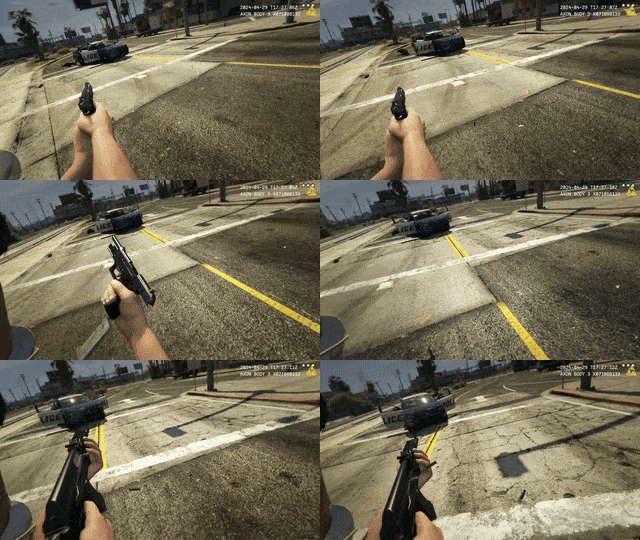 Well now, look who decided to join the party over here on lspdfr.com @RusLanParty Mod looking good brother.
- 25 comments
- 2 reviews
-
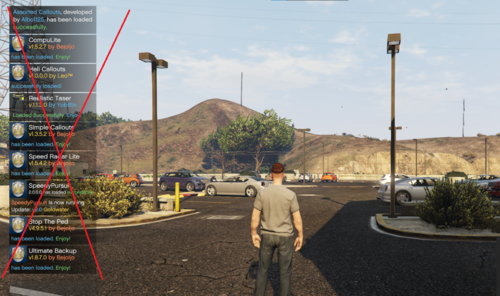 Does what it says, and I love it! 5/5
 -
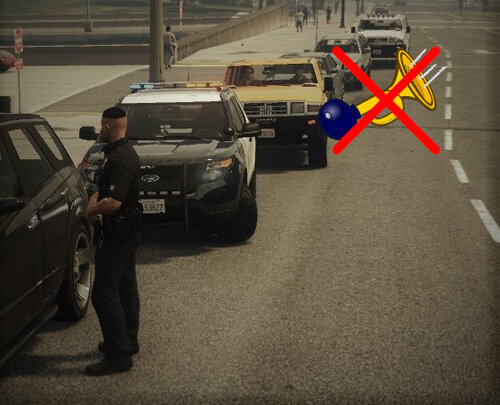 Works 100% thank you for the 2 part instruction as well. Never knew how much the horn honking annoyed me until it is gone. Now Combine this with the No Officer Profanity that is also found on this site (other officers and even your partners never yell) these two together are simply must haves in my opinion. 5/5
- 6 comments
- 2 reviews
-
-
- 1
-
-
-
I appreciate the full details of this post. Would it not be easier to just be prepared for an inevitable update that occurs about 2-3 times per year by already backing up your files? I have been doing that for the past several years now. However, I can see the benefit of your post here though, as no matter how hard I try to warn people of the update and show people how to be prepared for the update, they never do it. 😆
-
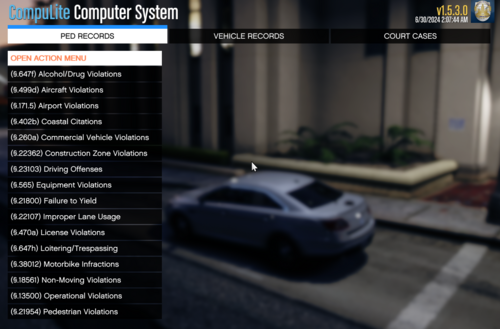 Thanks for plugin, I appreciate it. Demo is done and viewable on the channel. Did have some confusion on the citation part as mentioned on the video, but still deserves 5 stars as I can tell you put a lot of work into this. Thank you again!