dralis83
Members
-
Joined
-
Last visited
Everything posted by dralis83
-
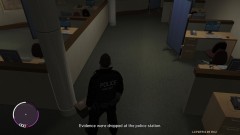
From the album: Misc Pics
-
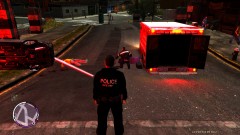
From the album: Misc Pics
-
IMHO I think bandicam is the best, for vids/pictures, and also you should stick with ELS V5 it is way more stable then v6, I can play until i'm bored, and never crash hope that helps :)
-
-
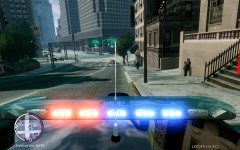 Nice shot :)
 -
Neat vid bud :)
-
wow, that is awesome thanks, fits perfect on screen with the ivdashcam!!! Great work!
- 105 comments
- 62 reviews
-
-

- 1
-
-
Mine did the same thing but eventually I kept hitting backspace after about 30 seconds or so it unfroze, but I experience no FPS drop still run 55 to 56 FPS as same in liberty city, but had a CTD but its an awesome map none the less
-
Yeah still not working for me also, put objects ini file into x:EFLC hmmm but still neat map
-
From the album: Misc
-
Misc random work pictures
-
Actually KPD, that is a great video, although, there is nothing we can do with the "hardcoded" AI slamming into walls to get away from the sirens, but I think you did a great job and a great 2 min video, because most people are focused on your driving, rather then the AI, awesome vid!
-
 Was curious if any shots were fired? lol
 -
 Nice pic
 -
-
Would be awesome
-
 Love that! Is there a link to the car?
 -
Does sound very nice!
-
No offense but bravehearts scripts are very buggy, lots of problems but thats why there "beta" releases Meant, nothing offensive, he's keeping this community alive just like Abrax, and I'm very thankful, but was just saying nothing is bug proof, but and thats why I said that, and of course its "beta"
-
When playing LCPDFR enter into your in-car computer and type PPM and Enjoy!
-
-
-
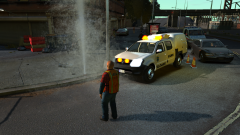 Cool Pic
 -
Hit the numlock key on your keyboard
-
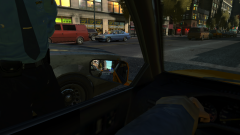 Looks nice