Desmond98
Members
-
Joined
Everything posted by Desmond98
-
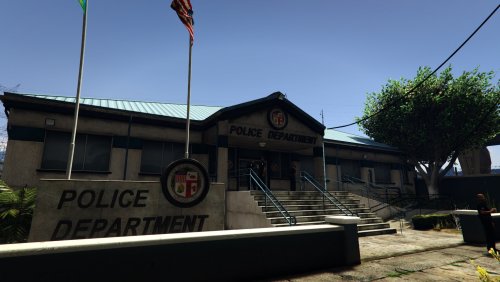 I checked the textures. but unfortunately its not changed, look at the date the file was created on March 11, and now March 12
- 59 comments
- 8 reviews
-
-
ah, ok
-
-
sorry, what?
-
btw, looks like this texture need to be edited too for regular version of Mission Row Police Station GTAV\mods\x64i.rpf\levels\gta5\_citye\downtown_01\dt1_19.rpf\dt1_19_lspd02+hidr.ytd
- 59 comments
- 8 reviews
-
-
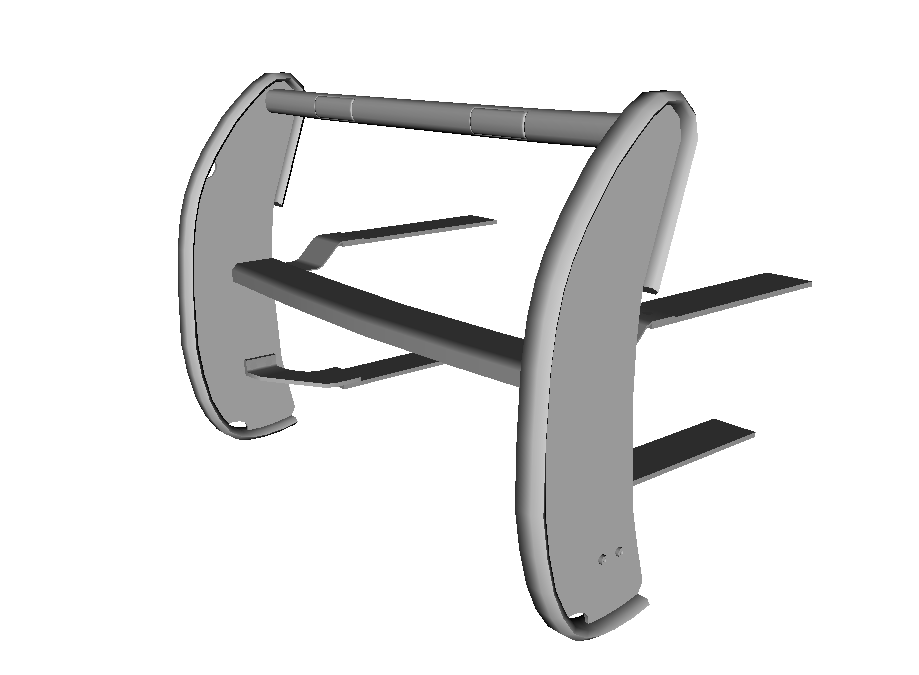
Update is ready. Changelog of 0.4.5 version: - Reworked bottom part of front bumper as close to real, - Fixed white flashing of tailights, but isn't in final stage, it will be correct as close as possible to realism - New reworked indicator and fixed bug when indicator is broken and nothing was him, fixed white flashing of indicators, now its actually orange, for solution thanks a lot to sub68, new realistic top tint of front glass - Added all the missing antennas: "hockey puck", central antenn, and two side antennas (as extra, because it is not at all units),replaced the factory stereo antenn to more accurate, stereo antenn now "itself" as extra, - Reworked pushbar, now its really a Setina PB-450 L, with Whelen ION by Lccop, thanks a lot Lccop for this. It remains to wait for the screenshots will be ready
-
-
-
Yes, thats my account on gta5-mods.com Btw, Compton Sheriff Station LASD recruitment IRL
- 59 comments
- 8 reviews
-
thanks) but LAPD recruitment look like strange on Compton Sheriff station and for me vespucci police look like this, but I am sure that all installed correctly
- 59 comments
- 8 reviews
-
-

- 1
-
-
i found location of texture, its here GTAV\x64m.rpf\levels\gta5\_cityw\santamon_01\sm_22.rpf\sm_22.ytd
- 59 comments
- 8 reviews
-
GTAV\x64k.rpf\levels\gta5\_citye\scentral_01\sc1_19.rpf\sc1_19_lspd_ban.yft - banner model in yft format with embedded textures, for editing embedded textures you need use this tool http://gtaforums.com/topic/795186-wipv-texture-toolkit/ GTAV\x64k.rpf\levels\gta5\_citye\scentral_01\sc1_19.rpf\sc1_19_lod.ytd - archice containt a lod texture of banner
- 59 comments
- 8 reviews
-
Awesome mod! 10/5 Thanks a lot for you hard work:) This mod included even Compton Sheriff office, it's just wonderful!
- 59 comments
- 8 reviews
-
thanks a lot! very helpful
-
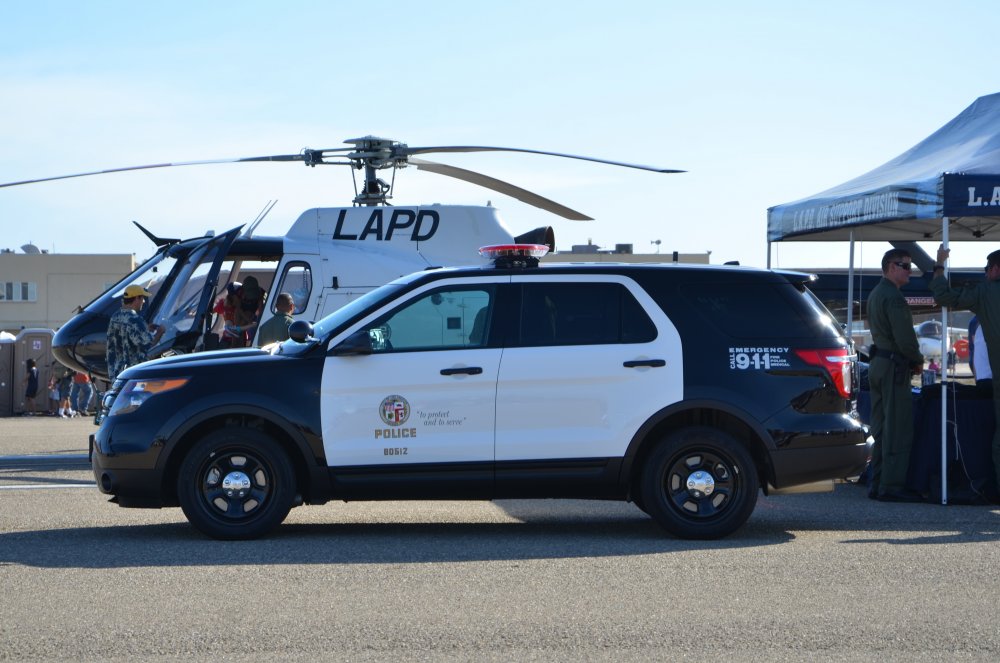
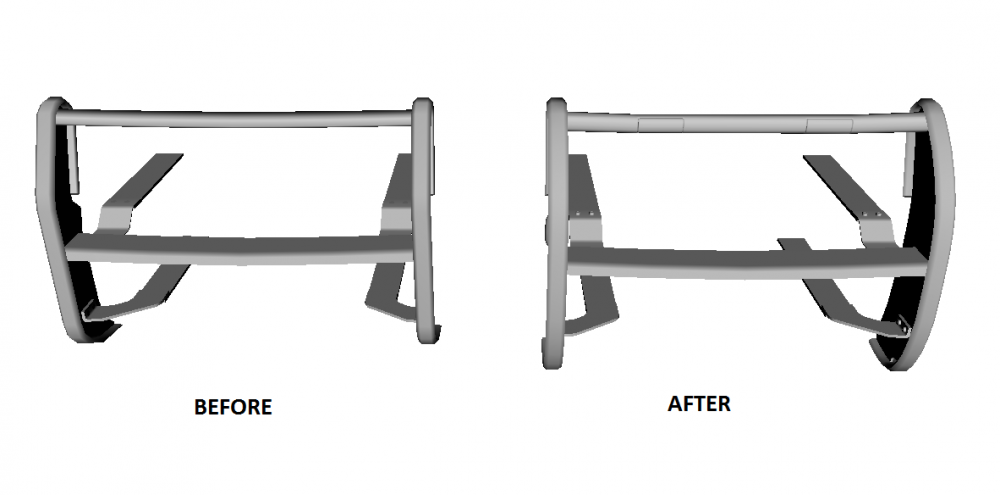
thanks for report this bug! I have now realized that i made a mistake with the size of pushbar Can someone help me with finding the photos like this but with pushbamper? or documentation with pushbumper size
-
sorry, but but as I said, I only make LAPD,LASD,CHP version. None of them has this lightbar and its really look weird IRL
-
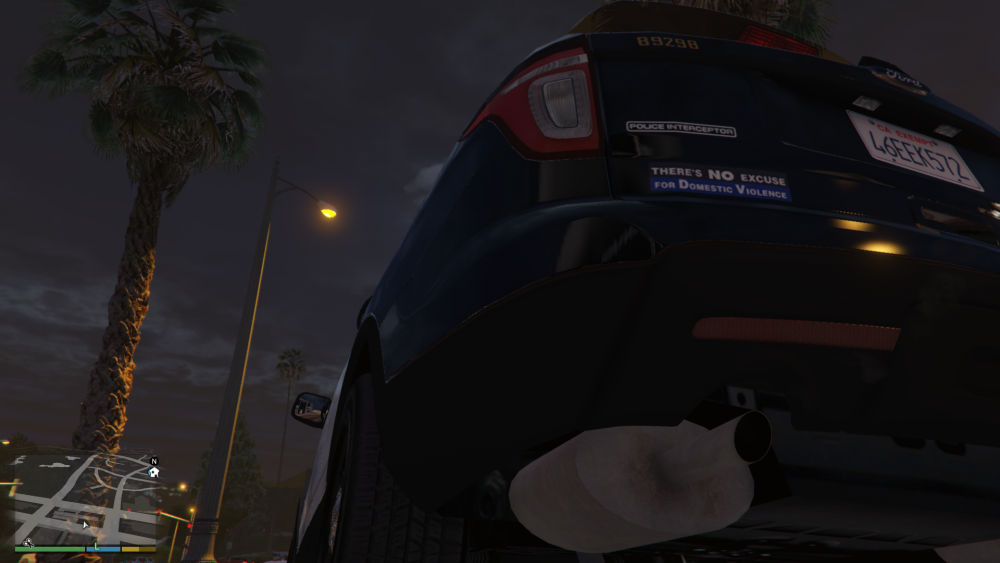
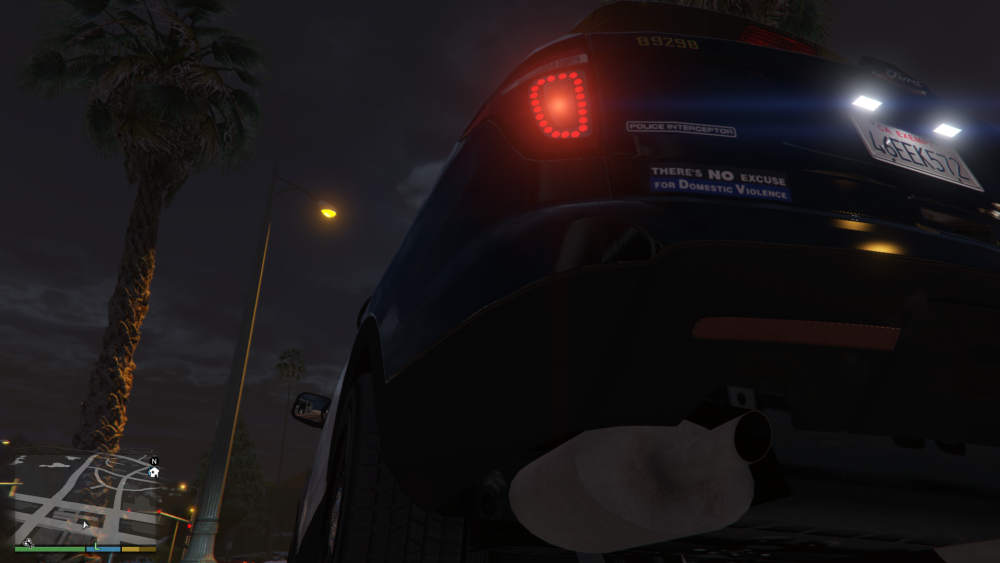
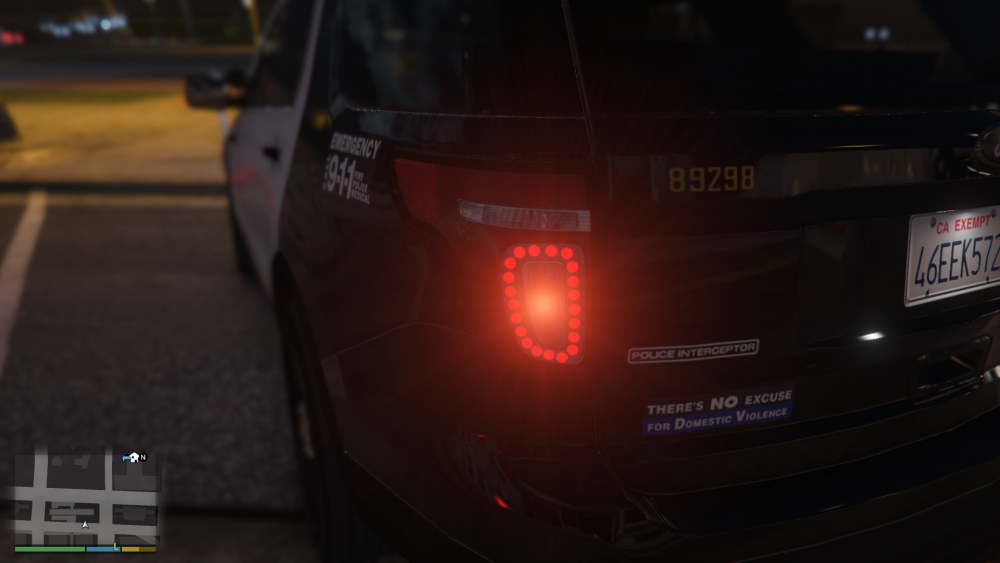
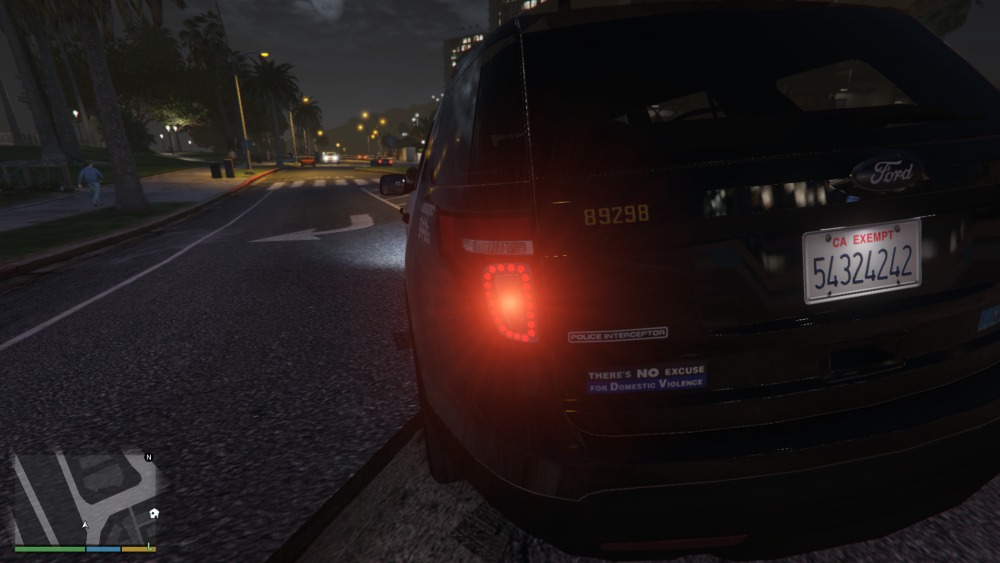
work in progress on tailights i'm trying to make real leds and i think it look like very realistic and beautifull, at least better then white non led tailights. for solution thanks a lot to sub68.
-
i already answered above
-
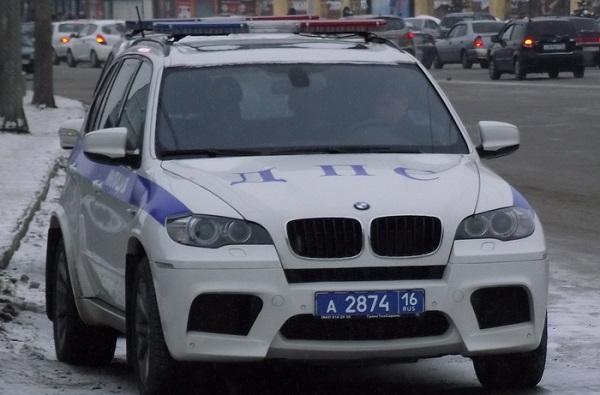
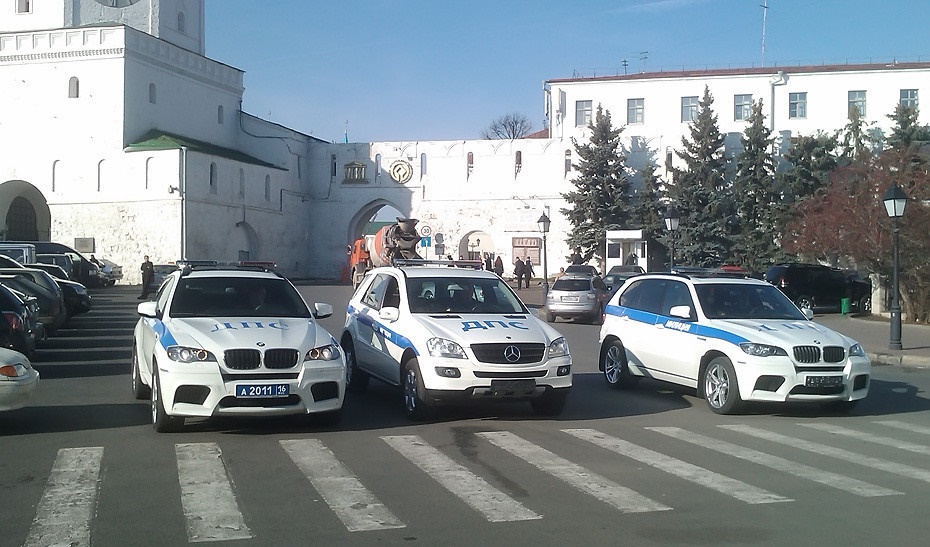
No, police in Russia dont use any Explorers, even pastgen(2011-2015). And CVPI really not actual for Russia. For Moscow and my region more actually Ford Focus and Ford Mondeo, some Hyundai,Renault, Fiat Albea, Volkswagen Passat and Bora. And some pics of special unit, which perform only one task, escort the high ranks in my region only(not country)
-
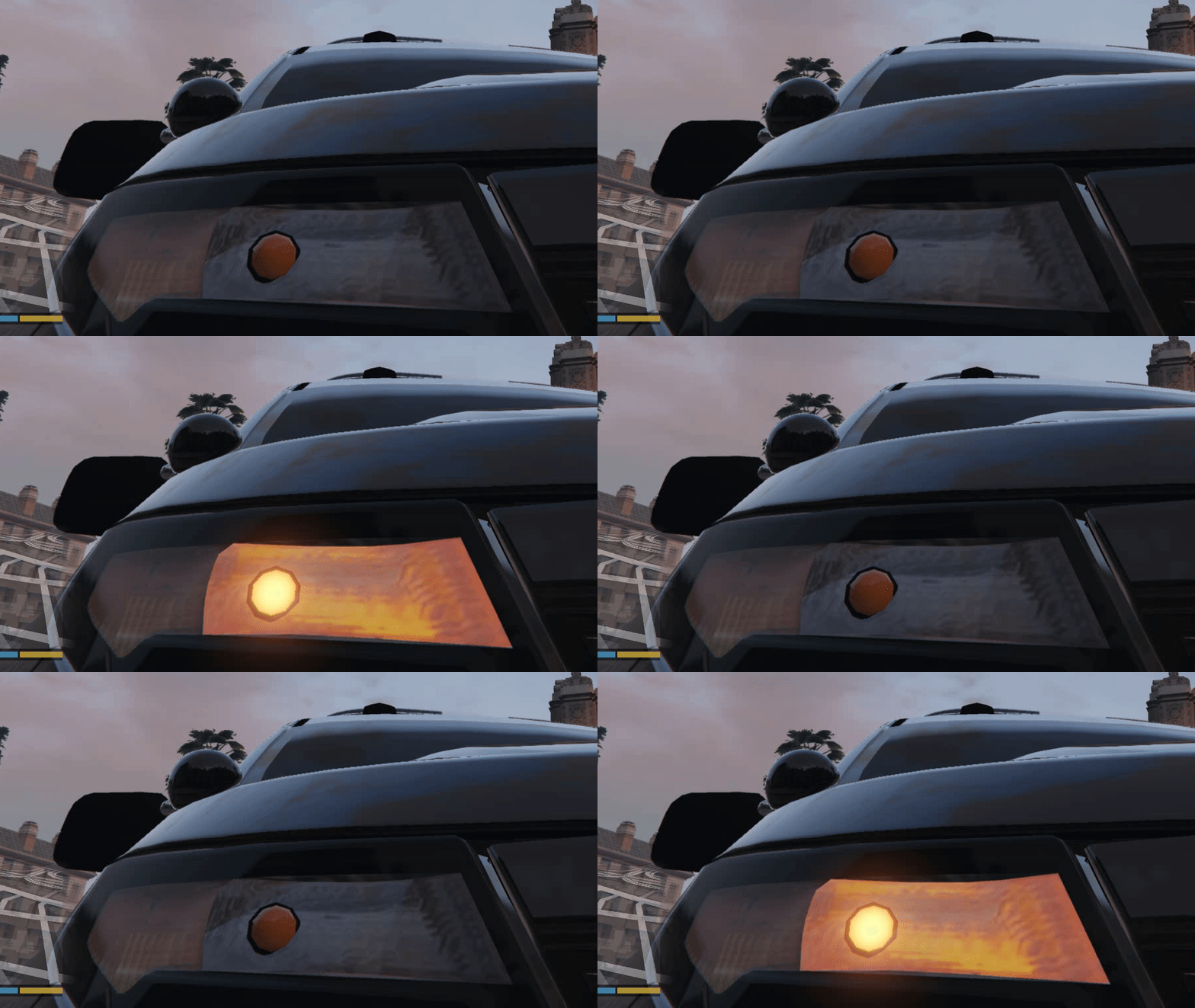
finally got it perfect working! for solution thanks a lot to sub68 p.s shape of indicator is correct, its just a strange angle
-
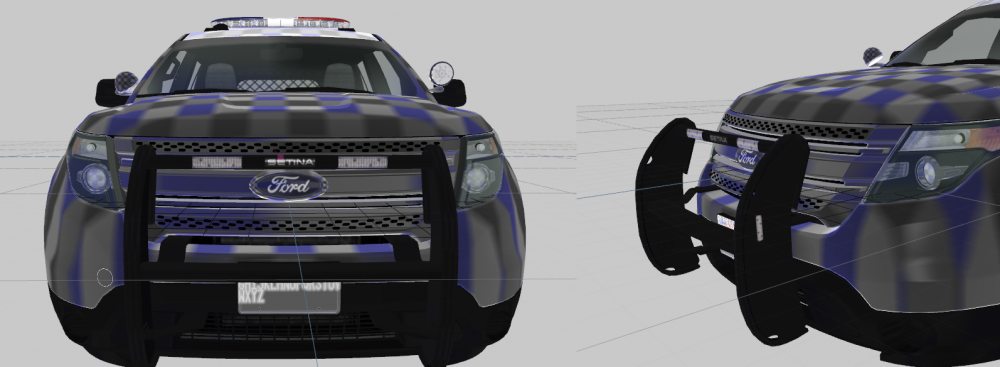
haha, dont know already textured, and replaced the lights for more accurate Whelen ION by Lccop
-
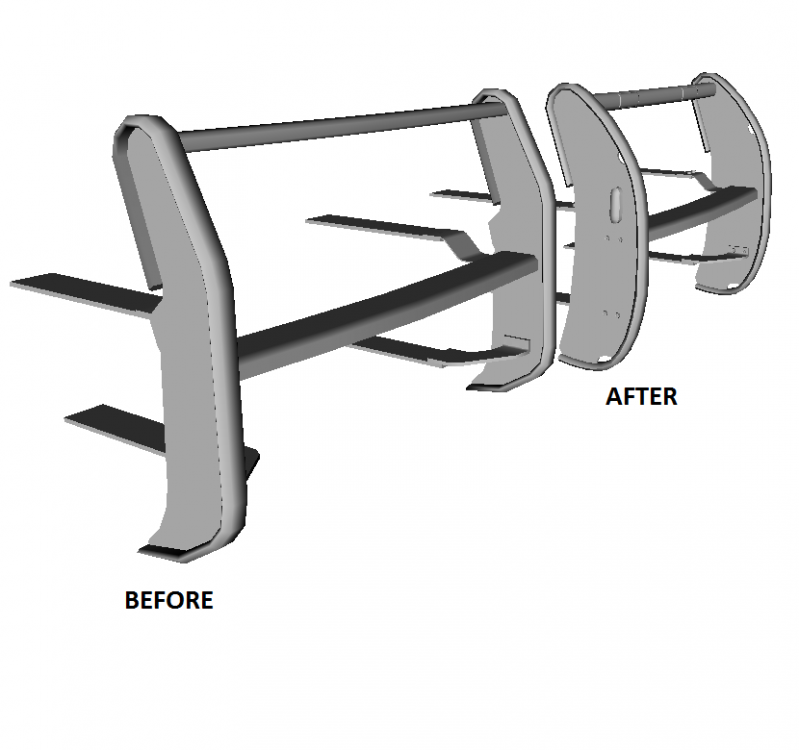
Pushbamper is ready, need only textured it Now its really Setina PB-450L, its have the correct form and lights as i said above
-
At this moment im reworking a pushbamper, now its will have the correct form and lights post updated pushbumper will be ready soon: