


Desmond98
Members
-
Joined
Everything posted by Desmond98
-
 lol, really ? Do you think it's so easy, such as to write comments like you? But I'm already working on the interior, check the file page and forum topic
- 221 comments
- 34 reviews
-
yes, those chrome and I decided release this version
-
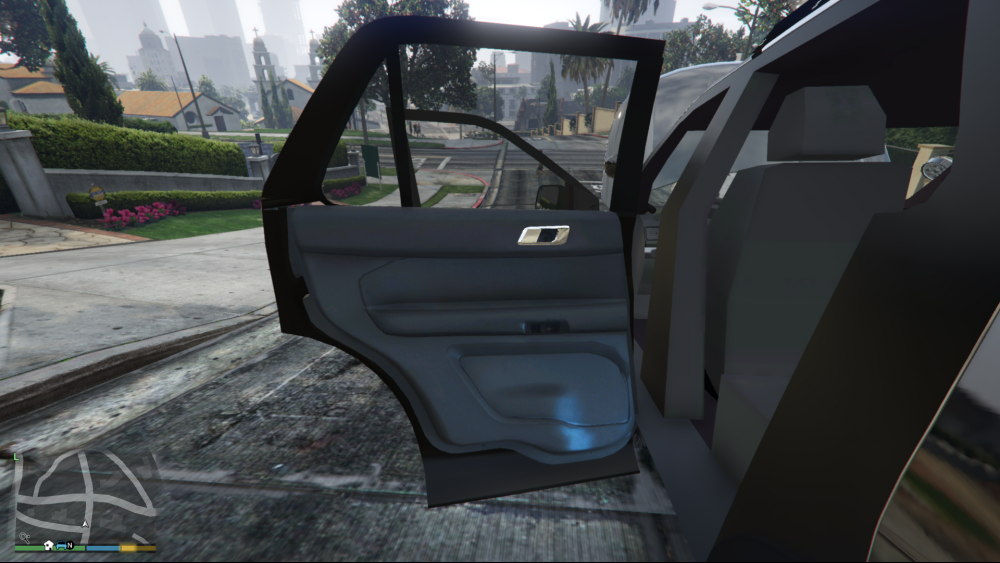
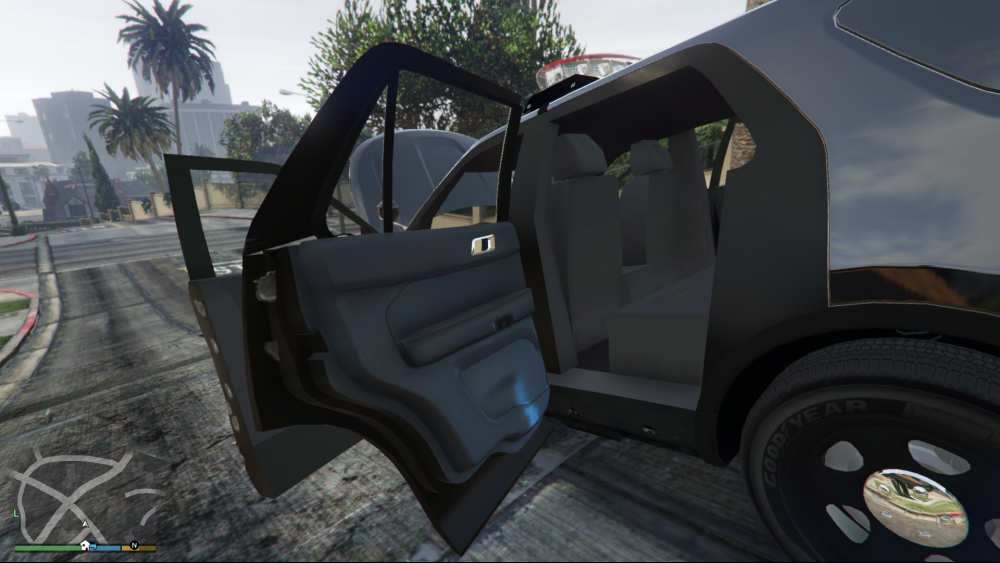
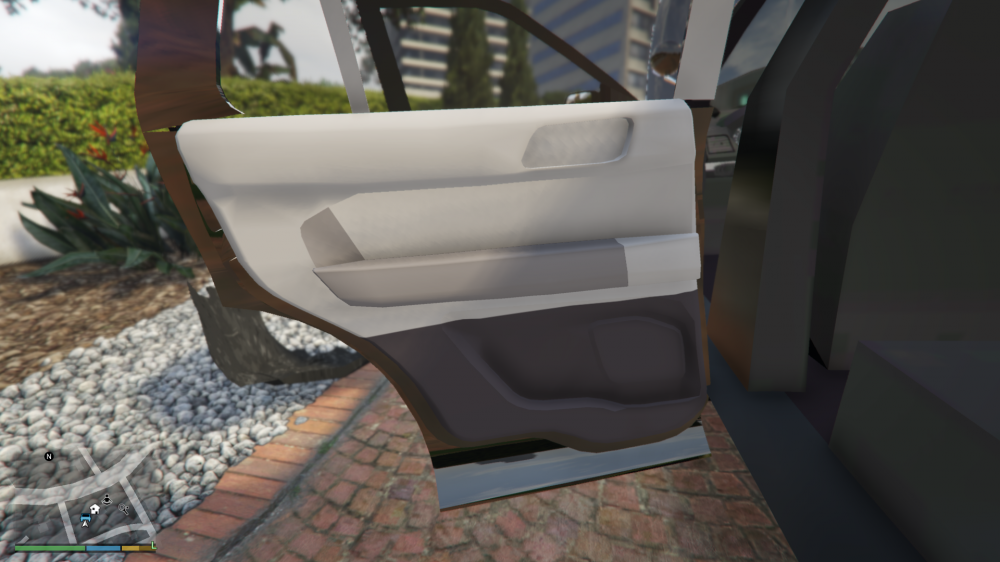
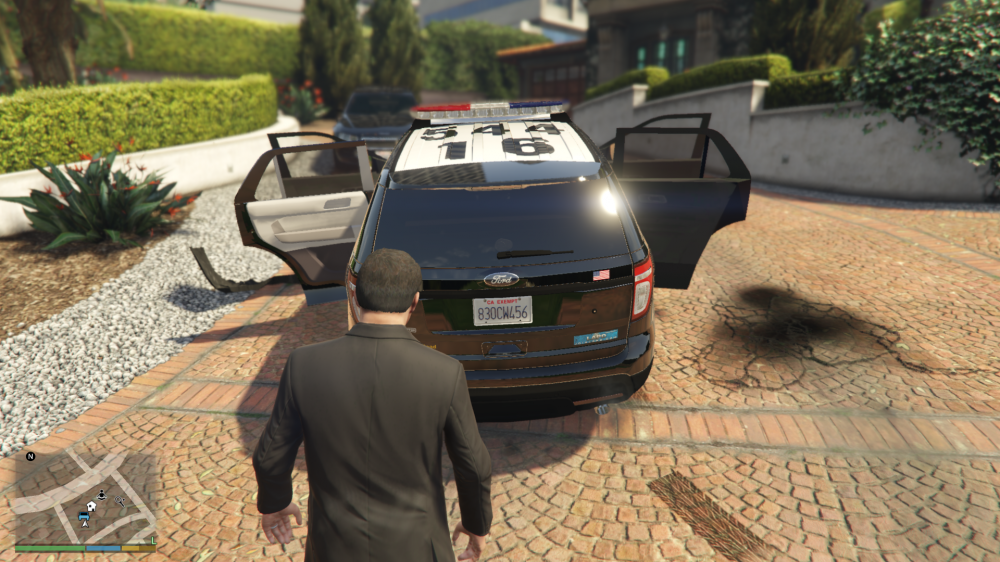
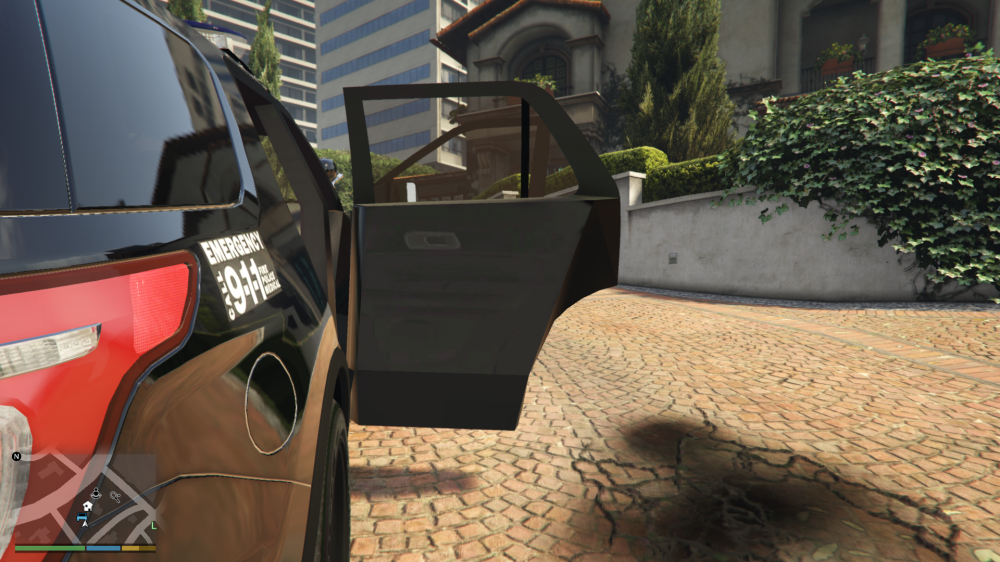
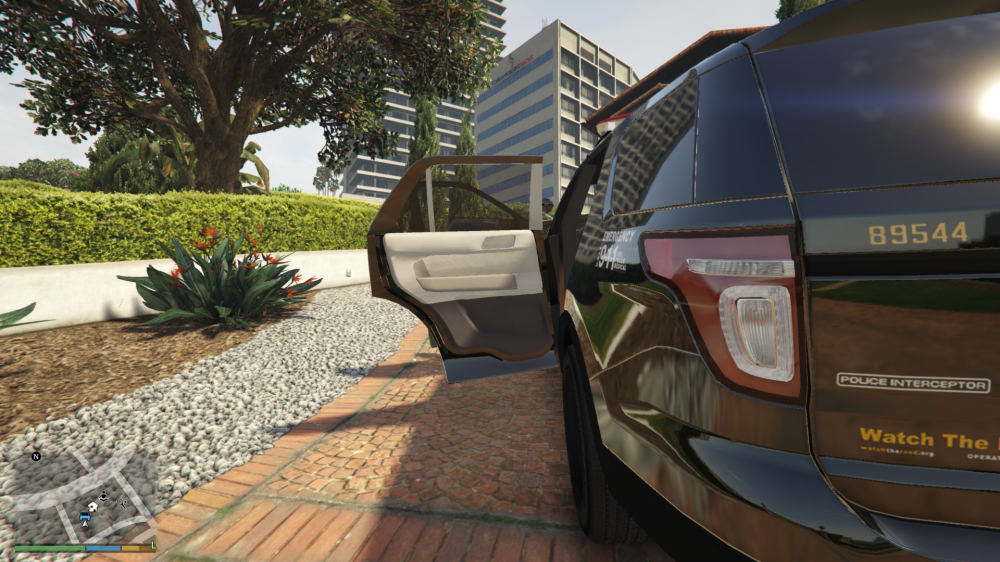
Rear door - 95% (NEW DOOR ONLY IN LEFT SIDE , for better visibility difference) For texture thanks a lot to vladimir850
-
-
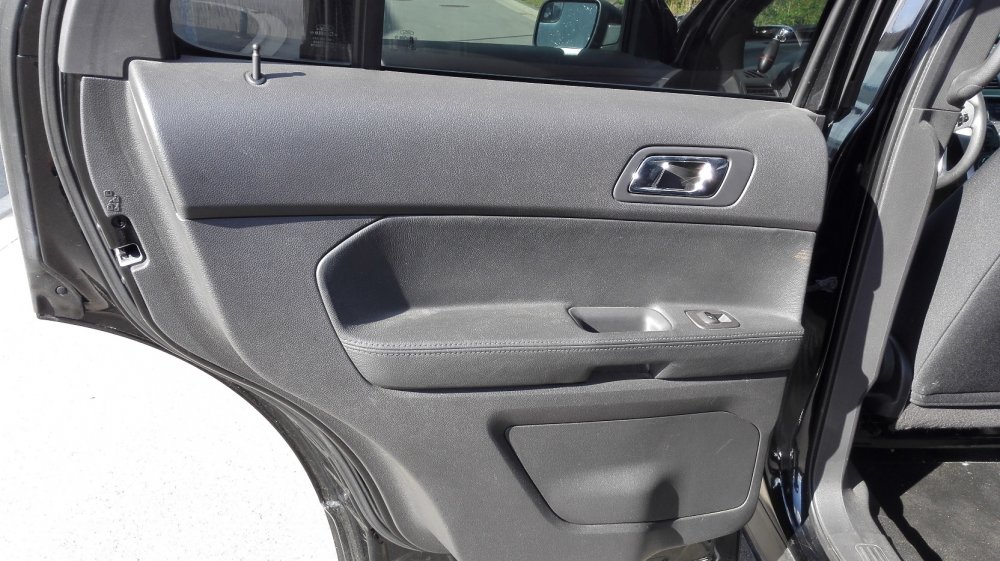
@SeaHawk14 it is actual for lapd? closed speaker and front door has ballistic panel badge?
-
Thanks for info! very helpful photo!
-
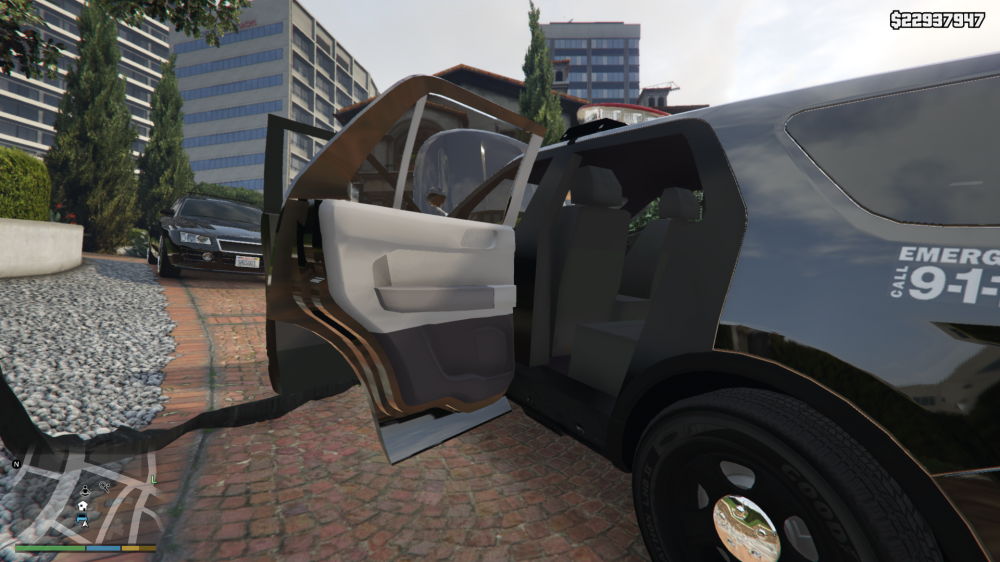
Correct seats ( moulded plastic ) ingame test (not textured)
-
can you help me with some pics ?(top view, left or right view), please
-
thanks for info!
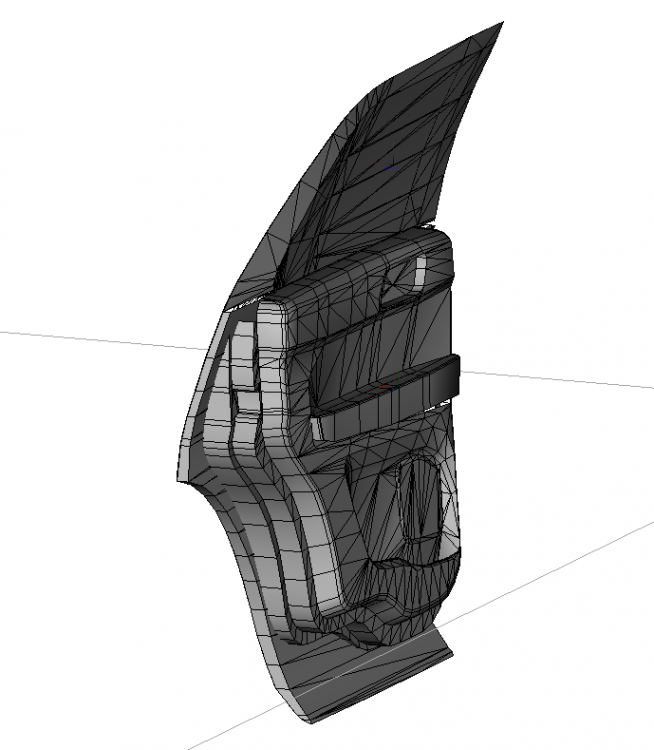 some progress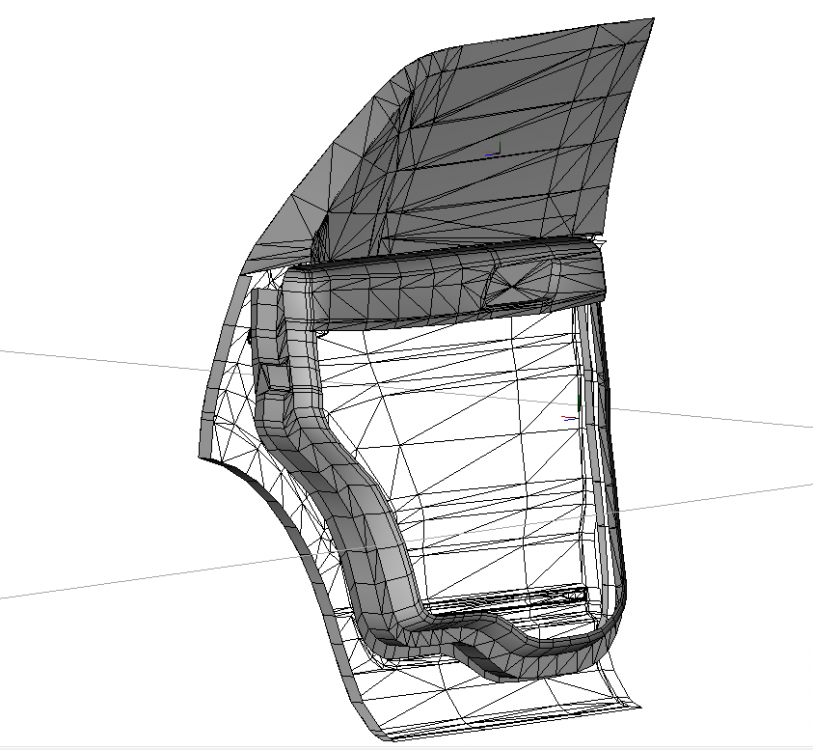
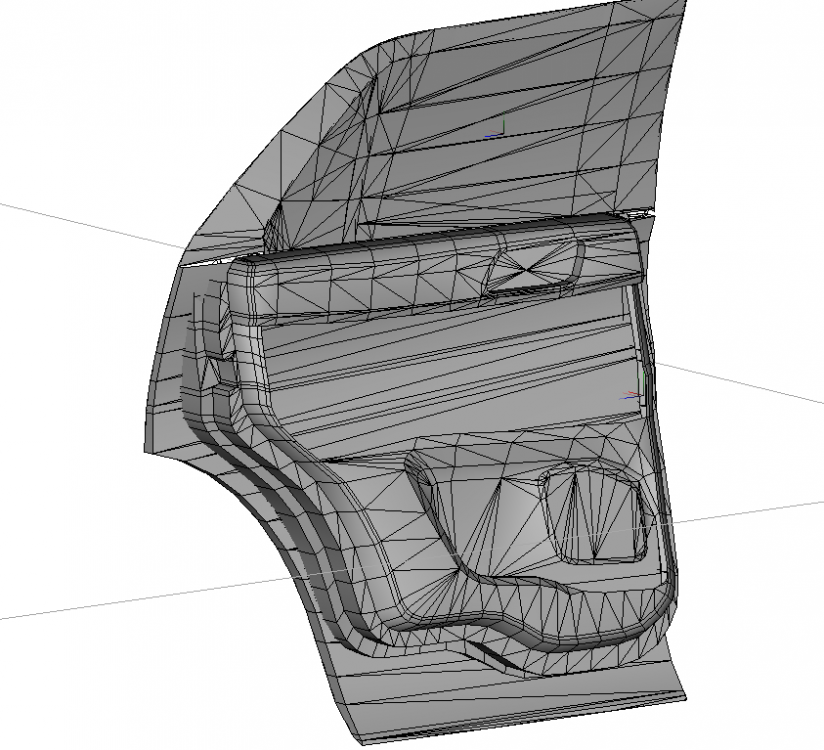 do I need to do once a setina door cover? and then I will need a photo like this
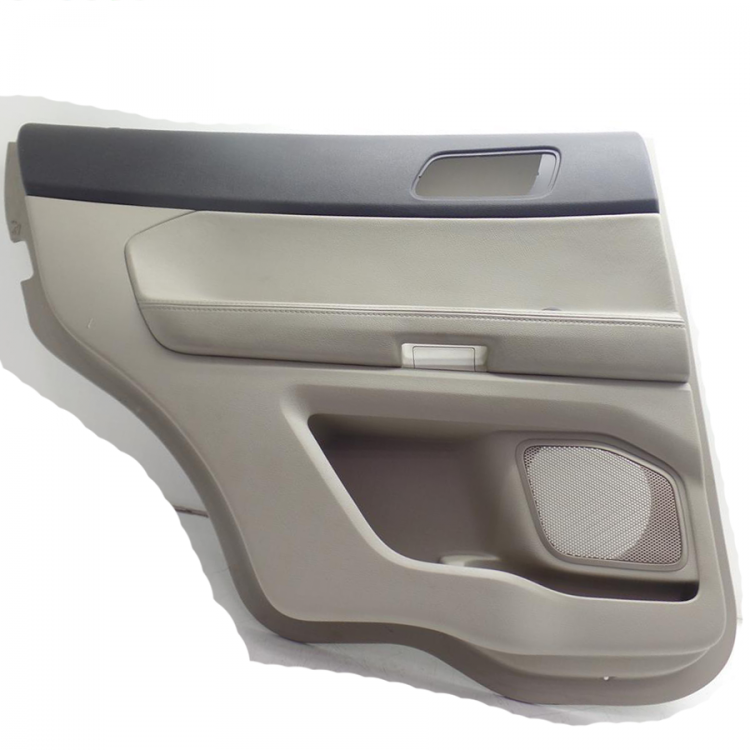 So, after long time... If you think thats nothing, for me its was 1 hour continuous modelling.... and i very long searching f**** pictures on ebay for best view an its not flat
i dont know what the f*** is happening, because for me file have lods, for PimDSLR this file dont have lods...
So, after long time... If you think thats nothing, for me its was 1 hour continuous modelling.... and i very long searching f**** pictures on ebay for best view an its not flat
i dont know what the f*** is happening, because for me file have lods, for PimDSLR this file dont have lods...- 221 comments
- 34 reviews
When tailights is turned off they are white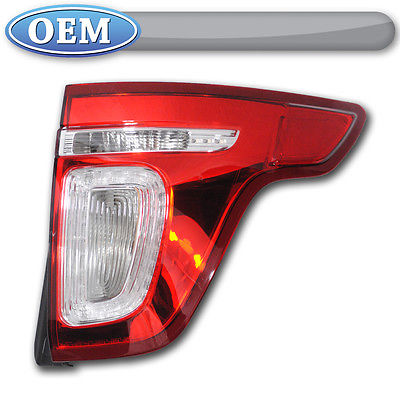 it just stupid way to fix white lights bug, because lights always be red...yes, ELS for GTA V only in development, so we cant make a traffic advisor at the moment BTW, Dodge Charger topic hereYes BTW, now im working on dodge charger 2009, soon i post some screen of progress.its terrible decision in my opinion, but I still try to do something with itThanks for the detailed answerI was surprised when I noticed all CHP Explorer's use old(not led) spotlights. @SeaHawk14 do you know why?



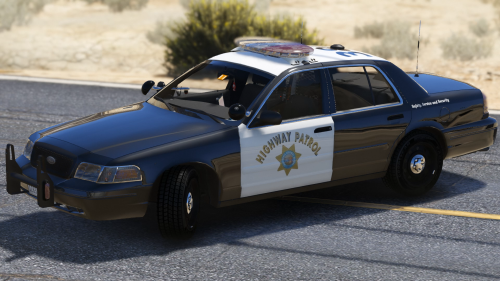



.thumb.jpg.54f04afcd6ae69e17f1388b62a696d8b.jpg)

