Desmond98
Members
-
Joined
Everything posted by Desmond98
-
Update is ready
-
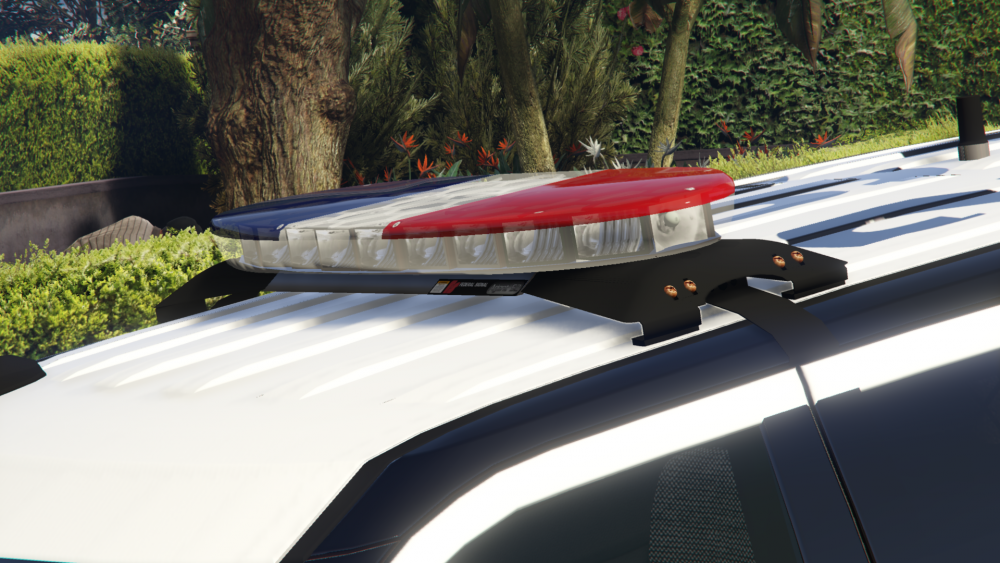
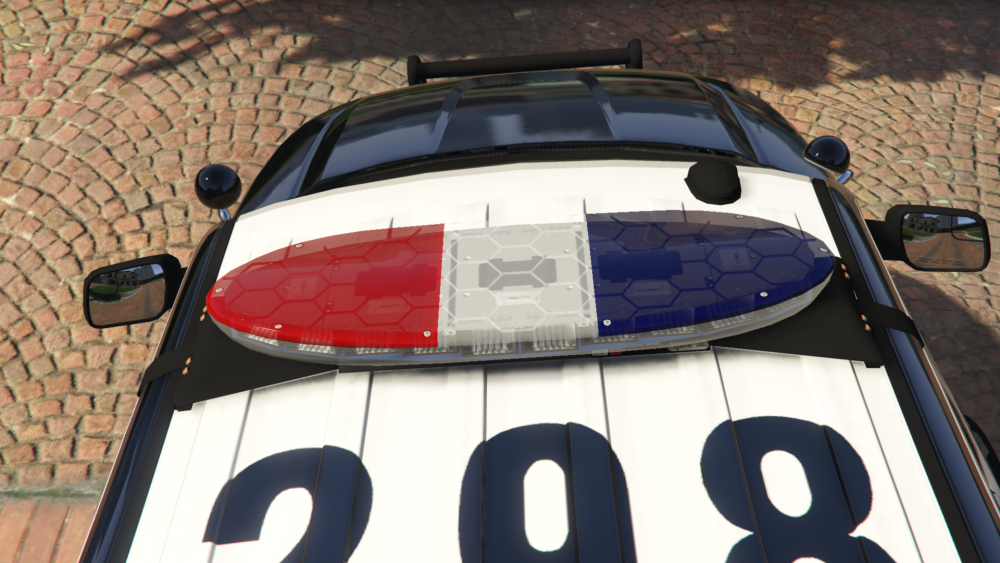
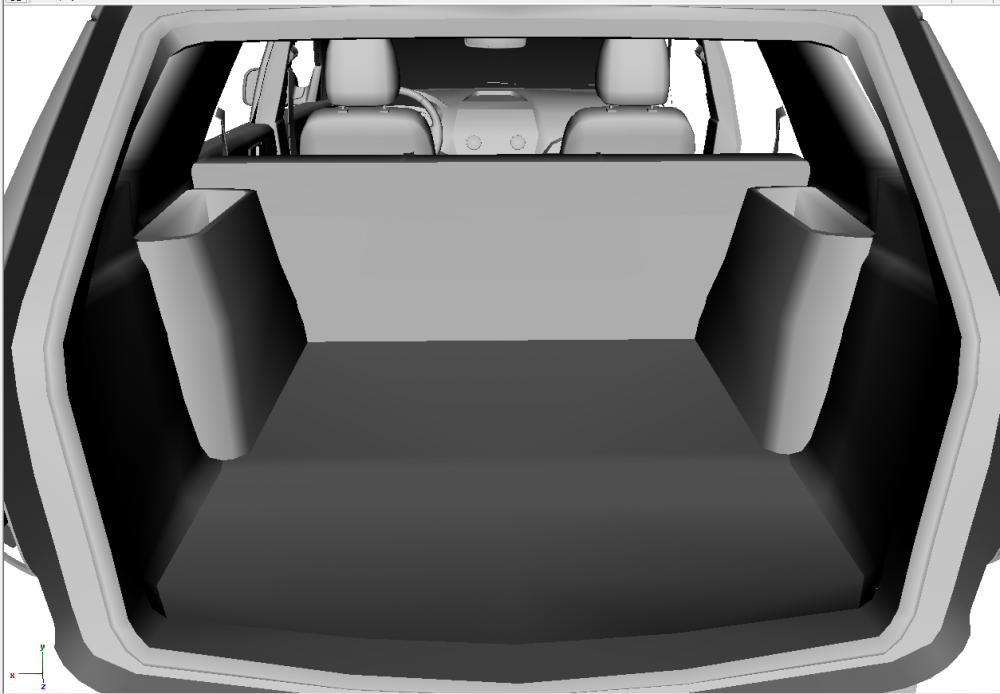
i think i finished the update, but i cant check it ingame because rockstar service maintenance planned, so I can't enter the game, update will be uploaded when i can enter the game. there is changelog: V 0.5 -Reworked boot -Reworked top part of lightbar and new mounting of lightbar by FCVP71, thanks a lot ot FCVP71 for it, -Added Police Interceptor and AWD logo at the boot, now Police Interceptor logo not more part of skin, -Reworked mirrors, reworked pushbumper, reworked reverslights, reworked front indicators, now rear sidemarkers is working, -Added strobe lights (Whelen Vertex) in front lights, added Ford logo in front lights, updated some textures,thanks a lot to vladimir850 for this -Fully reconfigured lightbar by DroidRZRLover(now sirensettings is 1) added Traffic Advisor(Federal Signal Latitude Signalmaster) by DannyBoy1909, converted to GTA IV by Him1250., converted to GTA V and configured by DroidRZRLover, thanks a lot to DroidRZRLover for this, -Removed cabinet in the trunk, its will be replace with actual LAPD equipment in future updates, -Reworked template, fixed light's tinting bug on updated parts, windows is templated, added updated template with some options(include 2k and 8k template and etc)
-
its will be available here with great quality and realistic textures, even with RCSD Swat Uniform
-
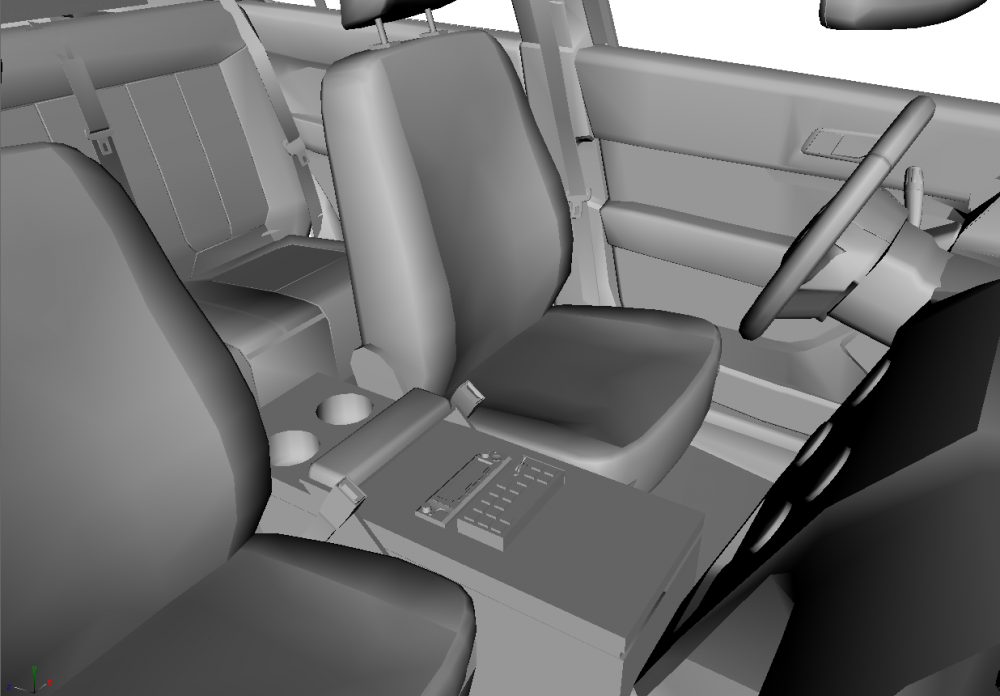
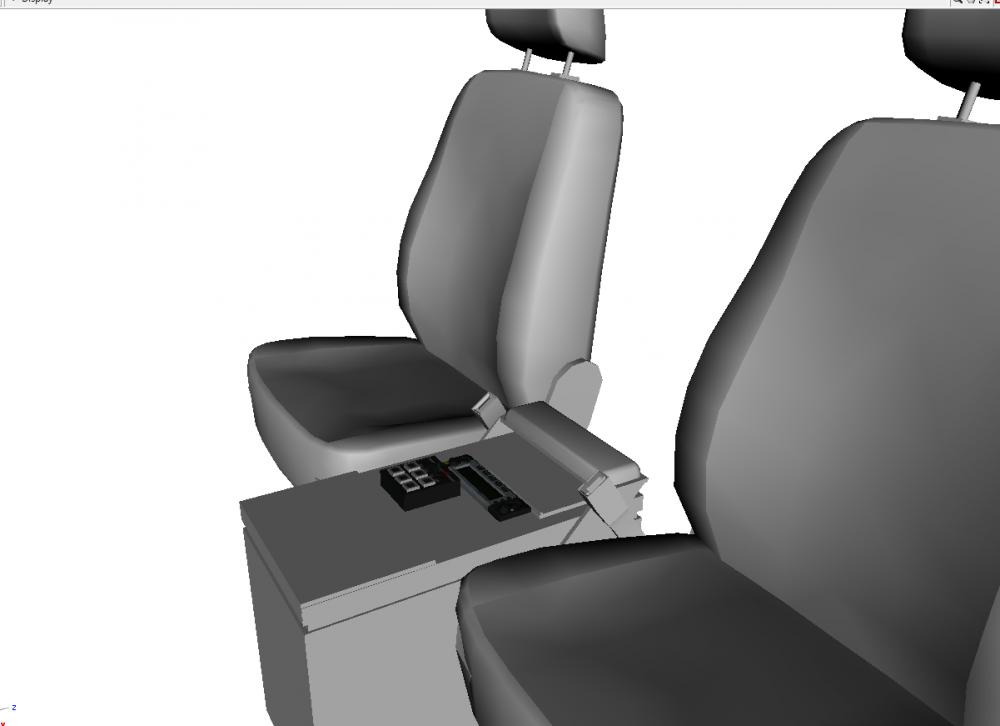
some updates on console reworked this thing(dont know as it is called)
-
thanks a lot to @OfficerFive0 for his havis console, which now i redoing for havis fpiu console and thanks a lot to @SeaHawk14 for useful pictures and information! p.s console is still wip, so many things will be reworked/added
-
it's will be awesome! thanks
-
i want model it, but its cannot be accurate if i wll be using only this photo
-
anyone know name of this console? its only pic of real LAPD FPIU interior i find
-
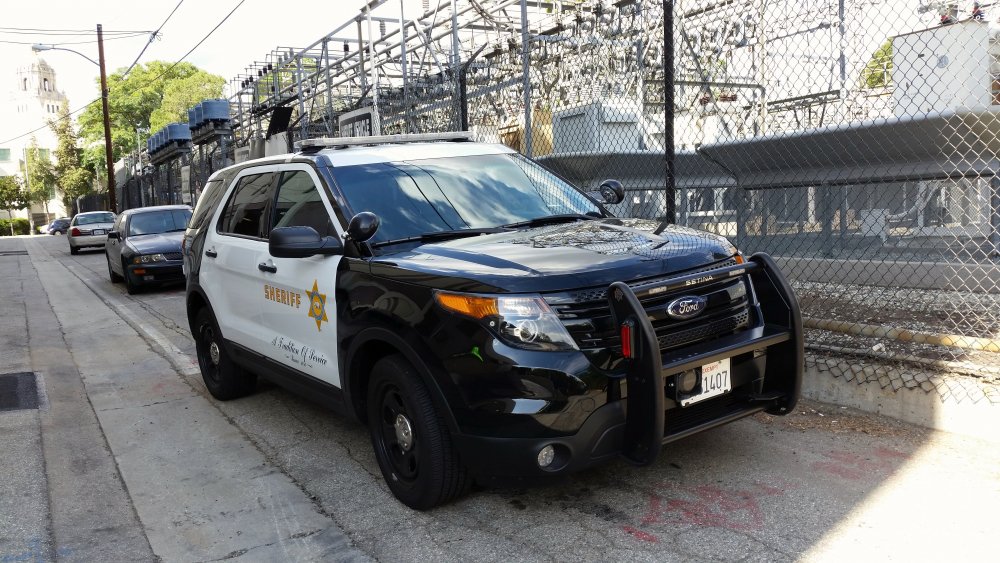
i understand nothing, but want say one: CHP will have Whelen Liberty, LASD Arjent or other, but i would use Arjent
-
lol
-
Whelen Liberty CHP of course.
-
its already mapped and worked but invisible from some views, so its need to be fixed
-
Lights in action http://i.imgur.com/vf4Qt3t.webm
-
Arjent was improved and lights was fully reworked by DroidRZRLover
-
no need to apologize! i was thinking about version with valor
-
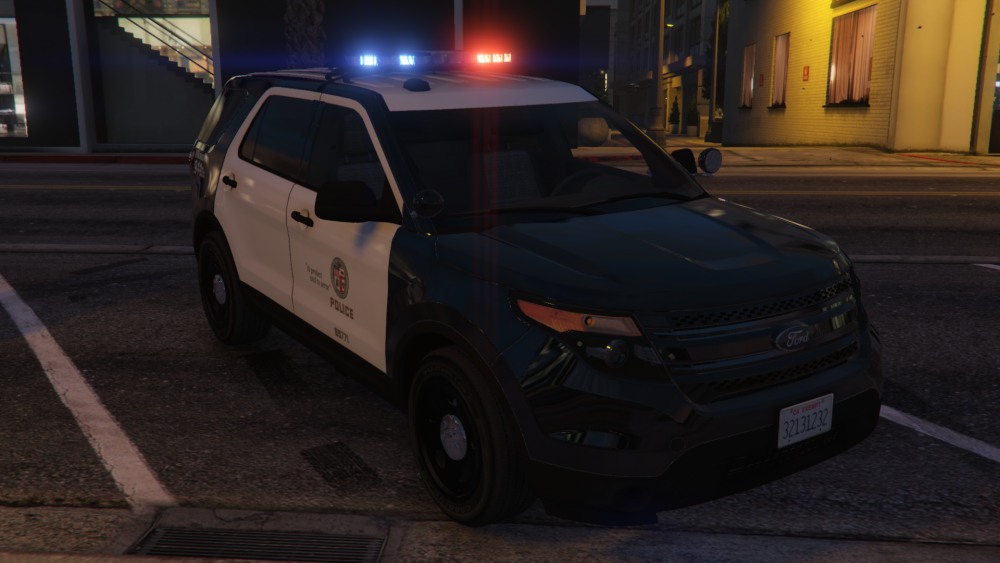
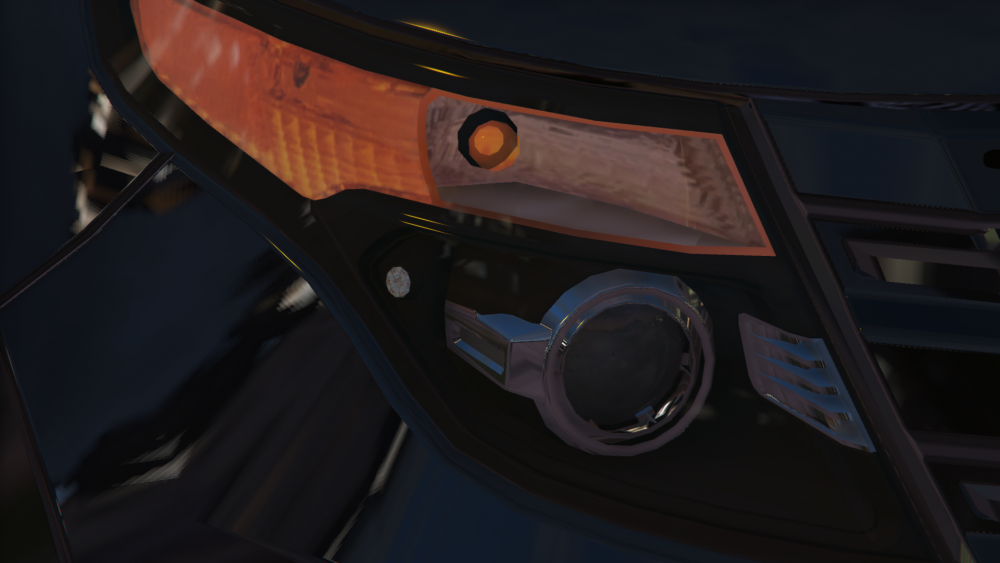
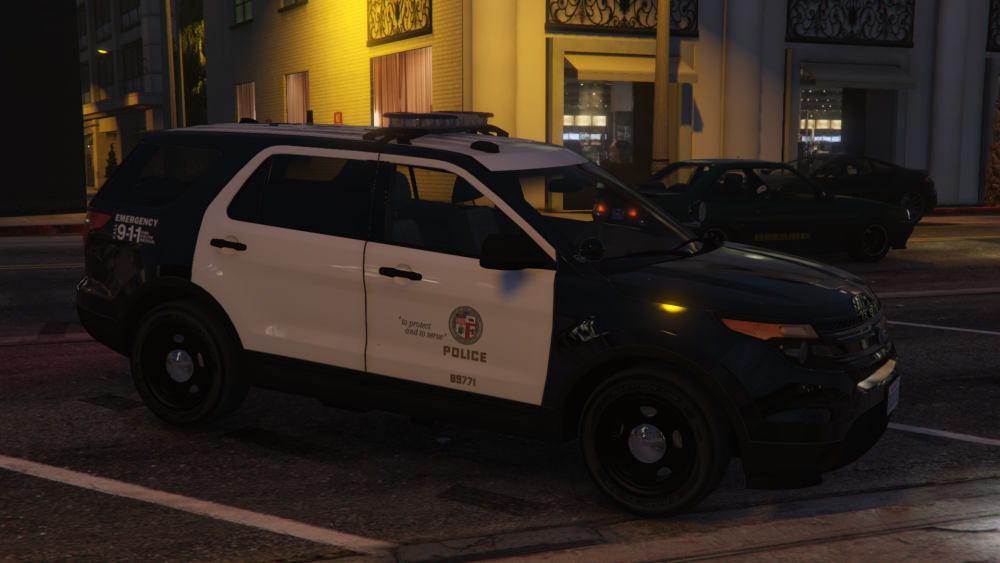
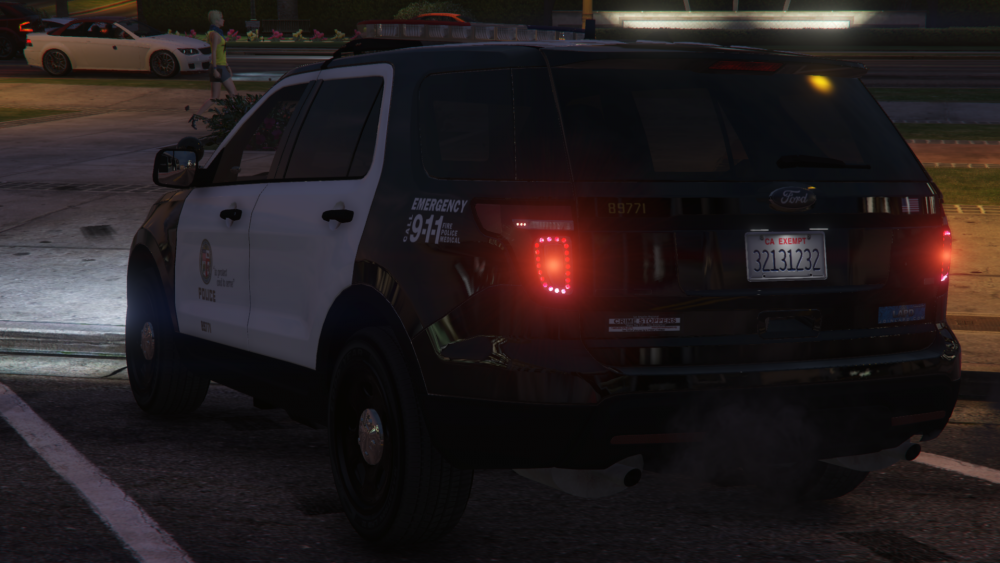
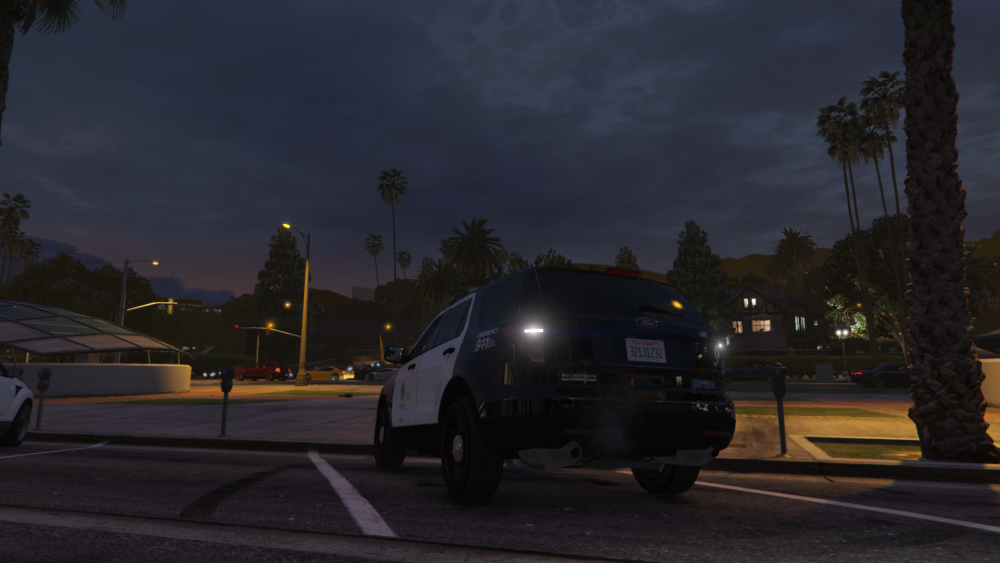
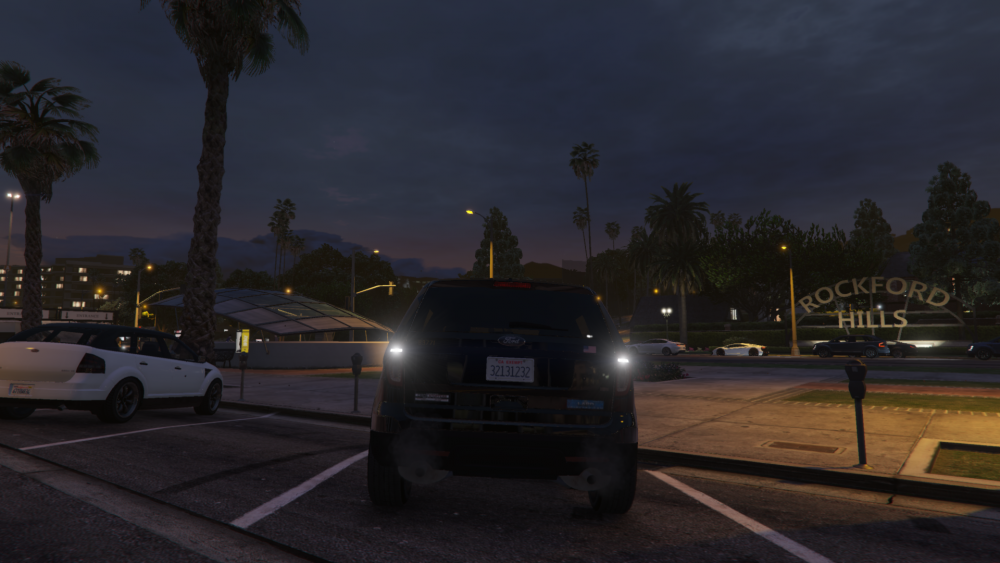
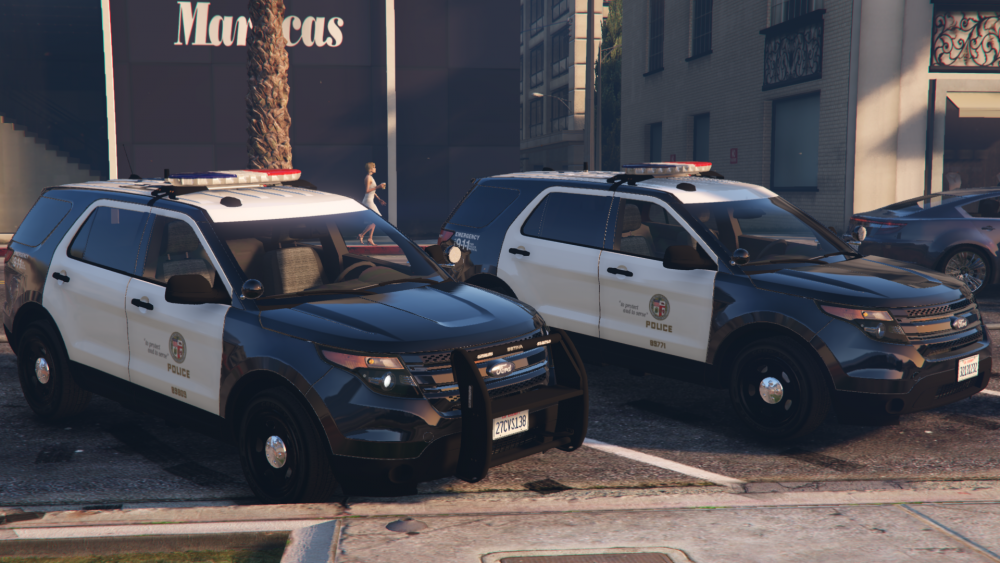
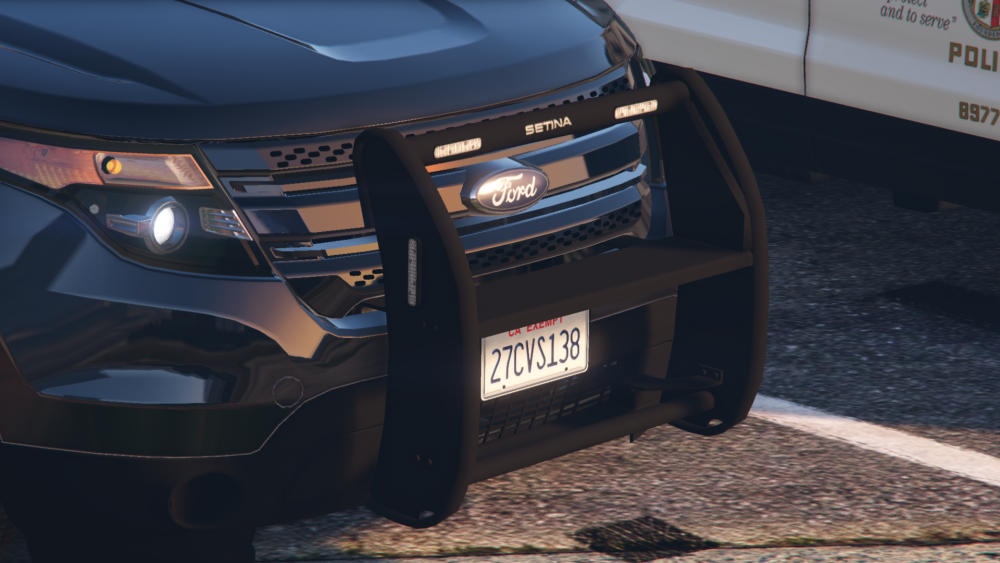
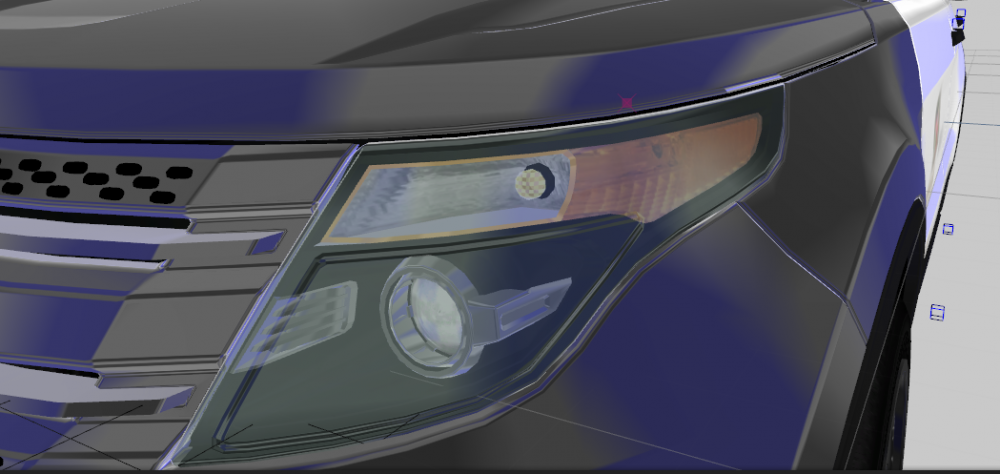
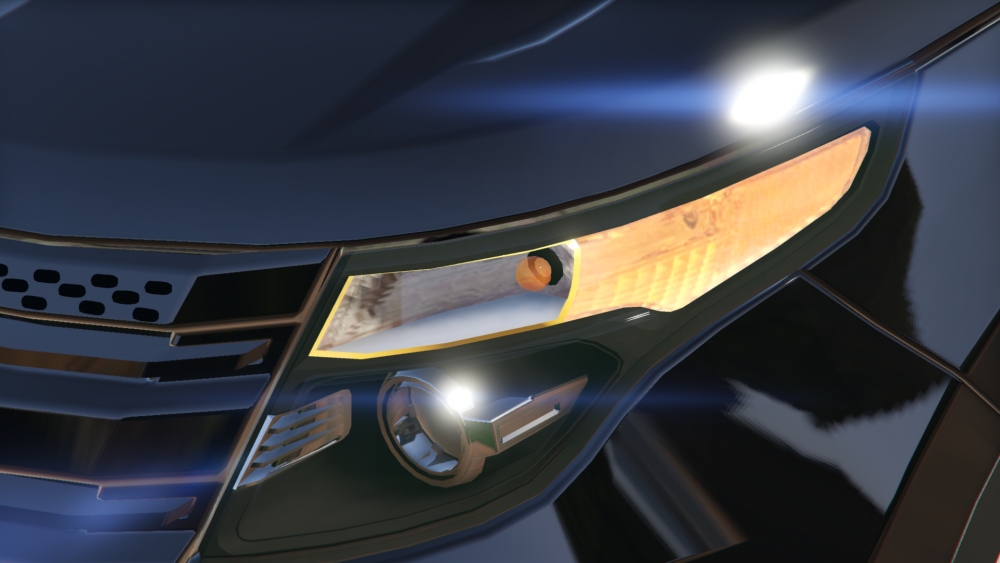
some new screens, added strobe lights in the front lights, also ford logo will be adden to the front lights as IRL, but later, also pics of pushbumper and reworked reverslights
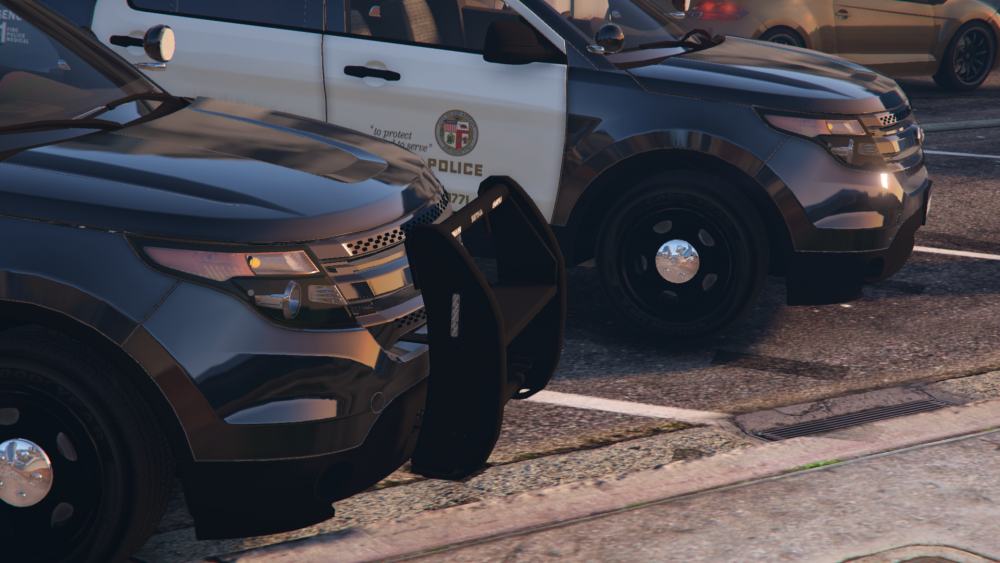
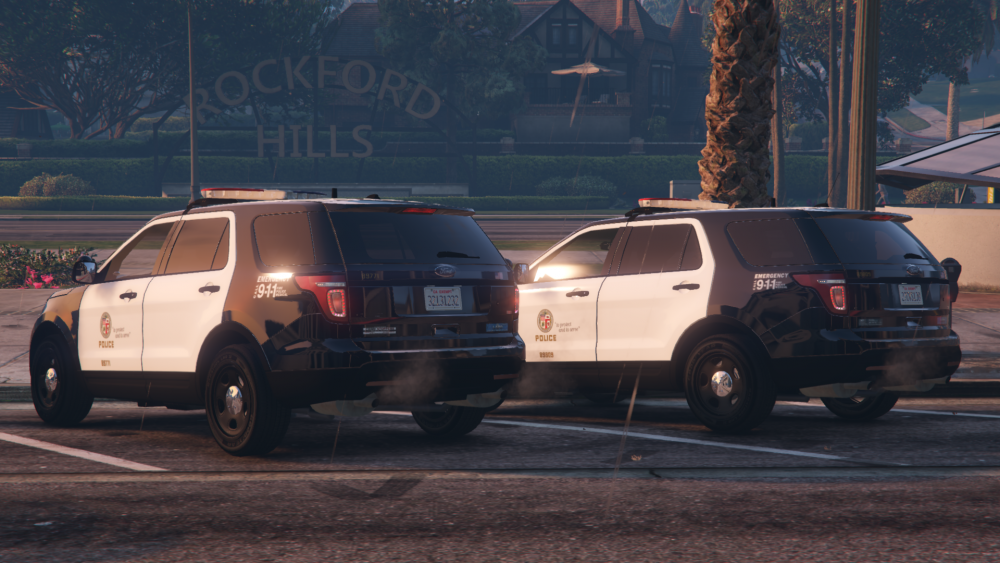
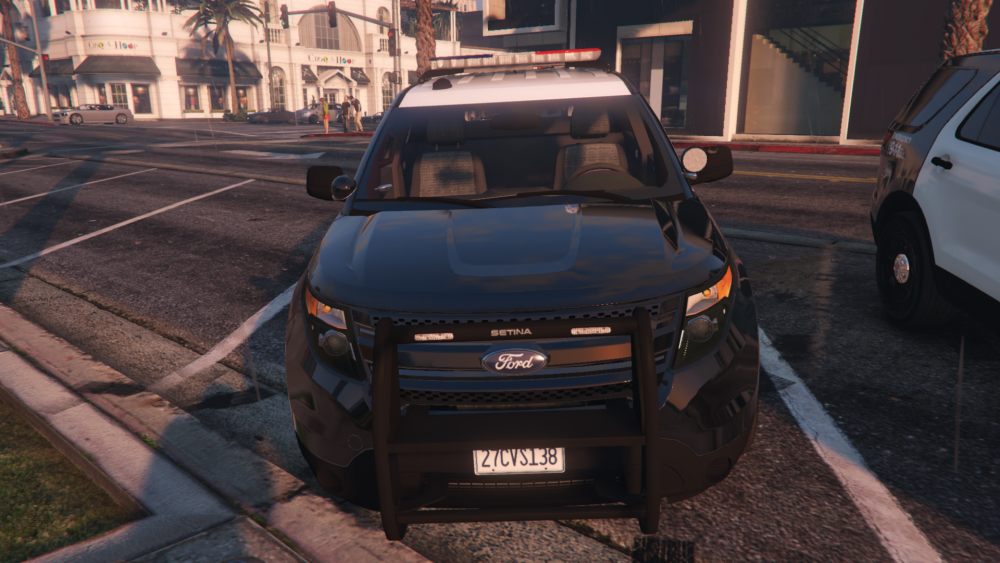
-
now rear sidemarker is done also reverslights is reworked too, screenshots later
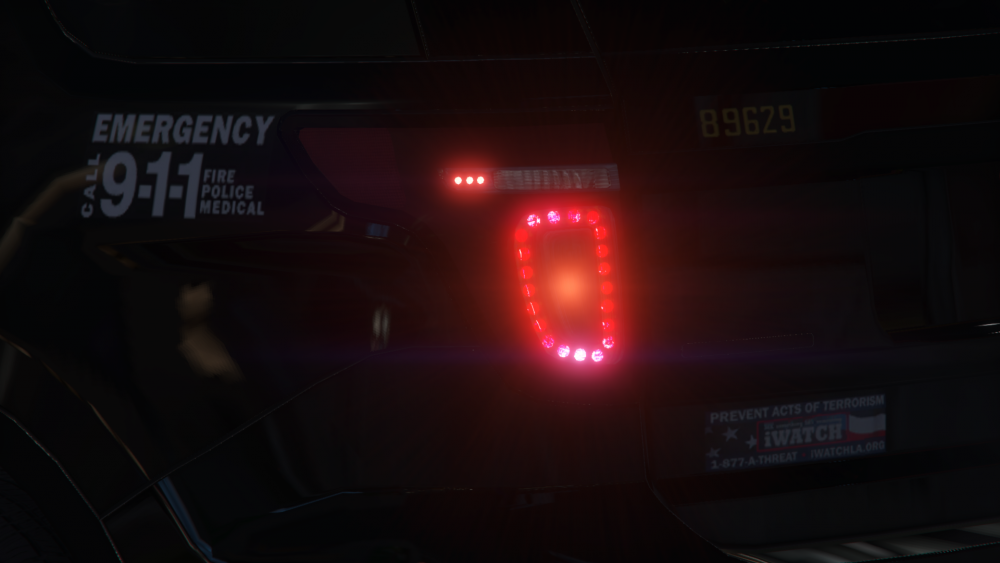
-
it's a interior parts, so i think it maybe will be be done after this week update, in the last day of April, if i will have time, patience and desire
-
i'm alredy make it, it's was easy for me BTW, ingame test and some lightbar updates, which will availbale with next update(at this week i think)
-
I can do it, but I thought it was not so important, I do not think that anyone would notice
-
Reworked pushbumper again
-
very well, how many polygons now?
-
me too trunk update
-
i dont know, because i have a lot of work with trunk space, interior and light's in pushbumper
-
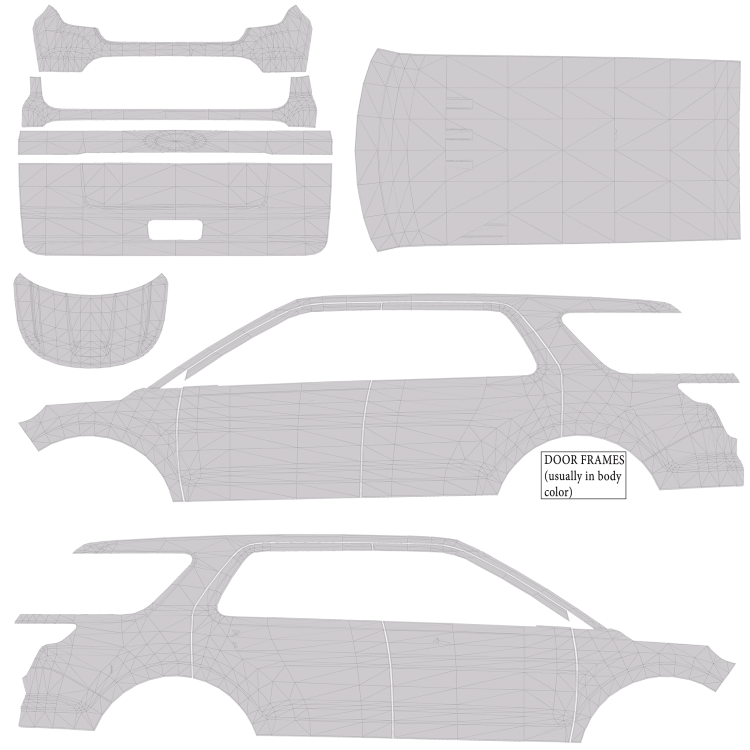
BTW, new template coming with new update, so now you can prepare your skins for optimizing it to to new template Archive contains 2K and 8K wireframe and colored templates Templates.rar