
OfficerBlackjack
Members
-
Joined
-
Last visited
Everything posted by OfficerBlackjack
-
This is happening to me too. But i'm always making sure Edit Mode is on. Nothing happens upon dragging.
-
Can confirm it does work. Trainer is working, PLD is a negative though.
-
@fire2903rescue I'll give your method a try aswell.
-
Same Here. @MayhemMercenary
-
You Go To The Interaction Menu Should Be At The Top. If I'm Not Mistaken.
-
Just all we need is to wait for ScripthookV to get updated.
-
Generally, I don't modify every vehicle for obvious reasons, usually Emergency Vehicles and the Protagonists'. I just give it a new badge of the real counterpart.
-
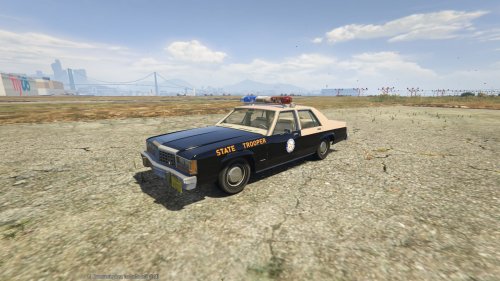 Prefect. Love It!
 -
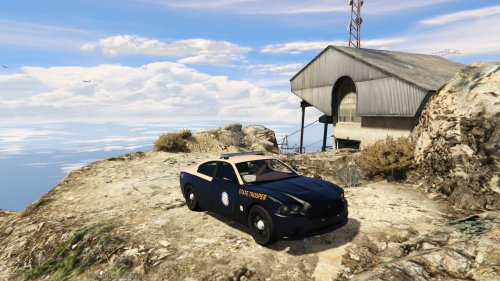 Love it! PS: Any chance of a skin for Lundy's LTD?
 -
Police is the only City PD car in x64e.
-
-
-
-
-
Same on my end. LCPDFR.com doesn't work but www.LCPDFR.com does.
-
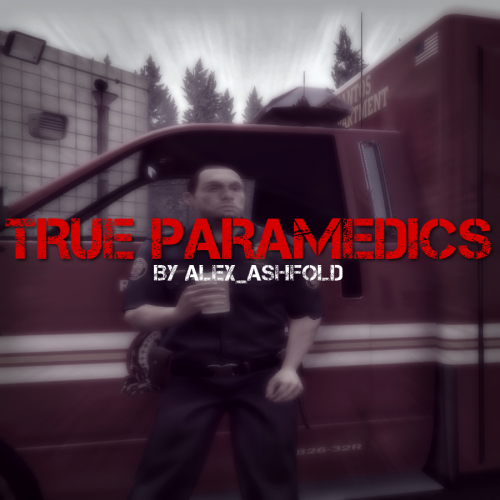 Love It! Makes The Game What It Should Of Been Like.
 -
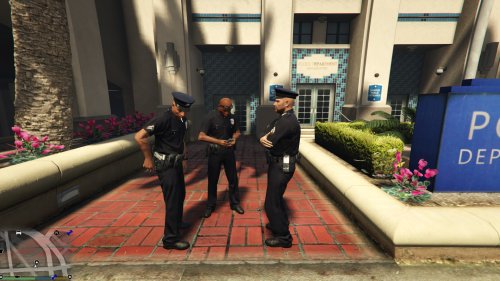 Currently using this in-game. Loving it as I patrol and see AI cops looking realistic. 5/5 Prefect. Something that is more-or-less essential. For the people looking for realism.
- 5 comments
- 6 reviews
-
I'm just wondering if there is any sort of way to get a template or something that would be in making a texture? Or will i need to do the hard-way and do trial and error Thanks P.S feel free to move if in wrong section.
-
Multiplayer Patrols with the Liberty County Public Safety Clan.


.thumb.png.24964b3dc506dcc1d6ad2b7af87b5834.png)
.thumb.png.e88f1892e13ddb98db35e668d465c34b.png)