
OfficerBlackjack
Members
-
Joined
-
Last visited
Everything posted by OfficerBlackjack
-
From the album: V Shots
-
-
-
This is what he is using and that includes that with the leg holster and taser vest. I should know because I also use this
-
 Very cute
 -
Is that the rear of a Benson? That looks cool as a Rescue unit though. Nice idea
-
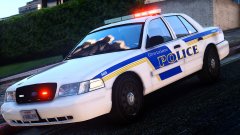 I've always wanted to throw some Orlando based textures in-game I can't wait for these.
 -
-
Not possible to force a specific callout I believe.
-
-
-
If your using EUP then there is no mesh for an empty holster. That is why
-
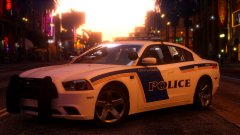 I know that city it is based off too well.
 -
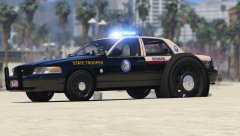 Damn son. Someone pumped maybe too much air in that tire XD
 -
-
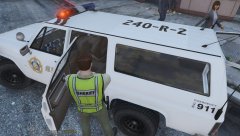
From the album: V Shots
-
What are your PC specs?. I think I know your issue.
-
I get em on Desktop notifications too.
-
The only location that doesn't change is pedprops.
-
Where have you replaced the files at?
-
What version of Rage Plugin Hook are you running? 0.36 doesn't support 678.
-
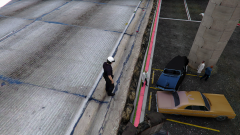 I wonder how the blue car got on top of the Orange one? Unless it fell off the freeway.
 -
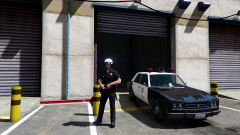 I think it wouldn't fit into a LAPD pack as much. I think it'd be better off a single car.
 -
What a cute looking LAPD Ford Escort <3. I'll definitely have this in my game for sure.
-
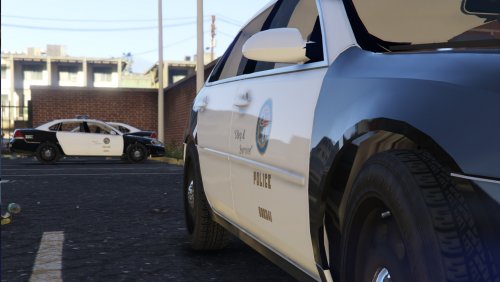
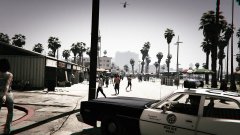 I may even have to retire the Polara out of Police2 and have this baby there. This is better than a Polara.


.thumb.png.23b56a0ef426095045adcc2870493be1.png)