


11john11
Members
-
Joined
-
Last visited
Everything posted by 11john11
-
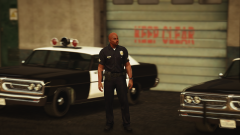 Thanks, I will do an taxi version after I finished the police stuff, I'm also planning to do an unmarked police version
 -
From the album: John's Pics
-
-
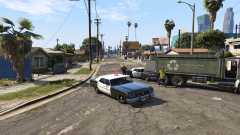
From the album: John's Pics
-
Same problem, I guess it's normal, 60 fps before I go on duty, 20-40 fps after I go on duty, playing with more than 3-4 plugins isn't really possible for me currently, I think I had this issue since LSPDFR 3.0 was released but I'm not sure, LSPDFR isn't really fun anymore, I hope it will be better when I upgrade my computer I guess Albo's plugins cause so much lag because they are usually big ones that add many features.
-
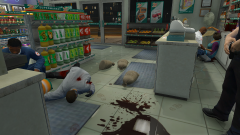
From the album: John's Pics
-
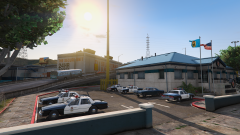 It's this one
 -
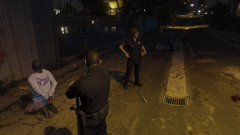
From the album: John's Pics
-
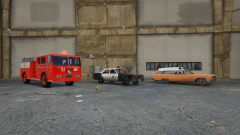 Yup, check the comments of this image
 -
From the album: John's Pics
-
 No, I'm not really interested in modding this game anymore, I'm pretty sure I will return to it eventually, but now.
 -
I'm sure I saw a mod like that somewhere on gta5-mods.com last year, it think it was part of an modpack or something.
-
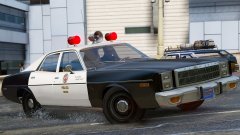 I guess the notification feature is buggy right now, I received a notification like 30 minutes after you uploaded this image... well, back to the model, nice work!
 -
 I love it, finally some nice default vehicles again, got a bit tired of all the real life stuff...
- 85 comments
- 19 reviews
-
-

- 2
-
-
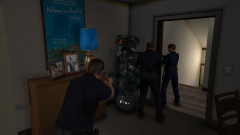
From the album: John's Pics
-
It's probably because the vehicle models you downloaded have low quality, GTA (like nearly every other game) is using a system (LOD) where a model displays lower quality models of itself when you get further away from it. The wheels disappearing means that the guy who made the model didn't bothered to also make lower quality versions for it. Models lacking this feature are also known to cause perofrmance issues, that's a problem. There is a easy way to verify if a model uses this system, just open the normal .yft file (not the one with _hi at the end) with OpenIV and do this. (image by Sniper296) Well it could also be caused by some vehicles.meta stuff, but I don't know too much about this things...
-
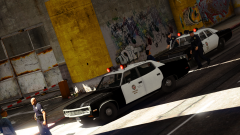 Thanks, but I think they are bright enough, old emergency lights aren't exactly known to be very bright, I can try that mod though
 -
From the album: John's Pics
-
-
R*hancer is my absoulute favorite right now, looks pretty great, even on low-medium graphics settings, I'm also editing the SweetFX files so it will have an more natural look
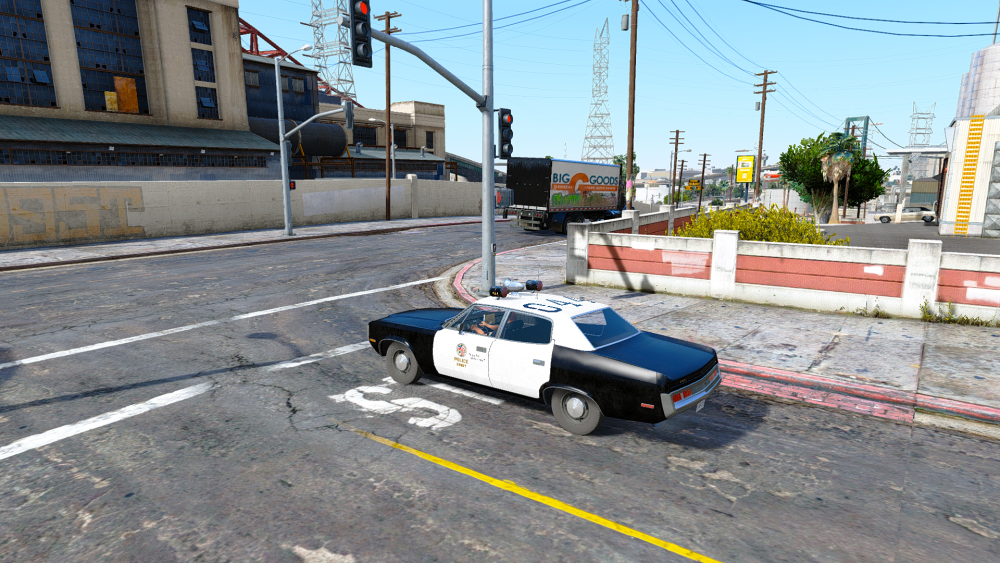
-
I stopped working on them, I rather use Real life vehicles in-game, but i can send you the vehicles with a PM later, some of them have bugs though
-
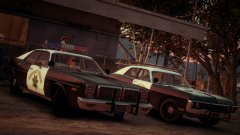 Nice, seems like Lundy always gives you his newest stuff for your screenshots, some interesting kind of advertising I guess
 -
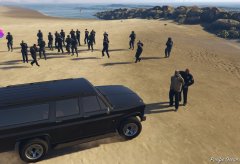 I should do an rancherxl with an lightning setup like the fbi rancher from GTA San Andreas
 -
I havn't worked with the LOD levels much yet, the lights also dissapear, I can send you some models to test later
-
I forgot to include the custom vehicles.meta, that would fix number 2 and 4, thanks for the feedback I will include the vehicles.meta stuff soon in the testing file


