


11john11
Members
-
Joined
-
Last visited
Everything posted by 11john11
-
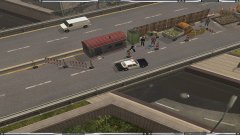
From the album: Emergency 4 / 911 first responders
Edit of the EM4 Los Angeles modification -
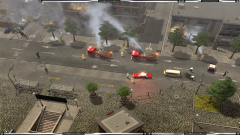 Yeah, it's actually an model of an old german Ambulance lol, it looks kinda similiar to this american ambulance though, so i will keep it as an placeholder until i find a better model
 -
Sure, i just need to fix some things, i can send it to you tomorrow maybe
-
From the album: Emergency 4 / 911 first responders
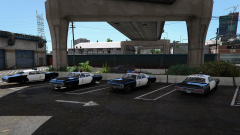
Using the Los Angeles modification with edits by me (1970s style vehicles) -
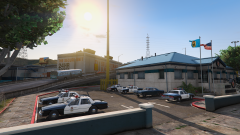
From the album: John's Pics
Featuring Lundy's newest masterpiece -
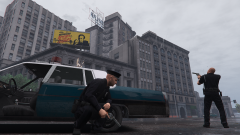
From the album: John's Pics
-
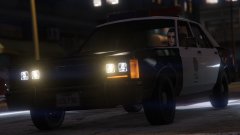 This car has already been converted to GTA V by _CP_ (not released yet though) I'm pretty sure he will make a LSPD Version
 -
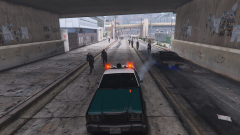
From the album: John's Pics
Backup being as usefull as always -
 why?
why? -
-
 Thanks, that's exactly what i thought too
 -
From the album: John's Pics
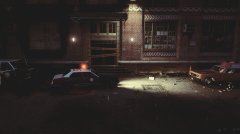
Took the photo through snapmatic so the quality isn't the best... -
Yup, isn't working all the time though, you can still kill someone with one hit, but atleast it's more rare now https://www.gta5-mods.com/misc/realistic-brawling-rs-beats
-
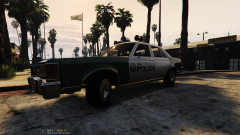 Nice, i make sure to release the LSPD version with a more fitting lightbar soon, totaly forgot about it...
 -
Do you mean the yellow unmarked Plymouth fury from the movie?
-
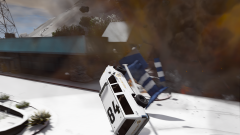
From the album: John's Pics
Yup, a f***ing plane just spawned and crashed right into me, there is a bug that causes this near a gas station at the highway, this stuff reminds me of GTA san andreas... -
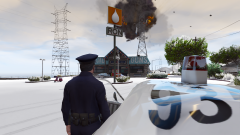
From the album: John's Pics
Just found a spot on the map where a Plane spawns above the player that immediatly crashes, lol -
He removed all his mods, even though they were perfectly fine...
-
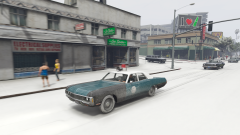
From the album: John's Pics
-
There is an mod that adds one that can be edited, just found it https://de.gta5-mods.com/misc/tuneable-random-events
-
There is an randomevents.ymt that can be edited somewhere, there was an option called "SpawningChasesEnabled value=" in it, i don't know where it's located anymore though, I'm going to search it right now
-
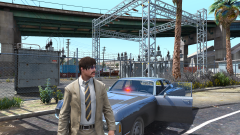
From the album: John's Pics
-
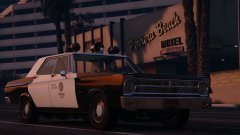 Are you still working on it? Would love to have this in my game with the Polara and the Matador, even though it may be a bit old in comparison with these cars
 -
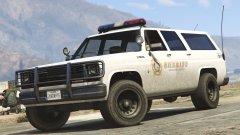 Wow, this looks way better than my police rancher, I'm probably waiting for a release of this one instead of working on my own version, more time for my other projects
 -
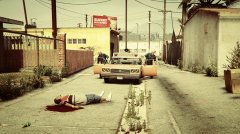 Lundy released a test version of it by the way, look in the comments of this image



