


11john11
Members
-
Joined
-
Last visited
Everything posted by 11john11
-
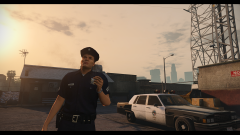
From the album: John's Pics
-
Wow Lundy..... well, maybe I could convert that car later, I'm currently learning how to convert from GTA IV to V, altough converting an model like this will probably be a bit more difficult and will require more knowledge
-
Lundy converted this car, not sure what happened to it though, I would like to see that beauty in GTA too
-
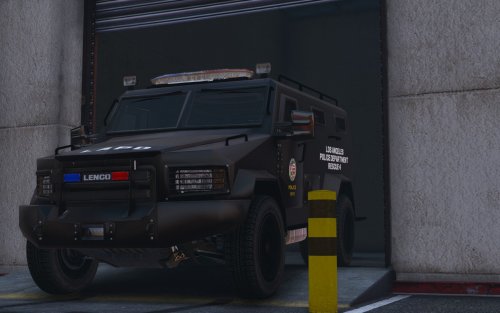 Interesting, you are right there is an LAPD bearcat with an red light, seems strange to me though as every california emergency vehicle normally requires an flashing amber light to the back.
- 39 comments
- 7 reviews
-
I think it would be more realistic if the red light on the rear of the car would be amber, anyways, still a great model.
- 39 comments
- 7 reviews
-
-

- 1
-
-
-
From the album: John's Pics
-
 Strange, your Image is broken for me, I even tried different browsers and I still can't see it. I would post a sad smiley now, but it seems like the smileys are also broken for me....
 -
-
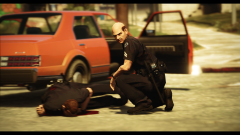
From the album: John's Pics
-
Same problem over here
-
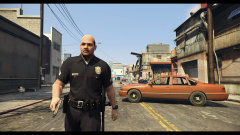
From the album: John's Pics
-
-
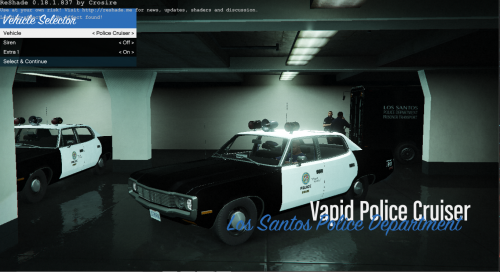 You should use my new LAPD Boxville for the textures, the old one is just low quality, I plan to delete that one soon.
- 14 comments
- 2 reviews
-
-
- 2
-
-
You should ask Lundy, he already made an car with lights like this
-
Maybe some classic unmarked LAPD cars?
-
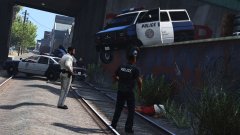 What happend and why is there a cop car on it's roof in the background... lol
 -
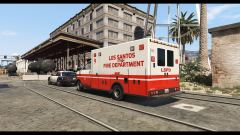
From the album: John's Pics
making SweetFX settings is actually fun -
http://forums.ragepluginhook.net/default.aspx?g=posts&t=1236 also try to set GTA5.exe and RAGEPluginHook.exe on windows 8 compatiblity mode in the properties menu, this helped me for some reason
-
That van is looking amazing, an good replacement for the in game police transporter
-
Es liegt definitiv an der neuen RagePluginHook version, sehr viele Nutzer haben dieses Problem schon gemeldet
-
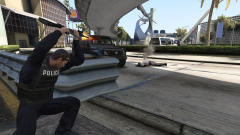
From the album: John's Pics
STOP RESISTING!!1 -
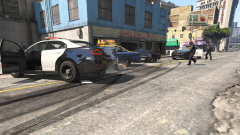
From the album: John's Pics
I will use modern vehicles for a while now, I will return to my projects soon -
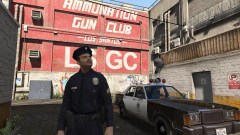
From the album: John's Pics
-
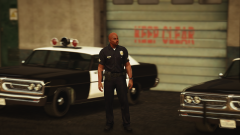 You should use Lundys popgroups.meta, it's great, I have made some modifications to it, so I could have police bikes patrolling the streets, just like in GTA San Andreas, I even replaced the SAHP officer with an LSPD motor unit skin.


