kcoynejr
Members
-
Joined
-
Last visited
Everything posted by kcoynejr
-
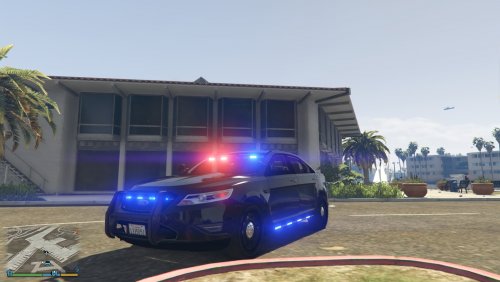 How do I use simple trainer to change the skin to unmarked? The livery menu doesn't show any options and the vehicle color option can't get rid of a skin like that?
- 23 comments
- 14 reviews
-
-

- 1
-
-
-
-
 I think I might have done it incorrectly cuz the game keeps crashing on me. How can I send u my carvariation to show u? Its probably to big to copy paste here.
- 87 comments
- 23 reviews
-
-
I am guessing I just add the sheriff2 line in the carvariation at the bottom of meta file right? And would I add it below the "</item>" or below the "</CVehicleModelInfoVariation>"?
- 87 comments
- 23 reviews
-
-
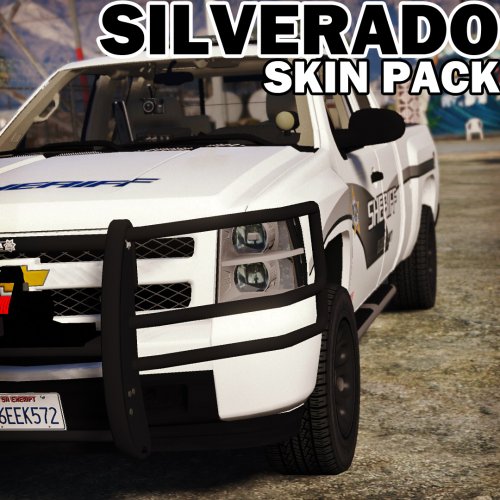 When I launch openiv and go to the correct ytd, I find the "silverado" slot and replace the skin. It shows in openiv a successful replace but it doesn't replace in game. it still leaves me with the default police skin even tho it shows a different skin on openiv.
- 8 comments
- 3 reviews
-
Hey this model is great. Ever since I used your police skin I have not been able to use a different skin. I thought maybe if I replaced the model with the raptor or the default granger then it would allow me to replace the skin, but I couldn't even replace the model. This has happened to me with a pistol mod too. I replaced the combat pistol about 4 months ago and can't replace a single weapon since then. Sorry to bother u with this. Not sure if its your model or open IV or if it has to do with my aoc.files.
- 87 comments
- 23 reviews
-
Why would deleting openiv and then re installing it fix this. I am having the same issue still. I don't use a mods folder but I have updated everything including all of the "albo" stuff EDIT: That actually worked for me. If u click edit mode openiv tells you that your update.rpf is out of date and it will actually move it over you. Pretty cool!
-
When I do replace it in openiv it shows the skin i chose (sahp), but when I launch the game it still shows the police skin that came with CanadapoliceOfficial model. lol I have no idea why my computer wants to be a dik sometimes. I just tried to replace it with the original park ranger skin and I couldn't even do that. Also openiv doesn't replace weapons(ever since I installed a handgun) even tho I have deleted my weapons.oac or whatever it is. Im sorry to bother u with this I think its because of my openiv. Im gunna have to do a clean reinstall..........
- 8 comments
- 3 reviews
-
I can't seem to replace the skins. I replaced the original park ranger skin with the police skin. Would that have to do with not being able to replace it with one of your textures? Thanks edit: The original silverado released came with a police skin, thats what i replaced the park ranger skin with!
- 8 comments
- 3 reviews
-
This car is dope. Like someone already said this has probably the most detailed interior I have seen so far. Thank you
- 87 comments
- 23 reviews
-
-
- 1
-
-
 I love all those lights
 -
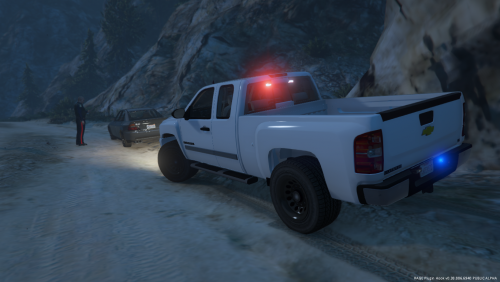 Drives great. Looks good. Could use some added lights. i will be using it a lot! Also kinda the first real law enforcement truck!
- 26 comments
- 8 reviews
-
-
- 1
-
-
-
-
 Is there a CHP texture that will work for your this model? Would it also work on your now deleted traffic advisor model? Thanks
- 221 comments
- 34 reviews
-
-
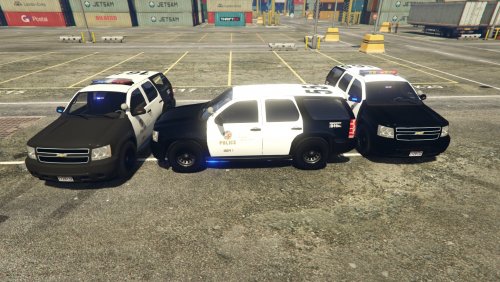 In the readme you say click the import button and import the models. Where is the import button?
- 118 comments
- 18 reviews
-
-
 Hey the path for the instructions don't match on my OpenIV. I don't have dlcpacks after the first x64. Any suggestions? edit: When I go update, x64 instead of update, update.rpf I think it would work?
- 95 comments
- 29 reviews
-
 WOW these are cool
 -
Very Cool. And yea that truck doesn't look like a super duty so yea f-150!
-