




Skin Works
Members
-
Joined
-
Last visited
Everything posted by Skin Works
-
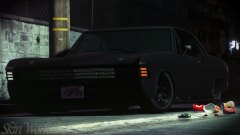
From the album: The Challenge
© Skin Works
-
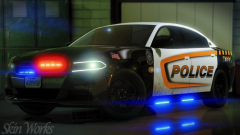
From the album: Skin Works Designs
© Skin Works
-
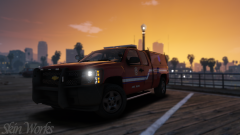
From the album: Skin Works Designs
© Skin Works
-
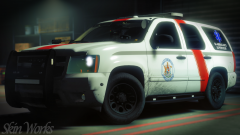
From the album: Skin Works Designs
© Skin Works
-
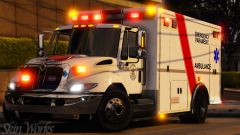
From the album: Skin Works Designs
© Skin Works
-
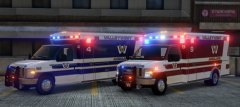 I mean... I can't be. You're sharing all this hard work and now taking time to fix up some bugs to make them better. How could I be mad?
 -
YES!
-
-
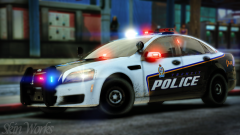
From the album: Skin Works Designs
© Skin Works
-
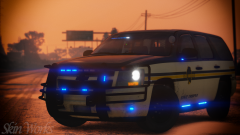
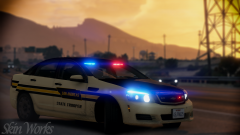
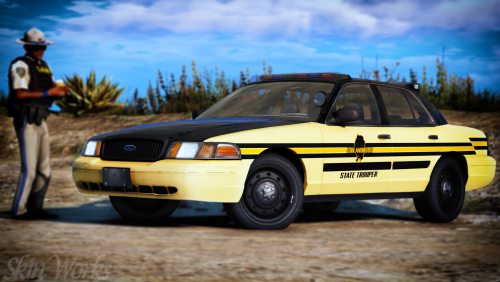 San Andreas State Trooper (TN, based) Well, its kinda out of nowhere and thanks to some health issues forcing me out of work for the foreseeable future, I am happy to give you this pack based off Tennessee State Troopers. As usual this pack may be updated with more models and/or skins once those models are out and whether or not they are worth putting the skins on. Otherwise please enjoy this pack and have fun. This is as always the simple install of finding the .ytd folder of the vehicle you want to use, then importing all the skins for the corresponding vehicle then save. Notice any issues or have suggestions please share in the comments section. Let me know if I missed anything. Please respect the amount of time taken and do not re-upload or rip off. Please, feel free to make a donation if you like, any amount is more than appreciated! Thanks Everyone Remember everyone, I base my skin packs off of base model templates NOT for any one specific vehicle pack. Because the templates don't really change, skins can be applied to basically any pack of your choice so long as the base models used are the same as the ones I have used. I do try to use the most common base models so they should cover the bulk of the vehicle packs available. Vehicles used in pictures but not limited to(some models may not be linked due to not being around anymore however will work on most other models): https://www.modding-forum.com/downloads/file/76-2013-chevrolet-caprice-ppv-los-santos-police-department-unmarked/
- 12 comments
- 4 reviews
-
-

-

- 16
-
-
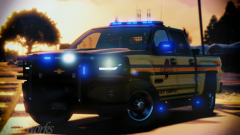 I was. I just totally missed that I messed them up. Obviously will be fixed in the final release.
 -
Ah shit! Man, so close.
-
From the album: Skin Works Designs
© Skin Works
-
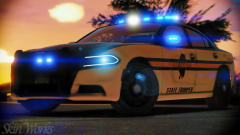
From the album: Skin Works Designs
© Skin Works
-
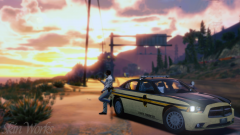
From the album: Skin Works Designs
© Skin Works
-
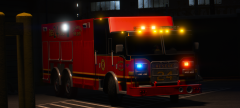 Hell yeah! When able send me the model and I will touch up the skin for you.
 -
From the album: Skin Works Designs
© Skin Works
-
From the album: Skin Works Designs
© Skin Works
-
 Very different.
 -
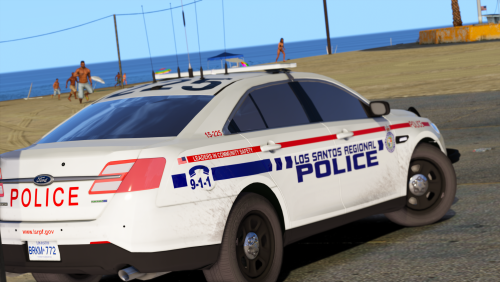 There are two Tahoe bases that are used however the most common is still Underwoods so as long as that base model in the pack is used it should be fine. The CVPI there are two main base models used, again Underwood and TheHurks Forza models. These should be clearly separated in the files. Double check in the packs you are using the credits to see which base model they have used. However, older packs that use Underwoods model may still have some issues as he has since updated that base model.
- 21 comments
- 7 reviews
-
-
- 1
-
-
There are two different CVPI skins for the two commonly used models also, I believe that pack uses an old base model that uses a new template. 2013 Tahoe is likely just a different less commonly used model but I believe it should work.
- 21 comments
- 7 reviews
-
-
- 1
-
-
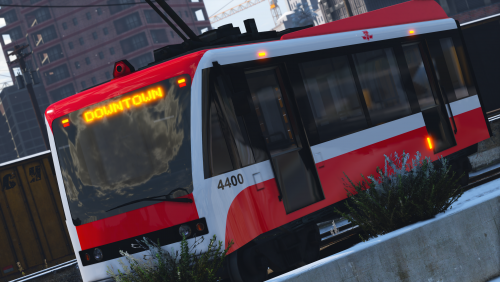 "city bus, coach bus, and metro train from here: https://www.gta5-mods.com/vehicles/air-port-service-and-service-vehicles-template-pack taxi from here: https://www.gta5-mods.com/paintjobs/taxis-pack"
- 10 comments
- 2 reviews
-
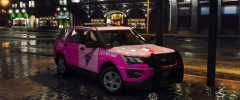 Why doesn't my game look like this!?
 -
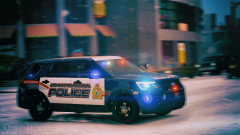 Unfortunately not until after Christmas at the earliest.
 -
From the album: Skin Works Designs
© Skin Works

