Skin Works
-
Joined
-
Last visited
Everything posted by Skin Works
-
From the album: Skin Works Designs
© Skin Works
-
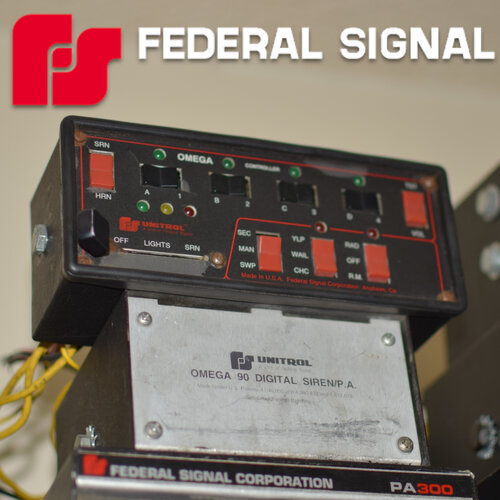 Sorry, for my ignorance, but is this only Fivem compatible or is it also single player compatible? If not what program can I use to compress the sounds a bit more to get it to work in SP? Cheers
- 35 comments
- 7 reviews
-
 I hear that man. No worries. Keep up the great work.
 -
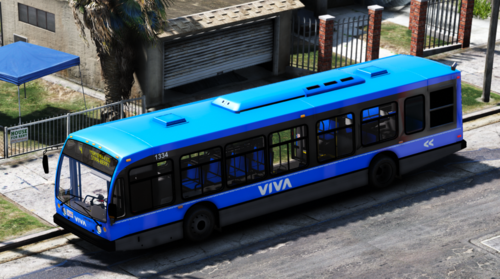 Hey man, love having a nice bus finally in game, one thing: I can't see the livery in OpenIV, not sure if this is just how it is or something I did. Just would be nice when developing textures. Cheers
- 21 comments
- 4 reviews
-
No light bar just Expedition! 😛 Jk man, looks great.
-
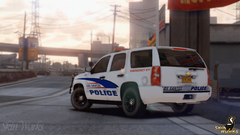
From the album: Commissioned W.I.P
© Skin Works
-
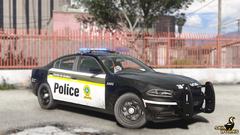
From the album: Commissioned W.I.P
© Skin Works
-
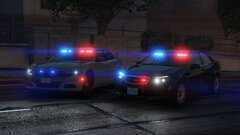 You just can't hate a Caprice. Great stuff man, always liked your stuff.
 -
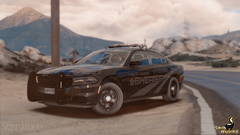
From the album: Commissioned W.I.P
© Skin Works
-
-
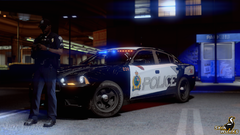
From the album: Skin Works Designs
© Skin Works
-
From the album: Skin Works Designs
© Skin Works
-
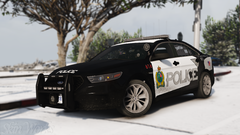
From the album: Skin Works Designs
© Skin Works
-
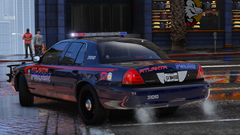
From the album: Commissioned W.I.P
© Skin Works
-
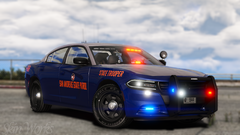
From the album: Commissioned W.I.P
© Skin Works
-
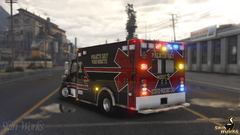
From the album: Commissioned W.I.P
© Skin Works
-
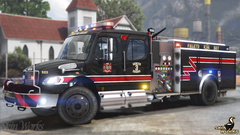
From the album: Commissioned W.I.P
© Skin Works
-
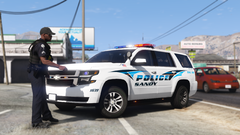
From the album: Commissioned W.I.P
© Skin Works
-
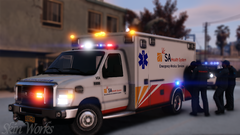
From the album: Commissioned W.I.P
© Skin Works
-
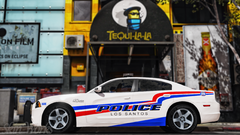
From the album: Commissioned W.I.P
© Skin Works
-
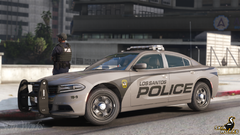
From the album: Commissioned W.I.P
© Skin Works
-
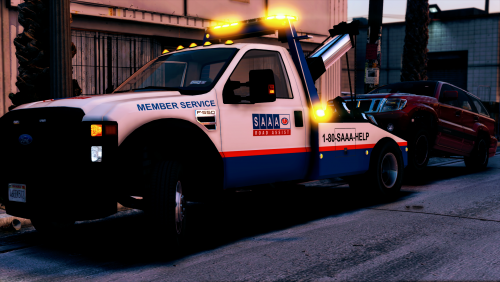 You have to have one of the models linked in the game and in patchday22. https://www.youtube.com/watch?v=ieNHHf1mRx0
- 15 comments
- 5 reviews
-
-
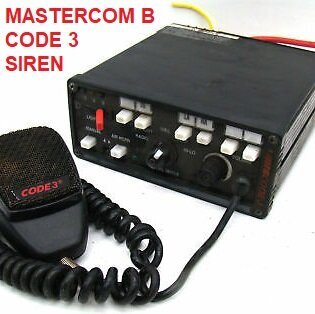 I have been loving your stuff man! Question, how clean do these videos/loops have to be? I've been dying to have a D&R (Toronto Police Service Style)
- 21 comments
- 7 reviews
-
-

- 1
-
-
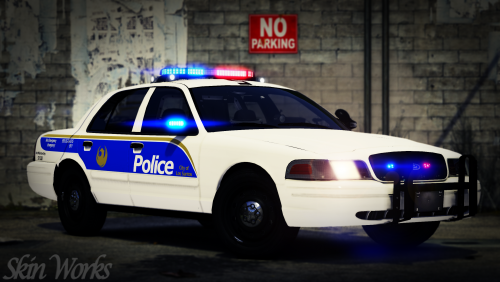 Cheers man. Glad they worked out for you. Plan to update this pack eventually.
- 12 comments
- 10 reviews
-
-
- 1
-