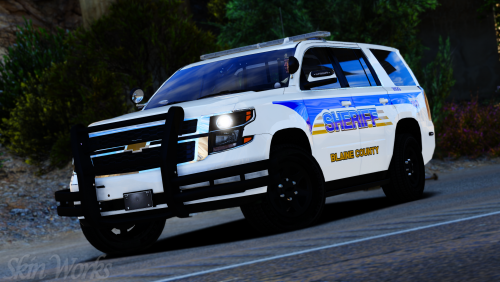
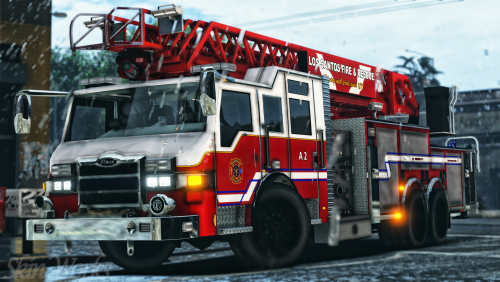
Skin Works
Members
-
Joined
-
Last visited
Everything posted by Skin Works
-
-
From the album: Skin Works Designs
© Skin Works
-
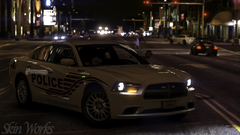
From the album: Skin Works Designs
© Skin Works
-
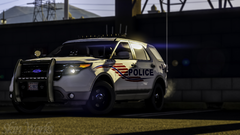
From the album: Skin Works Designs
© Skin Works
-
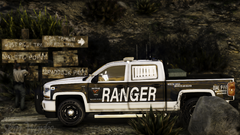
From the album: Skin Works Designs
© Skin Works
-
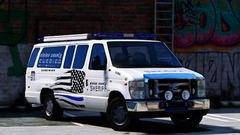 1000X yes!
 -
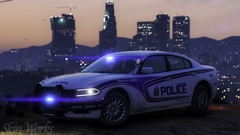
From the album: Skin Works Designs
© Skin Works
-
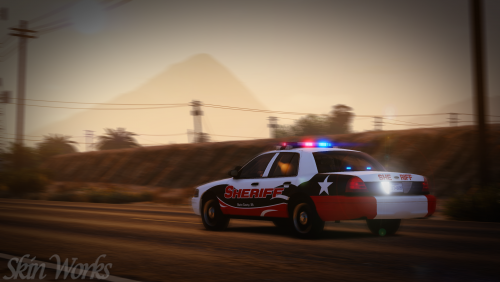 Nope thats just the model I used. Skin is still in there and it should fit on most others Impala models as I try to use the more common templates.
- 5 comments
- 8 reviews
-
-

- 1
-
-
-
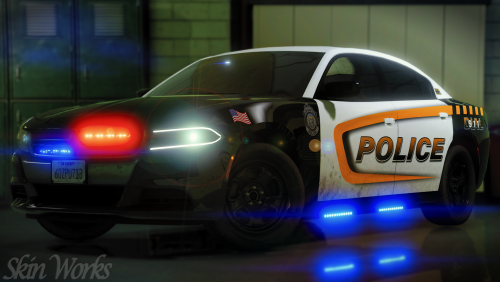 Linked in the spoiler. Thanks man. I actually created it myself using a generic badge as my base.
- 6 comments
- 3 reviews
-
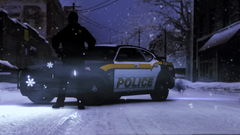
From the album: Skin Works Designs
© Skin Works
-
-
-
-
Los Santos Police Department (Back+White+Yellow) Alright, this has been teased for quite a while but with real life and other things, it got pushed to the side. However, finally I managed to complete it. Obviously this has the potential to be updated to include new models and such but for now it's pretty up to date on its templates. Honestly not sure what else to say, especially as no one is probably reading this far. This is as always the simple install of finding the .ytd folder of the vehicle you want to use then importing all the skins then save. Notice any issues or have suggestions please share in the comments section. Please respect the amount of time taken and do not re-upload or rip off. Please, feel free to make a donation if you like, any amount is more than appreciated! Thanks Everyone. I'd post more pictures but that would require resizing all of them smaller and I'm not super down to do that currently. However if you want to see the rest of them feel free to sort through these: Vehicles used but not limited to:
- 6 comments
- 3 reviews
-
-
- 9
-
-
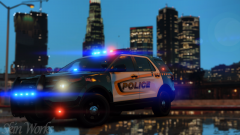
From the album: Skin Works Designs
© Skin Works
-
-
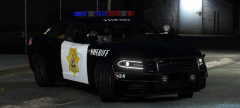 YES PLEASE!!! Need more strobes in my life.
 -
-
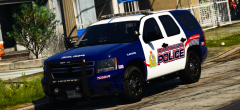 Not sure about hex but you rgb(0, 5, 39)
 -
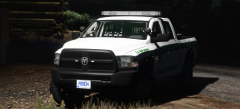 Damn! Actually fit pretty well.
 -
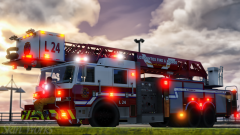
From the album: Skin Works Designs
© Skin Works
-
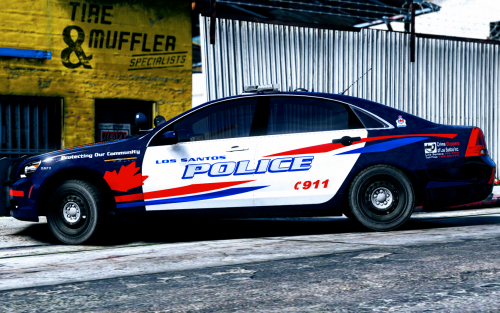
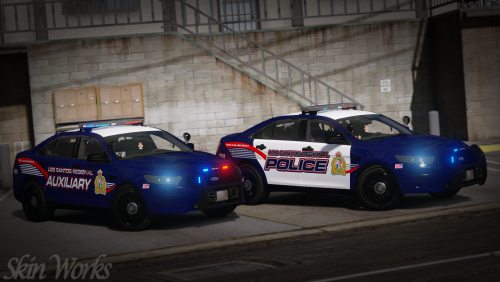 Los Santos Regional Police Service (WRPS Based) Alright, this is only half this pack in its current state. I as always will update and add things and remove things but expect to see the actual police version up tomorrow. However enjoy for the interim the Los Santos Auxiliary force. Just a pack I have been plugging away at and honestly now I'm just talking to fill space. I think I've covered most things. This is as always the simple install of finding the .ytd folder of the vehicle you want to use then importing all the skins then save. Notice any issues or have suggestions please share in the comments section. Please respect the amount of time taken and do not re-upload or rip off. Please, feel free to make a donation if you like, any amount is more than appreciated! Thanks Everyone. Vehicles used but not limited to:
- 3 comments
- 2 reviews
-
-
- 13
-
-
-
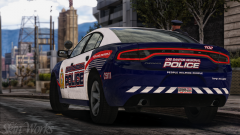
From the album: Skin Works Designs
© Skin Works