




Skin Works
-
Joined
-
Last visited
Everything posted by Skin Works
-
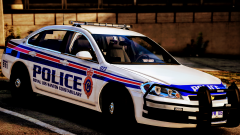
From the album: Skin Works Designs
-
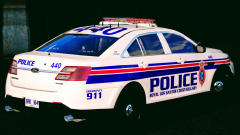
From the album: Skin Works Designs
-
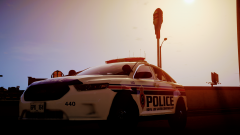
From the album: Skin Works Designs
-
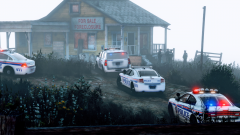
From the album: Skin Works Designs
-
From the album: Skin Works Designs
-
From the album: Skin Works Designs
-
From the album: Skin Works Designs
-
From the album: Skin Works Designs
-
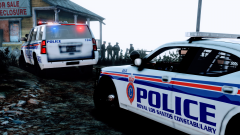
From the album: Skin Works Designs
-
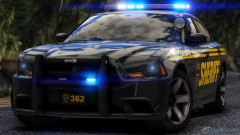 MMM! Seriously, the next gen shaders can't be the reason these look so fantastic!
 -
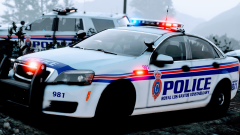
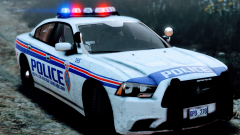
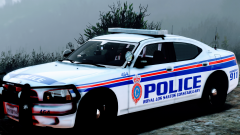
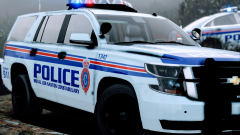
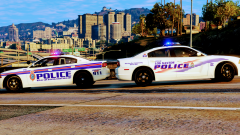
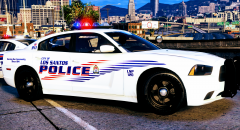
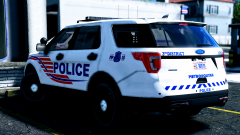
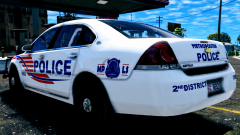
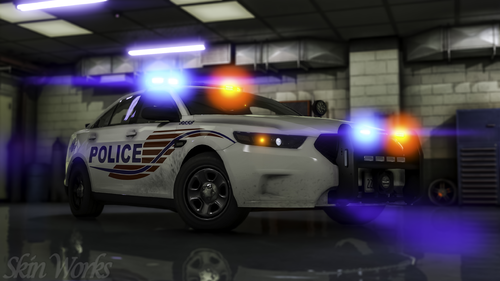 Los Santos Metropolitan Police (Washington D.C. Based) Well, after saying the last upload was the final update for this pack and several people sharing shots of either their own DC skins I just felt I needed to redo this pack. I am even happier with it now. I think it has turned out rather well. This is drastically different from the older versions of this pack. Everything is based off the most common models used currently and using the newest templates. Please enjoy all! This is as always the simple install of finding the .ytd folder of the vehicle you want to use then importing all the skins then save. Notice any issues or have suggestions please share in the comments section. Please respect the amount of time taken and do not re-upload or rip off. Please, feel free to make a donation if you like, any amount is more than appreciated! Thanks Everyone. For some extra vehicles: Vehicles used (but not limited to):
- 6 comments
- 9 reviews
-
-

- 16
-
-
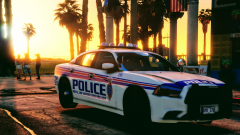 Yup
Yup -
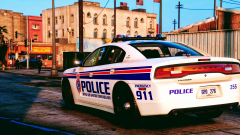
From the album: Skin Works Designs
Basically, going to release them all eventually, just what order? -
From the album: Skin Works Designs
-
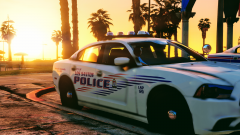
From the album: Skin Works Designs
-
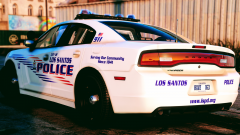
From the album: Skin Works Designs
-
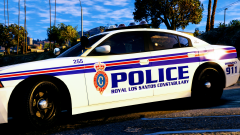
From the album: Skin Works Designs
Flip side. -
From the album: Skin Works Designs
-
From the album: Skin Works Designs
In all likelihood I will release this anyway. Just would like to know what people like. -
From the album: Skin Works Designs
Now to make multiples then send it out for you all to enjoy. Next project anyone? -
From the album: Skin Works Designs
-
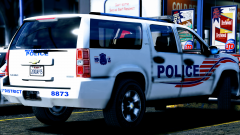
From the album: Skin Works Designs
-
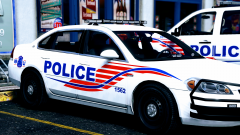
From the album: Skin Works Designs
-
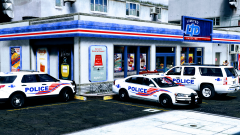
From the album: Skin Works Designs
-
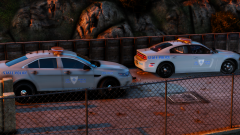 Yup. It seems to be one of the few State Police /Troopers that haven't been done. Plus I like the simple aspect.

