Skin Works
Members
-
Joined
-
Last visited
Everything posted by Skin Works
-
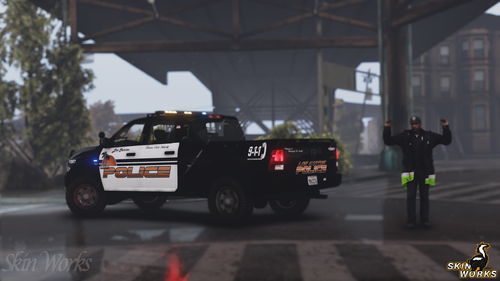 Los Santos Police Department (Sunset) This is one of my first 100% made up skins I ever made, with some real life influences. However, now with a breath of fresh air comes a updated version. The core concept and colours remain but has a much better look and feel I think. Please enjoy all! This is as always the simple install of finding the .ytd folder of the vehicle you want to use then importing all the skins then save. Notice any issues or have suggestions please share in the comments section. Please respect the amount of time taken and do not re-upload or rip off. Please, feel free to make a donation if you like, any amount is more than appreciated! Thanks Everyone. Vehicles used (but not limited to):
- 21 comments
- 6 reviews
-
-

-

- 19
-
-
 @Thehurk please fix your shit thx Also, that looks amazing!
 -
 Haha... Going to be honest never looked to see who made it. Was just excited for a good Caprice model. Thanks for your hard working and sharing it with us all. Can't wait for the next version of it!
 -
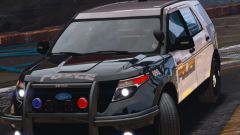
From the album: Skin Works Designs
-
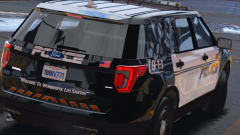
From the album: Skin Works Designs
-
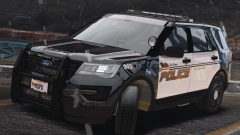
From the album: Skin Works Designs
-
-
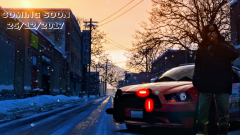
From the album: Skin Works Designs
-
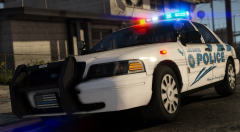 YUUURS!
 -
On that model?
-
Agreed. But the rest of it is very nice. Hoping for a legacy 2 or something on that model soon.
-
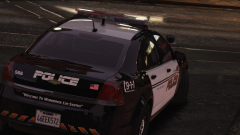
From the album: Skin Works Designs
-
From the album: Skin Works Designs
-
-
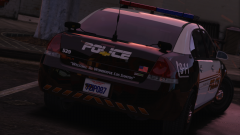
From the album: Skin Works Designs
-
-
-
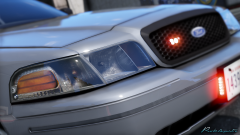 Awe... This going to be a new template... Ugh! Looks awesome!
 -
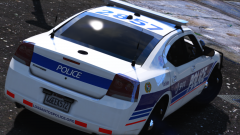
From the album: Skin Works Designs
-
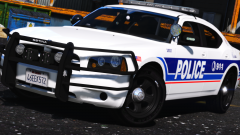
From the album: Skin Works Designs
-
-
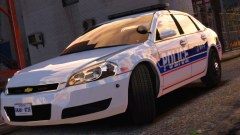
From the album: Skin Works Designs
Awesome model by @BradM -
-
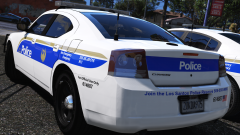
From the album: Skin Works Designs
-