




Skin Works
Members
-
Joined
-
Last visited
Everything posted by Skin Works
-
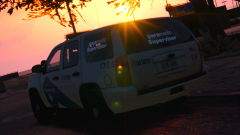
From the album: Skin Works Designs
Get ready to transform to a new look -
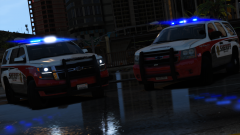
-
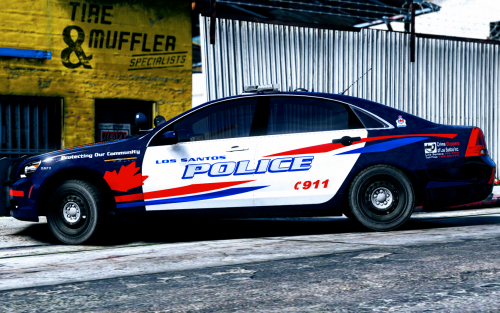 Read the credits. Most cvpis use the same base model by officerunderwood. Most of the 2013 explorers use the same base model other than MATT's new model but its all in the credits. My packs are done to fit the most common models so likely it will fit the models you want.
- 23 comments
- 12 reviews
-
-
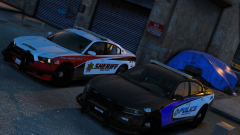
From the album: Skin Works Designs
© Skin Works
-
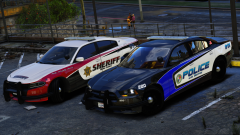
From the album: Skin Works Designs
© Skin Works
-
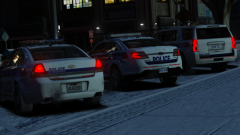
-
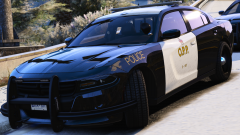 As usual for me, its from @thegreathah
 -
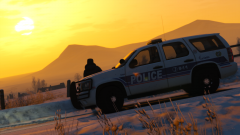
From the album: Skin Works Designs
© Skin Works
-
-
-
-
-
From the album: Skin Works Designs
© Skin Works
-
-
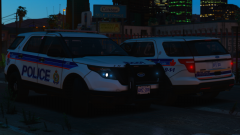
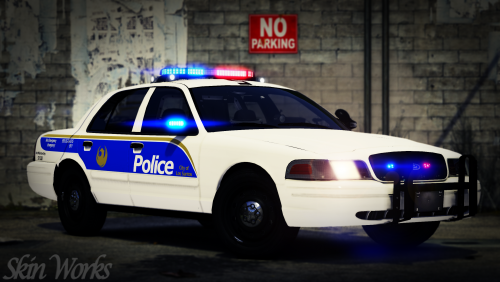 Haha, never saw that someone had done this already. My graphics are all over the place. Currently using Natural Vision Remastered(tweaking it as well) The pctures for this pack were using MVGA, some Natural Vision Remastered, visualsettings.dat from Better LED and Spotlight and I think VisualV. Its a mash of things really. I most likely won't do the real thing. Just a personal thing. Sorry man.
- 12 comments
- 10 reviews
-
-

- 1
-
-
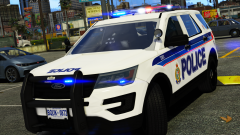
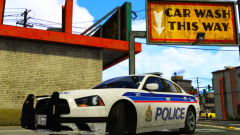
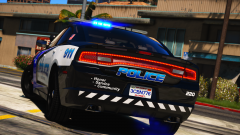
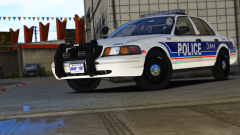
Los Phoenix Well, after some time, not much, I bring you the Phoenix based, LSPD pack. I actually really like this skin. Nothing special just my normal things that many of you have become accustom to. This is as always the simple install of finding the .ytd folder of the vehicle you want to use, then importing all the skins then save. Notice any issues or have suggestions please share in the comments section. Please respect the amount of time taken and do not re-upload or rip off. Please, feel free to make a donation if you like, any amount is more than appreciated! Thanks Everyone Vehicles used in pictures but not limited to:
- 12 comments
- 10 reviews
-
-
- 11
-
-
From the album: Skin Works Designs
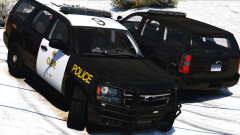
Just about every vehicle has been updated and tweaked for a better look. -
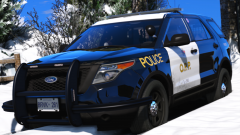
From the album: Skin Works Designs
Matt's Explorer -
From the album: Skin Works Designs
Again, with stealth variant -
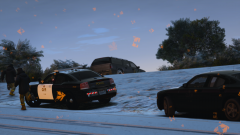
From the album: Skin Works Designs
© Skin Works
-
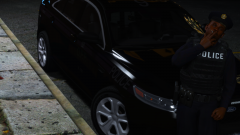
From the album: Skin Works Designs
Stealth version FPIU -
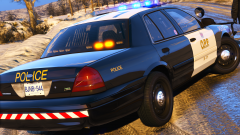
From the album: Skin Works Designs
-
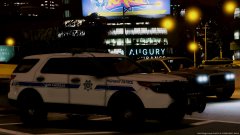 This would go well with a pack thats coming out soon...
 -
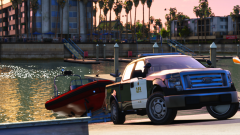 Spoiler, Nothing really is connected. Just looks it. The trailer isn't actually attached and I am technically driving the boat but the player is invisible.

