




Skin Works
Members
-
Joined
-
Last visited
Everything posted by Skin Works
-
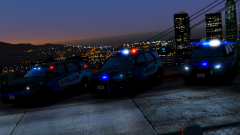 Yeah, I've looked at it in light as well, don't like it as much.
 -
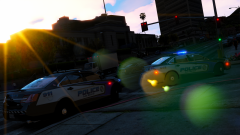
From the album: Skin Works Designs
© Skin Works
-
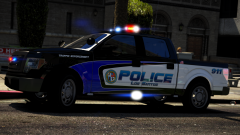
From the album: Skin Works Designs
© Skin Works
-
From the album: Skin Works Designs
Not sure I like the blue chevron @Kallus Rourke (hard to say in this light in fairness)© Skin Works
-
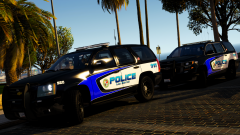
-
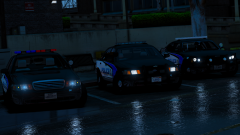
From the album: Skin Works Designs
-
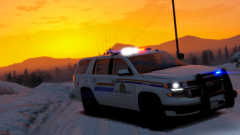
From the album: Skin Works Designs
© Skin Works
-
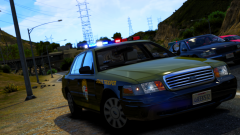
From the album: Skin Works Designs
© Skin Works
-
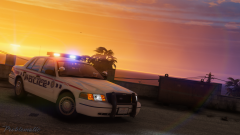 Damn that looks good!
 -
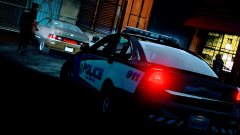
From the album: Skin Works Designs
© Skin Works
-
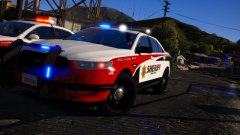
-
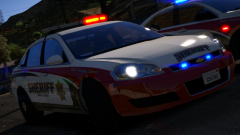
From the album: Skin Works Designs
Yup -
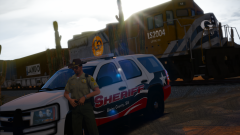
From the album: Skin Works Designs
One day... -
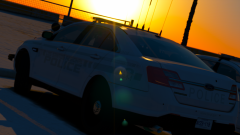
From the album: Skin Works Designs
Yes I know it makes no sense, stealth skins with fully marked vehicles. -
-
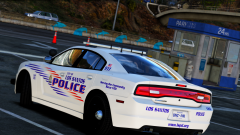
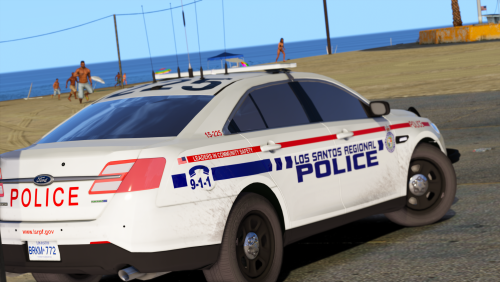 Los Santos Police (Durham Regional Based) This pack is based on the DRPS, and as with most of my other work is lore friendly. This was a pack originally for private use but I liked it enough to bring it all together and share with everyone. All my normal things that many of you have become accustom to, variety of unit numbers, etc. This is as always the simple install of finding the .ytd folder of the vehicle you want to use then importing all the skins then save. Notice any issues or have suggestions please share in the comments section. Please respect the amount of time taken and do not re-upload or rip off. Please, feel free to make a donation if you like, any amount is more than appreciated! Thanks Everyone Vehicles used:
- 21 comments
- 7 reviews
-
-

- 10
-
-
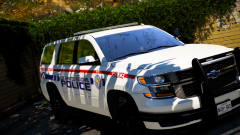
From the album: Skin Works Designs
Getting close -
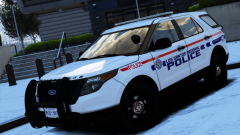
From the album: Skin Works Designs
Almost ready for release -
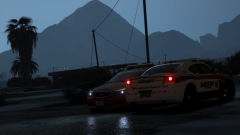
From the album: Skin Works Designs
Good day to be inside -
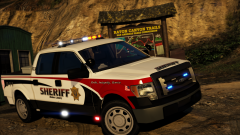
From the album: Skin Works Designs
BCSO style -
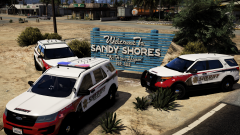
From the album: Skin Works Designs
Its back, -
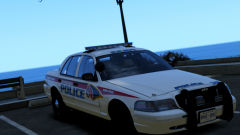
-
-
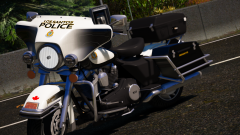 Don't know. Didn't make the model, just the skin.
 -

