Alexander195
Members
-
Joined
-
Last visited
Everything posted by Alexander195
-
Can't upload a screen shot of the issue either. I know this has been addressed before. The only reason I am making a new topic about this is because that time it was resolved so I figured I need to make a new topic about it lol. Issue: I get this every time I try to upload a file to the downloads section, and the gallery. "There was a problem processing the uploaded file. -200"
-
-
 The amber caution lights on the lightbar are staying during the night and they are pretty bright, what do I need to do to my visualsettings.dat?
- 146 comments
- 24 reviews
-
© Alex Tolle
-
 Deer god that was awful
 -
Think I found it, see if this is it. (update/x64/dlcpacks/mpchristmas2/dlc.rpf/common/data)
-
Damn ok, I'll look around for it
-
Thank you!
-
I could be wrong but I believe its (Update>x64>dlcpacks>mpluxe>dlc.rpf>common>data)
-
If anyone could tell me what font this is, I would really appreciate it. I have been looking online for a sold 30 minutes and can't find a damn thing lol.

-
Happened to me the other day, here's an explanation. :)
-
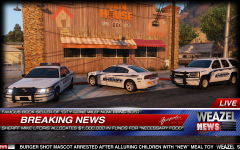 Say Mike Litoris fast lmao
 -
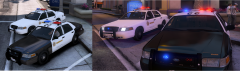 beautiful as usual
 -
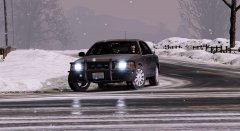 HOLY
HOLY -
I really dig this
-
 I vote this one
 -
Love you Sam! <3
-
What I did was change the impala from fib to police4, which uses the same siren that regular police cars do.
-
 This is a great model, I love it! Happy to see that you guys are actively working to make this even better. :D
- 183 comments
- 38 reviews
-
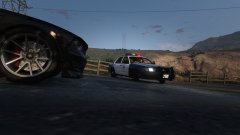 Looks great!
 -
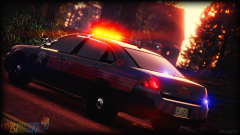 Omg I love you bugs
 -
Have you tried updating your C++ Redistribute?
-
Thanks for the help! :)
-
-
Hey! Not sure if this was the right area to put this topic but I didn't know what to do. So I downloaded the Tahoe last night, I wake up today and go to see if it was updated. I check and it says that I am the uploader of the tahoe? Sorry if this was the wrong area to put this topic. Thanks for any feedback.