


Alexander195
Members
-
Joined
-
Last visited
Everything posted by Alexander195
-
-
This couldn't be more accurate. It's very overwhelming at first. But once you get the hang of it, it's like clockwork.
-
-
-
Let me guess, Retail copy?
-
Maybe I can help you, what's your problem?
-
Yeah man, no problem! Glad I could help.
-
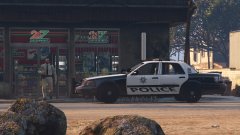 hahaha
 -
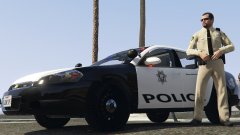
Make sure you rename the police.ytd/.yft files to sheriff.ytd/yft (plus the _hi.yft/+.ytd). Then go into OpenIV and go to (Update/x64/dlcpacks/patchday3ng/dlc.rpf/x64/levels/gta5/vehicles.rpf) Replace the default sheriff files with your sheriff files. Let me know how this works.
-
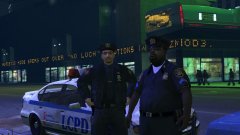 Lmao I completely missed that when I saw it earlier
 -
-
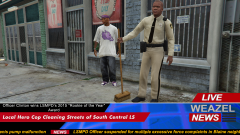 Literally cleaning...with a fucking broom.
 -
-
-
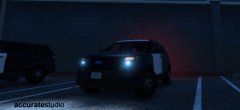 Fucking hell that is beautiful. Don't hold it hostage though, as M3Creepsta said it looks very promising. Great work!
 -
-
Turn off "Police/Everyone Ignore Player" in your trainer.
-
I saw this in the comment section of one of Bay Area Buggs videos.

-
Only reason I thought I saw one was because of the oiled look on the ped, which I remember having with CryENB
-
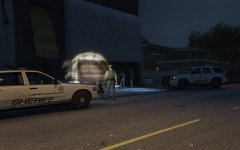 I want this so bad lolol
 -
I've been wondering the same thing, I wish I knew.
-
It's either CryENB on the lowest preset, or there isn't an ENB.
-
Yeah, I'd love to see this. I know nothing about coding but this would be dope. Almost like using Stealth22's Keep Calm mod for cops.
-
-
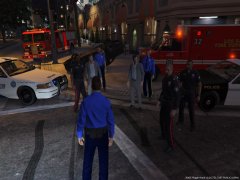 2 Michael's 1 Scene







