SHOME95
Members
-
Joined
-
Last visited
Everything posted by SHOME95
-
more random deleted posts lol anyway been testing this and so far no issues to report
-
well i got nfs most wanted the day it came out lol for free as far as the wii u goes the president of nintendo america mr fitshume i think said there is a good change gta v will be on wii u
-
it is windows 7 leaner and meaner with a new start menu, ignore the starrt menu and its a better windows 7 simple
-
agree i have windows 8 dual booted with 7 and so far i like 8 better even with no touch screen tis windows 7 with a new start menu that is it basically and its faster
-
-
-
-
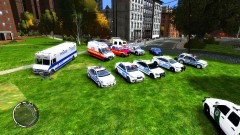
a newer ambulance very good
-
-
-
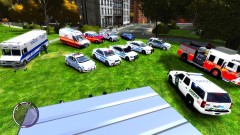
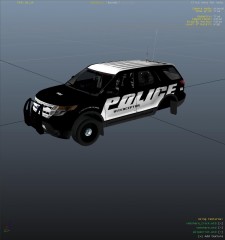
my newest skin based on the explorer from gtasa now for evi's truck more to come from the gt sa skin pack
- 3 comments
- 2 reviews
-
From the album: mikes random stuff
my newest skin based on the explorer from gtasa now for evis truck -
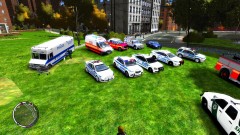 nope eflc was made for this i also use the police b slot for a car u just have to change all the lines
 -
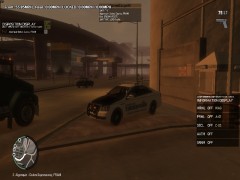 voodoobie studious has released the car already
 -
try the crown vic ones i have now they should be good
-
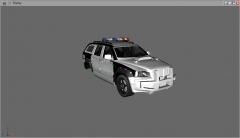 this thing is epic cant wait
 -
-
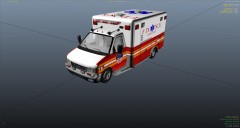 adding skin to downloads today
 -
From the album: mikes random stuff
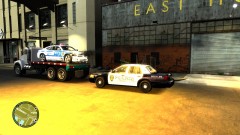
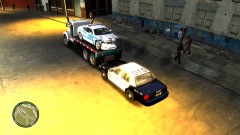
skin by me thx TraumaPak for the great model pm me if u want the skin for this -
bumo taking more requests working on the explorer today
-
-
-
-
agree it needs a good handling line the explorer but i will try the sho line for fun update it shakes and shimmy's at high speed but low speed its not bad
-
more ram and new video card makes a big diff