


SHOME95
Members
-
Joined
-
Last visited
File Comments posted by SHOME95
-
-
Edited by SHOME95
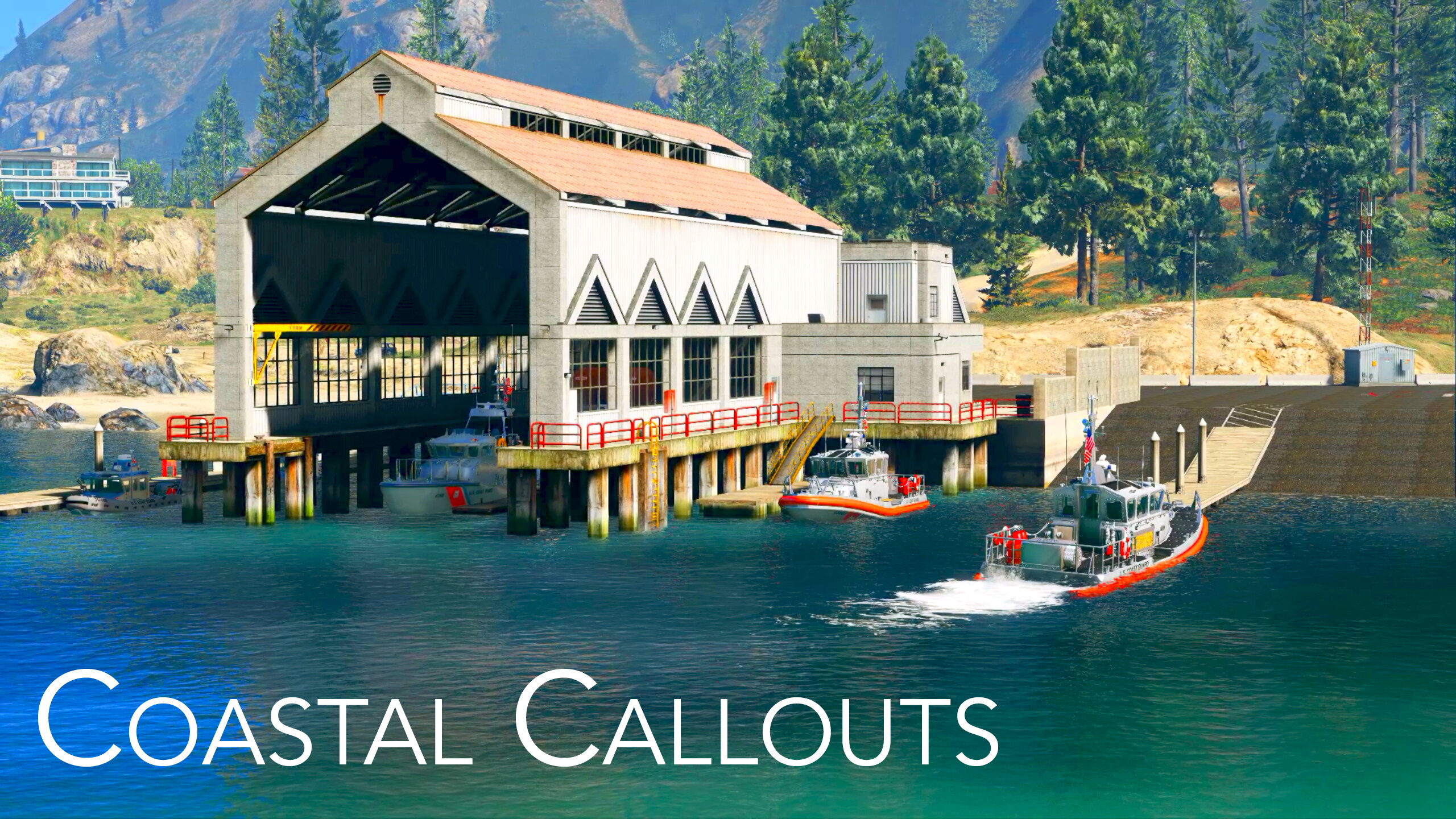
On 12/21/2022 at 4:42 PM, PNWParksFan said:The latest game version (2902) requires an updated version of Weapon Limits Adjuster to load packages (like Coastal Callouts) which include add-on weapon configurations.
ok gonna try to reload it now thanks i will update
EDIT i just installed it and AWESOME it works thank you thank you
-
-
-
On 10/29/2022 at 1:58 AM, PNWParksFan said:
There is a bug in the latest version of LML for game build 2699.16 that causes a crash when files over 16 MB are streamed.
An update for LML is expected, but may take several days. In the meantime, you can avoid the issue by setting SkipModelScan = True in the Ambient Boats section of CoastalCallouts.ini.
Any luck fixing this issue yet
-
-
-
-
-
-
-
-
-
-
-
-
-
-
-
-
-
-
-
-





Emergency Lighting System
in Script Modifications & Plugins
·
Edited by SHOME95
it still loads and plays with els installed. just click the ok button and keep going...YES UPDATE IS NEEDED
UPDATE its now fix very awesome news..