


GreenAid
Members
-
Joined
-
Last visited
Everything posted by GreenAid
-
-
-
-
-
-
-
-
-
-
-
-
-
-
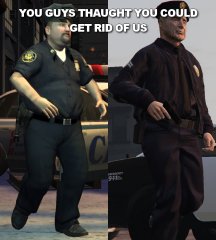 No "back from McDonalds".
 -
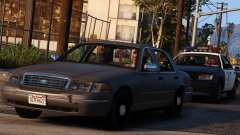 Finally an MX7000 (right?) with cool looking glass haha
 -
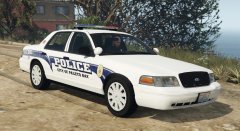 Then you need to add scratches around the car body too :)
 -
.thumb.png.e88f1892e13ddb98db35e668d465c34b.png) But if the model replace police and has sheriff textures, we'll see sheriffs in LS city?...
But if the model replace police and has sheriff textures, we'll see sheriffs in LS city?...- 182 comments
- 44 reviews
-
 What do you mean LAPD hubbies? Those are just rim caps standard to all steel rims?
- 146 comments
- 24 reviews
-
Well can I ask why did you make the rim cap the way you did?? It's supposed to look like: http://i37.photobucket.com/albums/e85/Tim863/2006 CVPIs - LCSO/MVC-210F.jpg~original I don't even know where did you find out the setup you use :( Really nice for the rest.
- 146 comments
- 24 reviews
-
 Can you fix the hood normal pls :( It's the only thing that keeps me from using it.
 -
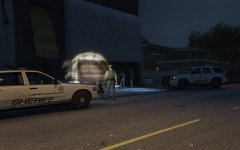 No I didn't mean switch sizes, but under the door it's kinda hard to see, and Sheriff is the most important so it should be at a more readable height :) At least IRL depts. seem to agree with me since that's how most make it.
 -
Have you tried switching spots of the texts? Meaning Sheriff where the LS County is and vice versa.
-
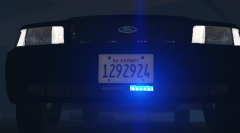 Yup, and down there they're pretty hard to see...
 -
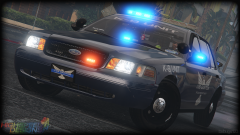 Because MLP....
 -
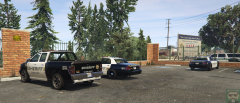 Cool Bison!

.thumb.png.e88f1892e13ddb98db35e668d465c34b.png)
