



jordylad1690
Members
-
Joined
-
Last visited
Everything posted by jordylad1690
-
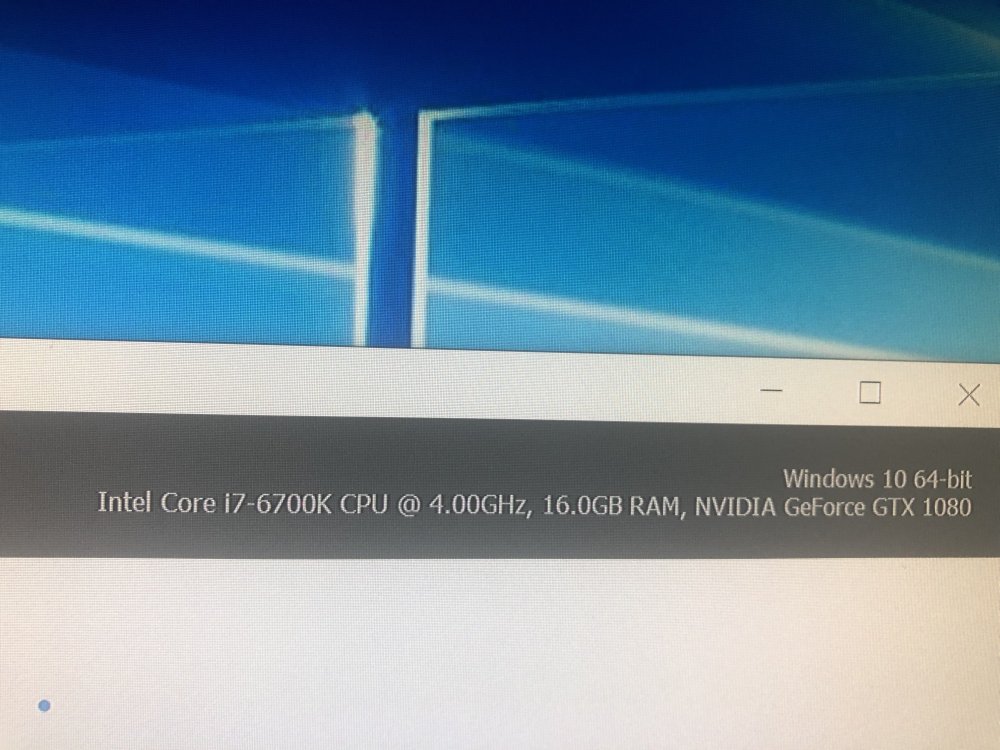
I have done this to get the cars I use to under 25 but some is over 20 but I’m thinking 20 I just a sweet spot so a few over shouldn’t make that much of a difference as long as it’s under 25 but for some reason I’m still get builds popping at a few minutes of playing it’s ok at the start so now Is it my pc maybe ?
-
-
-
-
Got it working but dunno how I did to be honest so don’t know what was wrong with it
-
Added an replace in albos modding folder
-
Can anybody help just done a fresh reinstall for lspdfr an was get my mods set up again I’m using Albos modding folder for my cars an stuff an just copied that folder from my old folder that work. But now on my new install the cars don’t show as modded cars I have it added to dlclist but I also have custom maps added to dlclist an that don’t work either so I think it might be a problem with the dlclist but don’t know what it is
-
Only problem I have is frames is pretty bad
-
@sam I know you were doing your magic an gave us a release of a master piece now to get it installed an enjoy 😊
-
@sam keep working your magic an put us out of our misery 😂🤞🏻
-
With all the things that’s happening hints to a release to day but could also be there just get things ready for a end of the month release ☹️
-
I wanna stay active in case it does release to day cause knowing my luck the minute I stop refreshing it will release an so many people will be downloading it will break (hope not tho ) an then I’ll have to wait longer
-
Hmm maybe if it so I gonna have a late night but have work in the morning
-
If to day is the day I’m good a go with a 5 o’clock release so 15 minutes after that I’m going to be sad again cause the chances of a release today is getting lower ☹️
-
Confirmed for to day or just soon
-
I wonder is to day the day I really hope so I’m ready
-
Went out to the club got bored came home to check or wait
-
It is now 12:20 pm Sunday 24 in the uk an hopefully a release comes soon would really like to play before the start of the week as I work threw the week an would have to wait to next weekend to get the play but it if I have to wait to the 28th at least it’s only a day I’ll have to wait
-
I’m gonna go with the 20th,22nd or the 23rd an just hope they don’t make us wait to the 28th
-
Yeh I’m using that pack atm but the the fire truck siren I’m looking would like a fdny or similar if there is any but I don’t know hot to install just a siren for fire truck so all vehicles don’t have that siren
-
ok so i was wondering how i would install sirens for cretin emergency vehicles so one siren for police,one for fire and one for ambulance and what is the max sirens you can add cause i was also wondering is it possiable to add a siren for just addon cars to use example added chp pack as addon could i add a chp siren that only those addon on cars would use
-
Yep I agree this waiting has made February feel to longest month ever 😂
-
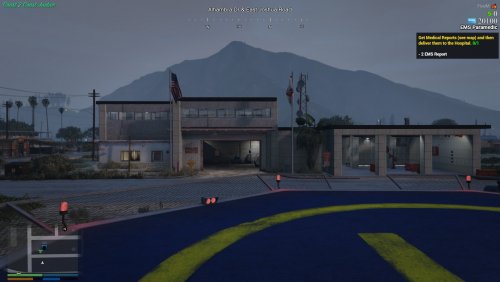 @Nate3345how do I install this when I download it opens straight away a I get the picture above ^
- 51 comments
- 2 reviews
-
 @Bxbugs123 any plans on making a return special when a new version of lspdfr coming
- 133 comments
- 36 reviews
-
-

- 1
-
-
sny body know how to install this when i download i get this
.thumb.png.ef9f9d9592880010f36d3ddc0b56336e.png)


.png.0f33dc48a2330a5891b4ba8651b81427.png)